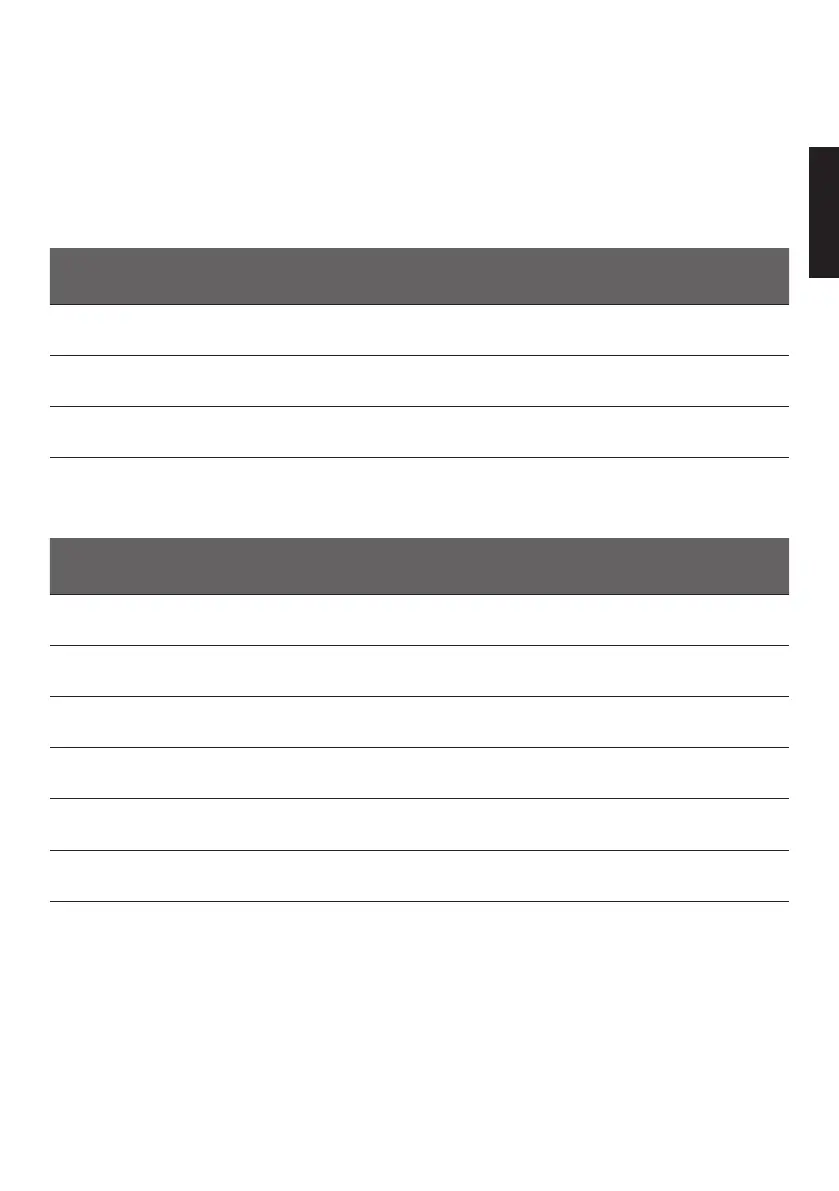
25 OFF IS A BRAND OF INDELB
EN
OFFSET
Is the data which is used to align the temperature shown on the display with the actual internal temperature. Adjustment for
each offset can vary from -8 / +8.
After a few hours of refrigeration system operation, insert a digital thermometer (not included) inside the compartment
in the position where you wish to have a more precise temperature and check that the temperature indicated on the
display coincides with the temperature read on the digital thermometer. If it does not coincide, change the Offset related
to the temperature you wish to reach inside the compartment until the temperature read on the display coincides with the
temperature indicated on the digital thermometer.
OFFSET TEMPERATURE INTERVAL
1 T ≥ -6°C
2 -12°C ≤ T ≤ -7°C
3 T ≤ -13°C
DISPLAY ERRORS TABLE
ERROR CAUSE
E1 Insufficient voltage (Volts below the cut-in / cut-out value)
E2 Defective fan
E3 Control unit error or compressor blocked
E4
The refrigeration system is too loaded with gas and/or the compressor is running at
a number of revolutions that is too low
E5 Room temperature is too high
E6 Internal temperature sensor error





 To Next Page