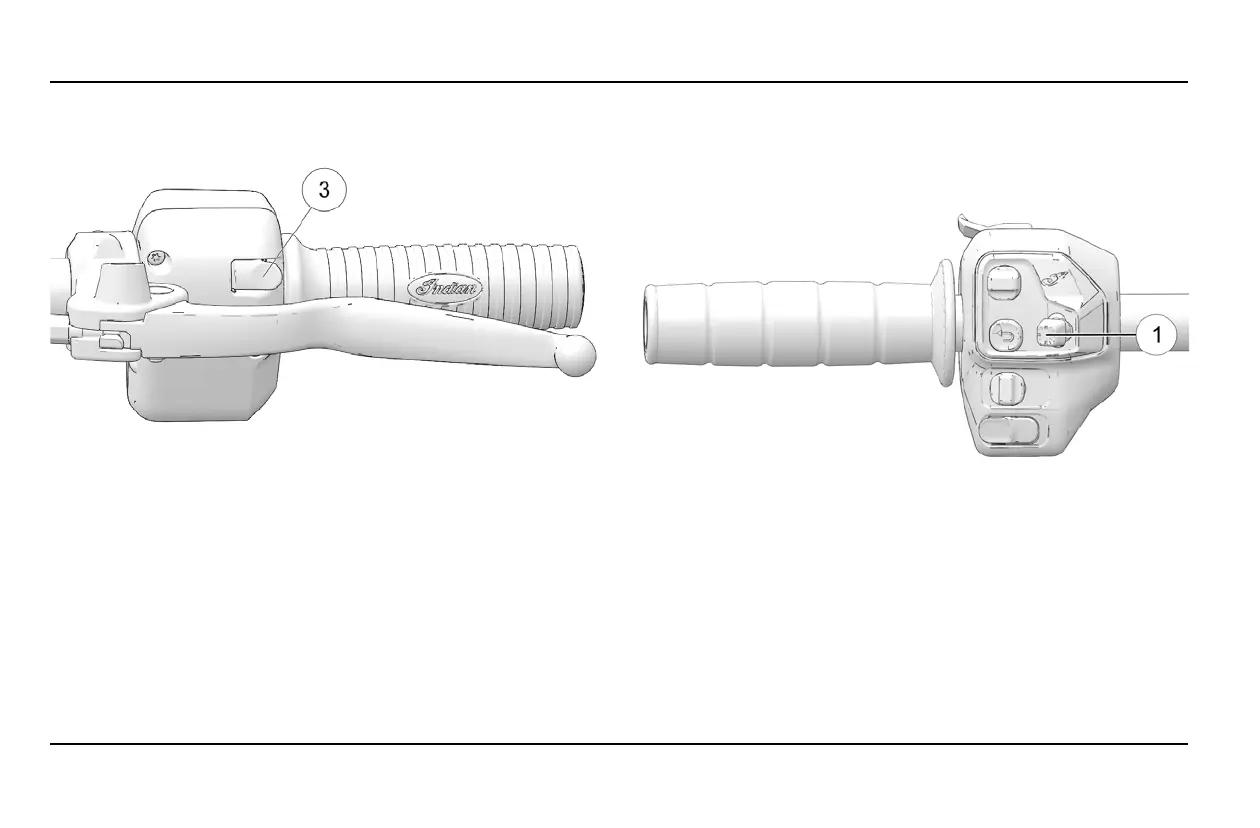
TTRRIIGGGGEERR SSWWIITTCCHHEESS
There are trigger switches located on the reverse side of both the
right and left
e
switch cubes.
Use the trigger switches to do the following:
• Press the right trigger switch to confirm selection.
• Press the left trigger switch to back out of menu screens.
FFTTRR // SSCCOOUUTT HHAANNDD CCOONNTTRROOLLSS
55--WWAAYY TTOOGGGGLLEE SSWWIITTCCHH
Use the 5-way toggle switch
q
to do the following:
• Long press to show the App Tray
• Navigate through the menu gauge / menu screens
• Enter / Select
• Change the gauge style
20
INSTRUMENTS, FEATURES AND CONTROLS



 To Next Page