SSEETTTTIINNGGSS
From the Settings Menu you can view important details about your
vehicle and personalize your touchscreen display. The settings
menu is comprised of four categories: Information, General, Time,
and Vehicle. See page 29 for more information.
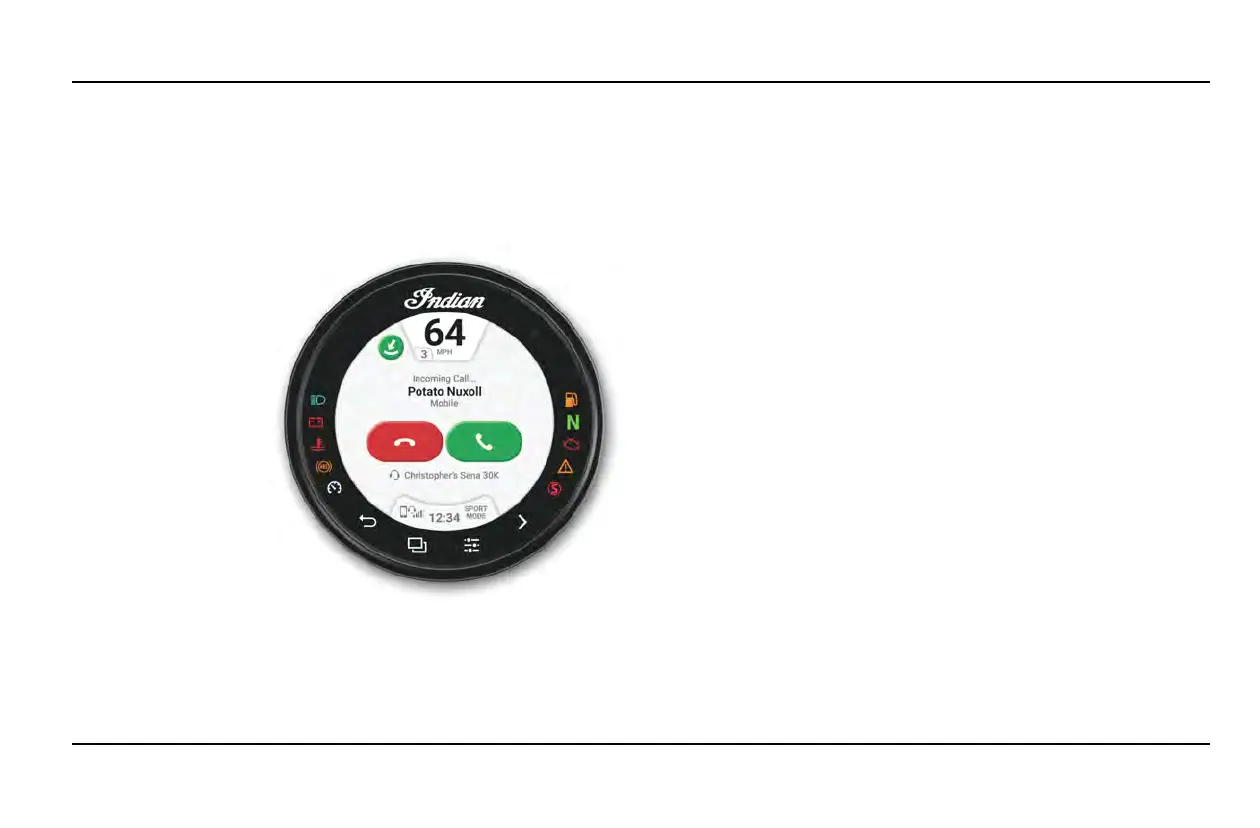
PPHHOONNEE
If the Ride
Command display to
connected to a
phone using
Bluetooth®, the
Phone screen will be
available from the
App Tray. From the
phone screen you
can make and
answer calls, and
view text messages.
BBLLUUEETTOOOOTTHH®® PPAAIIRRIINNGG
The INDIAN MOTORCYCLE Ride Command touchscreen display
can be connected to a smart-phone and a headset simultaneously.
To pair a device, do the following:
1. From the Bluetooth® Devices settings screen, the Phone screen,
or the Music screen, tap on the Add Device button to bring up
the pairing prompt.
2. Put your Bluetooth® device into pairing mode.
3. Wait until both the device and display are found to avoid issues
pairing.
4. Select the name of the device you want to pair from the
touchscreen display to finish the pairing process.
5. Confirm pairing (if applicable). Depending on the device you
are pairing to the display you may be prompted to confirm
pairing.
CCOONNNNEECCTTEEDD SSEERRVVIICCEESS
Certain INDIAN MOTORCYCLE Ride Command equipped models
include connected services, provided for a limited time starting on
the date of purchase. The features include speed limit layer, real
time traffic, weather, and enhanced destination search capabilities.
Available features will vary based on geographic location. To
check your connected service status and to renew, go to:
http://ridecommand.indianmotorcycle.com.
27
INSTRUMENTS, FEATURES AND CONTROLS



 To Next Page