Using your Induction Hob
To start cooking
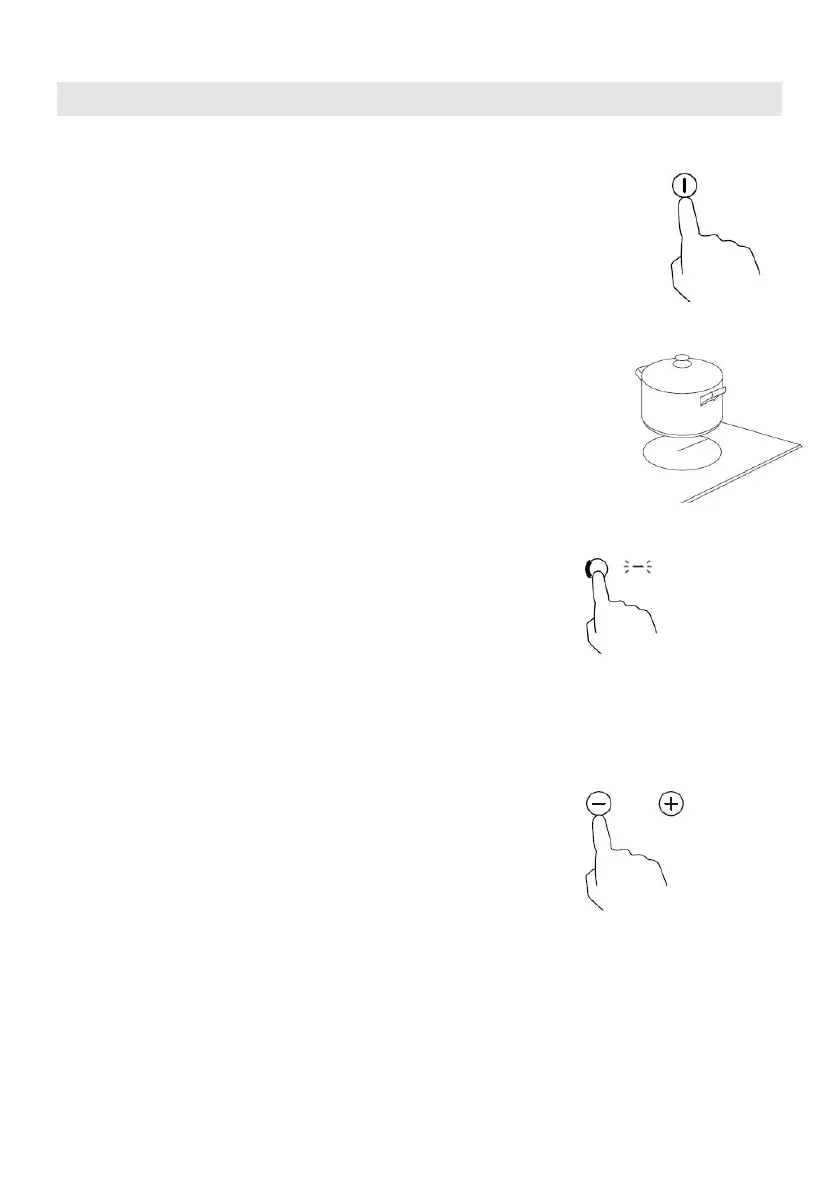
1. Touch the ON/OFF control.
After power on, the buzzer beeps once, all displays
show “ – “ or “ – – “, indicating that the induction
hob has entered the state of standby mode.
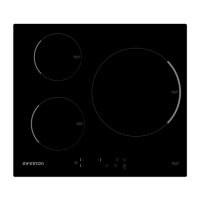
2. Place a suitable pan on the cooking zone that
you wish to use.
• Make sure the bottom of the pan and the surface
Of the cooking zone are clean and dry.
3. Touching the heating zone selection control, and
a indicator next to the key will flash
4. Select a heat setting by touching the “-” or
“+” control.
• If you don’t choose a heat setting within 1
minute, the induction hob will automatically
switch off. You will need to start again at
step 1.
• You can modify the heat setting at any time
during cooking.
• By holding down either of these buttons, the
value will adjust up or down.



 To Next Page