12
OPERATIONS OPERATIONS
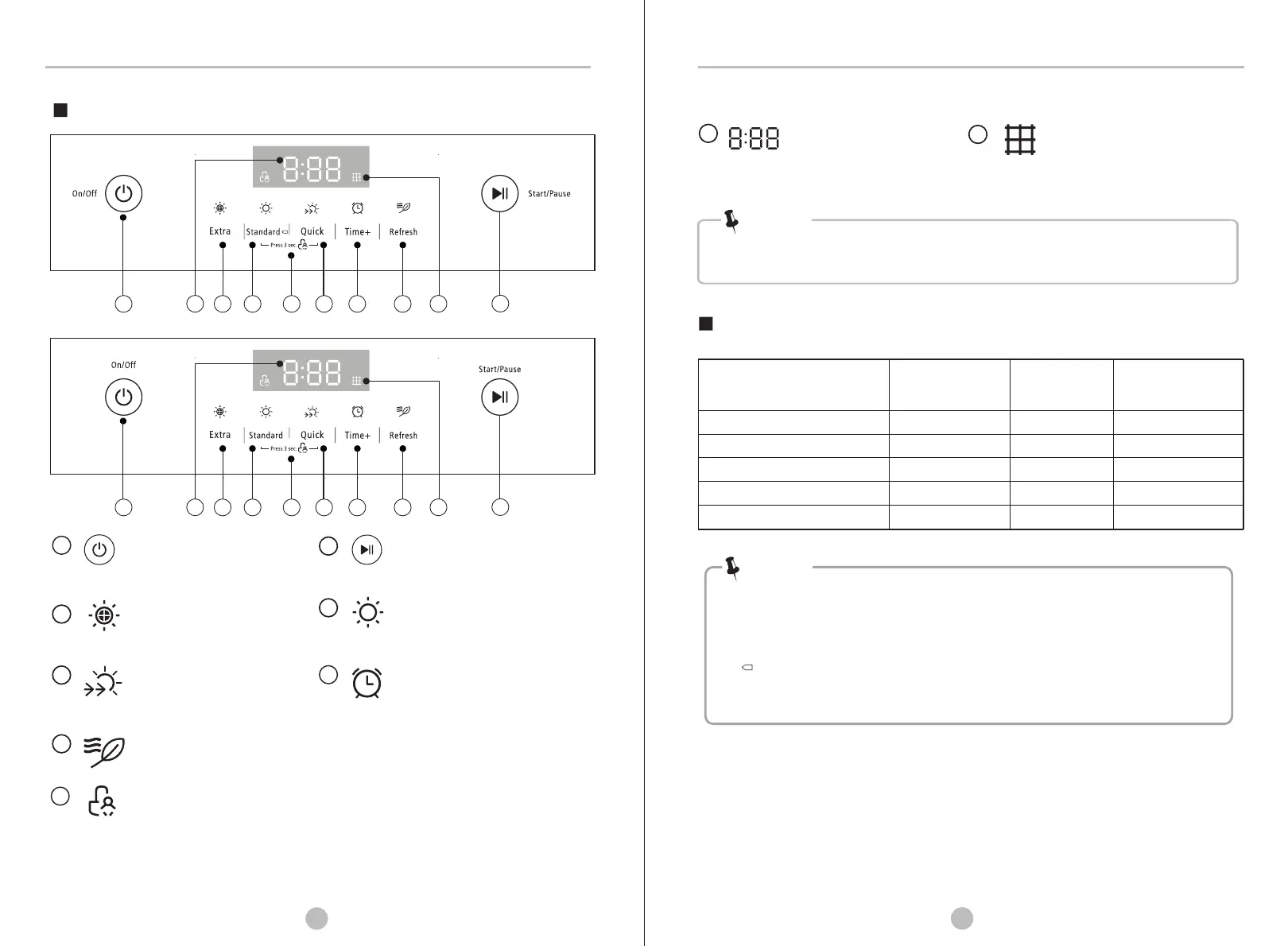
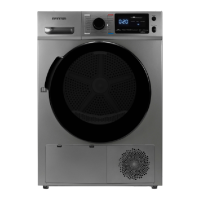
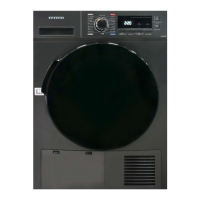
Control Panel
2
9
1
Note!
3 4
5
6 78
10
• Clean the filter, cabinet and inner tube.
• Clean the filter when the“Filter” light is flashing, after the dryer stop.
• Different series of products may have different combination keys for child lock.
•
pressing (except power On/Off key) to the dryer can work. If you want to operate
the dryer, please disable the Child Lock first.
• This symbol means the energy efficiency test programme “standard cotton
programme”, which is most suitable to dry normal cotton load at rated load
capacity.
This function is set after the machine starts to operate. Once it’s activated, no
Note!
1
On/Off
After plugging in and loading,
switch the product on or off.
2
Start/Pause
Press the button to start or
pause the drying cycle.
8
7
Refresh
Refresh the laundry within 1kg.
9
10
Reminder for filter cleaning.
After the program finishes, this
light is on to remind the user of
cleaning the filter.
4
Standard
Automatic drying for cotton
and linen loading with full power.
Display Screen
5
Quick
Fast drying for the polyster,
mixed-fabric loading within 0.8kg.
6
Time+
Press the button continuously to
adjusted the time of drying
10-120minutes .
Child Lock
This function can effectively prevent children from mis-pressing or mis-operating the
dryer. To set this function: Press “Standard” and “Quick”simutaneously for 3sec., then
Child Lock lights on.
3
Extra
To dry cotton pieces of clothing.
Drying level: extra dry.
Remaining Time
Display Time
Standard
Quick
Time+
3.0
0.8
1.0
1:46
0:45
0:10
Control Panel Programs
Extra
3.0
1:58
Refresh
1.0 0:10
Drying Programmes Table
Weight (max)
(kg)
10-120
10-60
Time Adjustment
(min)
/
/
/
11
2
9
1 3 4
5
6 78
10


 To Next Page