Using the Timer
You can use the timer in two different ways:
• You can use it as a minute minder. In this case, the timer will not turn any
cooking zone off when the set time is up.
• You can set it to turn one cooking zone off or more than one after the set time is
up.
• You can set the timer for up to 99 minutes.
Using the Timer as a Minute Minder
If you are not selecting any cooking zone
1. Make sure the cooktop is turned on.
Note: you can use the minute minder even if you’re not selecting any cooking
zones.
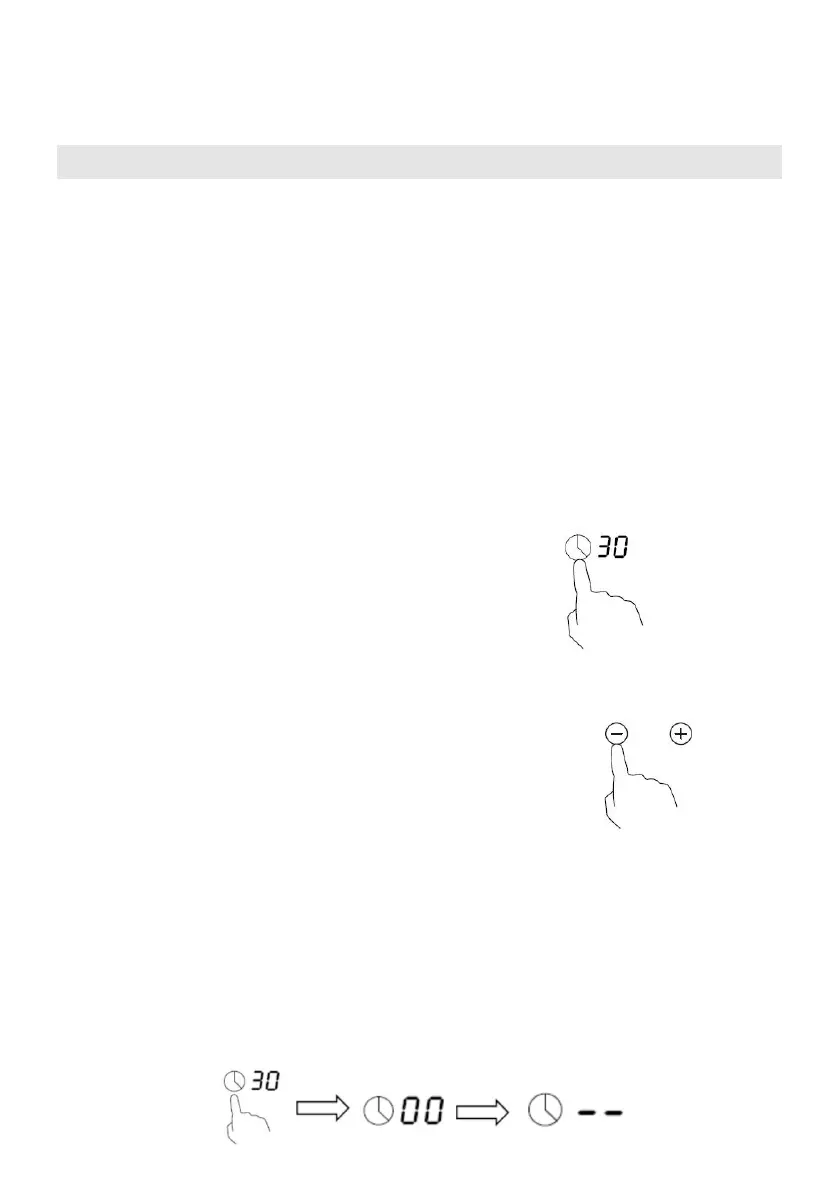
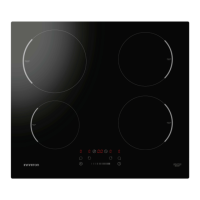
2. Touch timer control , The minder indicator
will start flashing and “30” will show in the
timer display.
3. Adjust the timer setting by touch the “-” or “+”
controls. The minute minder indicator will start
flashing and will show in the timer display.
Hint: Touch the “-” or “+” control of the timer
once to decrease or increase by 1 minute.
Touch and hold the “-” or “+” control of the timer to decrease or
increase by 10 minutes.
If the setting time exceeds 99 minutes, the timer will automatically
return to 0 minute.
4. Touch the ‘Timer’, the timer is cancelled, and the “--” will show in the minute



 To Next Page