EasyManua.ls Logo

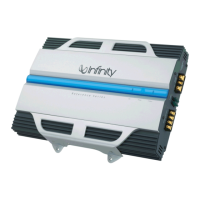
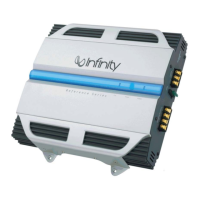
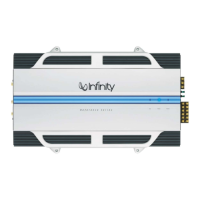
Infinity 7521A - User Manual

Infinity 7521A
8 pages
Print Icon
To Next Page IconTo Next Page
Loading...
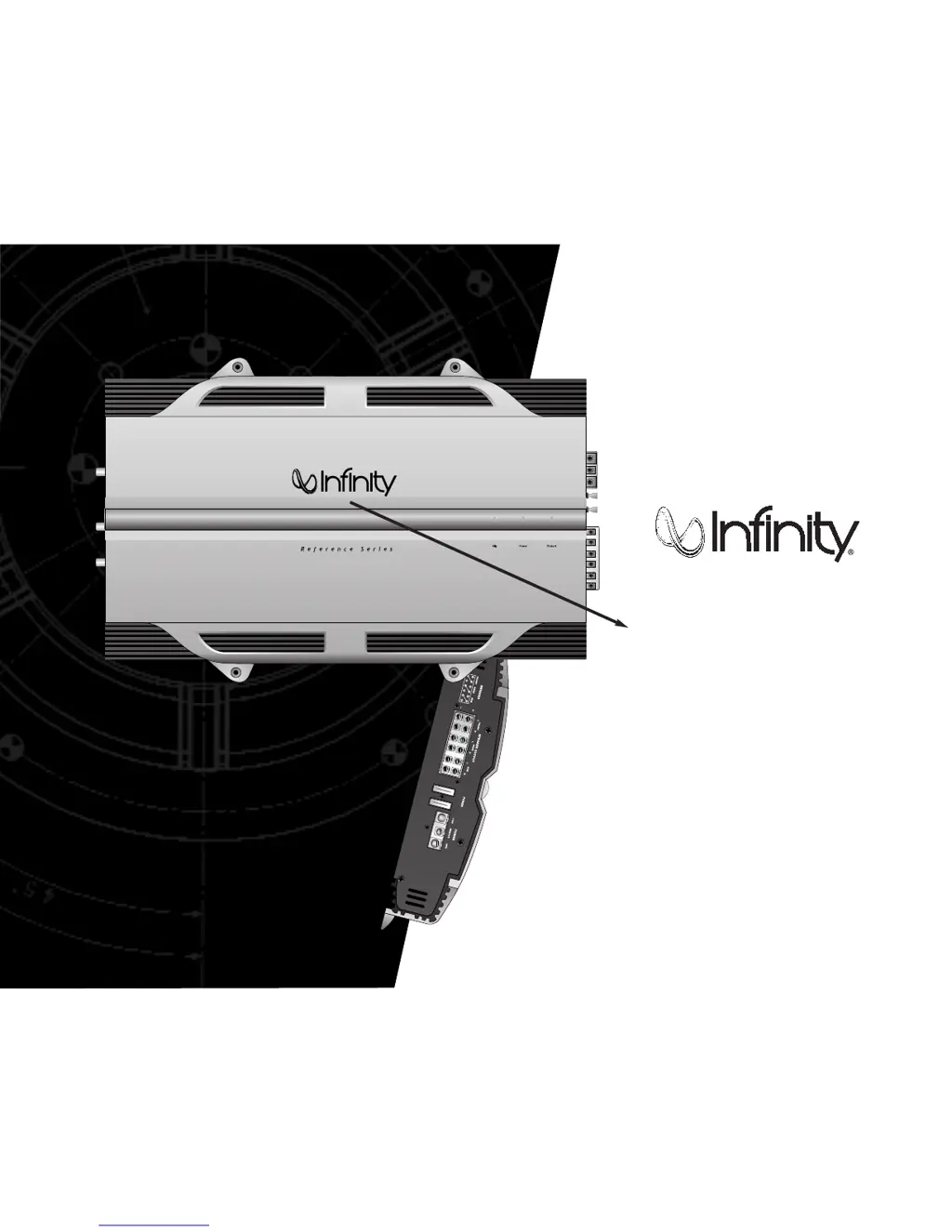
Thank you
for purchasing a Reference Series amplifier.
In order that we may better serve you should you require warranty
service for your new amplifier, please retain your original purchase
receipt and read the enclosed warranty information card.
reference series
311a,611a,
1211a,7521a,
7541a,5761a
instructions

Other manuals for Infinity 7521A

Questions and Answers

  • M
    Misty GoodwinSep 9, 2025
    What to do if Infinity 7521A Amplifier has distorted audio and PROTECT LED flashes?
    • D
      Devin BrownSep 9, 2025
      If your Infinity Amplifier is producing distorted audio and the PROTECT LED is flashing, it indicates a short circuit in the speaker or wire. To resolve this, remove the speaker leads one at a time to find the shorted speaker or wire, and then repair it.
  • D
    Dustin ThomasSep 12, 2025
    What does it mean if PROTECT LED is on on my Infinity 7521A?
    • L
      Lisa PerkinsSep 12, 2025
      If the PROTECT LED is illuminated on your Infinity Amplifier, it means the amplifier is overheated. Ensure that the amplifier's cooling is not blocked at its mounting location. Also, verify that the speaker-system impedance is within the specified limits.
  • M
    Mark RobinsonSep 13, 2025
    What to do if my Infinity 7521A Amplifier has no audio and PROTECT and POWER LEDs flash?
    • E
      Erika GomezSep 13, 2025
      If your Infinity Amplifier has no audio and both the PROTECT and POWER LEDs are flashing, the voltage on the BATT+ connection is less than 9V. Check the vehicle's charging system to resolve this issue.
  • K
    Kelly HernandezSep 15, 2025
    What to do if my Infinity Amplifier has no audio and PROTECT LED is on?
    • C
      Christopher MuellerSep 15, 2025
      If your Infinity Amplifier has no audio and the PROTECT LED is on, it indicates that the voltage on the BATT+ connection is greater than 16V or less than 8.5V. You should check the vehicle charging system.
  • D
    Dr. Jill SingletonSep 18, 2025
    What to do if my Infinity Amplifier has no audio and PROTECT LED flashes every 4 seconds?
    • D
      deanna92Sep 18, 2025
      If your Infinity Amplifier has no audio and the PROTECT LED flashes every 4 seconds, it indicates DC voltage on the amplifier output. The amplifier may need service; see enclosed warranty card for service information.

Summary

Introduction and Important Notes

Important Notes and Warnings

Key safety advice and important notes for amplifier installation and use.

Installation Warnings and Tips

Choosing a Location and Mounting

Power Connections

Ground Connection

Properly connecting the amplifier's ground terminal to the vehicle chassis.

Power Connection

Connecting the amplifier's positive terminal to the vehicle's battery.

Remote Connection

Connecting the amplifier's remote turn-on lead from the source unit.

Applications - 311 a, 611 a, and 1211 a

Applications - 7521 a

Applications - 7541 a

Applications - 5761 a

Installation and Setup

Setting the Crossover

Adjusting the crossover-mode switch and frequency control for optimal sound.

Mode Switch Function

Understanding the FLAT, HP, and LP settings for speaker signal types.

Setting Input Sensitivity

Adjusting input gain to match source unit output and prevent distortion.

Optional Remote Level Control

Connecting and installing an optional remote control for subwoofer level adjustment.

Setting Bass Boost

Enhancing bass output at 50Hz with the bass boost control.

Auxiliary Output

Using full-range outputs to connect additional amplifiers.

Installation and Setup (Continued)

Dynamic Bass Optimizer (DBO)

Enhancing low-frequency reproduction with adjustable frequency and boost.

Status LEDs Explained

Interpreting the Clip, Power, and Protect LED indicators on the amplifier.

Troubleshooting

No Audio (Power LED Off)

Diagnosing no audio when the power LED is off.

No Audio (Protect LED Flashing)

Troubleshooting DC voltage on the amplifier output.

No Audio (Protect LED On - Voltage)

Resolving no audio when the Protect LED is on due to voltage.

Distorted Audio

Addressing distorted audio when input sensitivity is set improperly.

No Audio (Protect LED On - Overheating)

Troubleshooting no audio when the Protect LED is on due to overheating.

Distorted Audio (Short Circuit)

Fixing distorted audio caused by speaker wire shorts.

No Audio (Low Battery Voltage)

Diagnosing no audio when battery voltage is too low.

Lack of Bass Punch

Ensuring proper speaker connections for optimal bass response.

Specifications

Infinity 7521A Specifications

General IconGeneral
BrandInfinity
Model7521A
CategoryAmplifier
LanguageEnglish

Related product manuals