890 HD BF USERS INSTRUCTIONS
Menu features
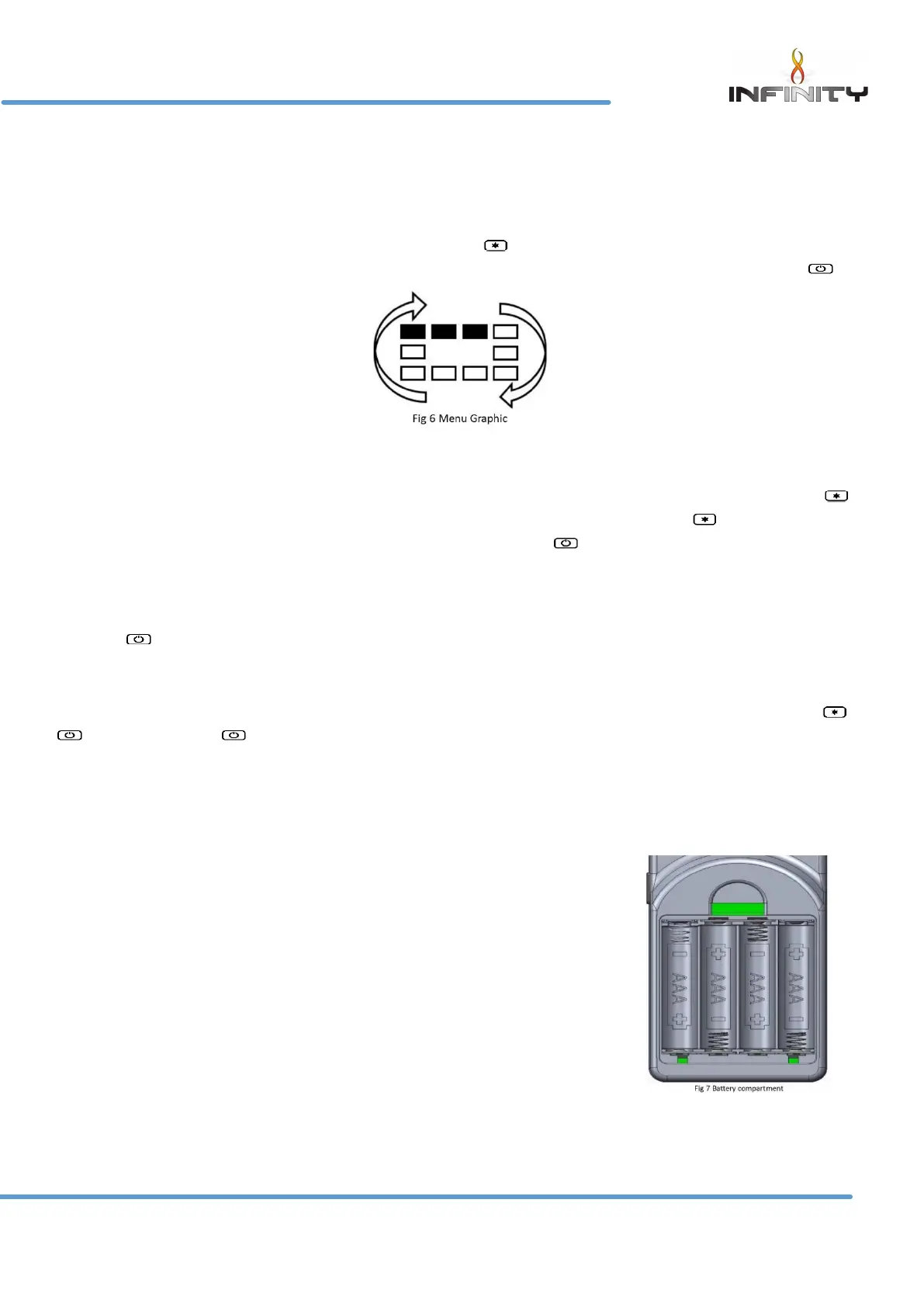
The menu can be accessed by pressing and holding the button (approx. 5 seconds) until the menu
graphic completes (see fig 6). Use the selector wheel to highlight one of the available options. Press to
enter the required option.
Set clock
The handset clock has a dedicated 24 hour display. Use the selector wheel to firstly set the hours. Press
to change to minutes select. Use the selector wheel to change the minutes. Press the button to alternate
hours and minutes to make any other alterations. Finally, press the button to save the clock setting.
Display
Temperature display units-use selector wheel to select either Celsius (degree C) or Fahrenheit (degree F).
Press the button to save selection.
Gas fire (pair code)
The device screen displays the current operating channel of the handset. To delete the channel press &
simultaneously or to return to the menu option.
Reset
To restore the handset back to its original factory setting select “reset” from the menu options. Press - & -
simultaneously to complete the reset command – to return to the menu options.
Changing the Handset Batteries.
The handset operates from four AAA 1.5V batteries. New alkaline batteries
are recommended. Do not mix new and old batteries. When inserting the
batteries, observe and position batteries according to the battery
compartment graphics (see Fig 7). When the batteries are inserted the
handset will attempt to pair.


 To Next Page