4
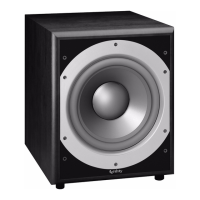
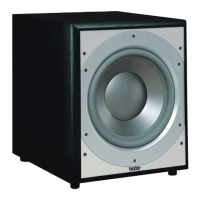
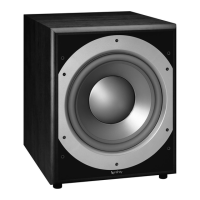
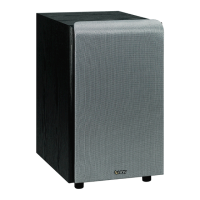
PRIMUS PS-8
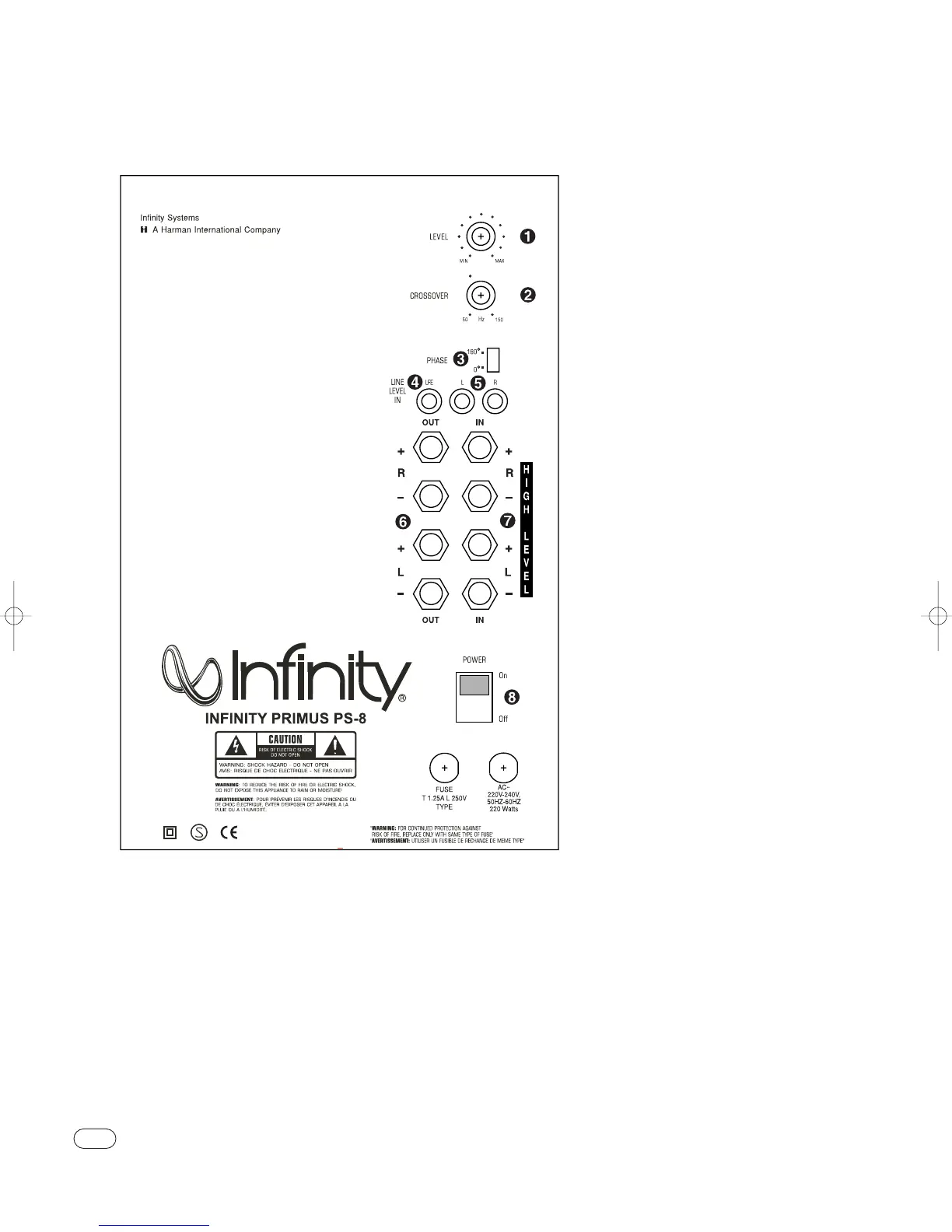
Rear Panel
CONTROLS AND CONNECTIONS
¡ Subwoofer-Level Control
™ Crossover Adjustment
£ Phase Switch
¢ LFE Input
∞ Line-Level Inputs
§ High-Level Outputs
¶ High-Level Inputs
• Power Switch
A Few Suggestions
We recommend that you do not operate your speakers or sub-
woofer with the bass, treble and loudness controls set to full
boost.This will place undue strain on your electronics and
speakers and could damage them.
The volume control setting on your processor/preamp or
receiver is not a specific indication of the overall loudness
level of the speakers.The only important consideration is the
loudness level at which the system can be played, regardless
of where the volume control is set.
Always turn down the volume control setting on your proces-
sor/preamp or receiver when changing a cassette or CD, or
switching inputs to AM or FM operation. Excessively loud tran-
sients (clicks or popping, sounds) can damage the satellite
speakers and, possibly, the subwoofer.
Important!
Whenever changing cables, pulling plugs, etc.,ALWAYS TURN
OFF ALL EQUIPMENT, including the subwoofer.


 To Next Page