INFINITY REFERENCE
3
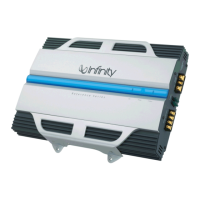
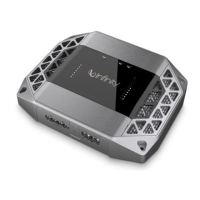
1. Power indicator:
The light will illuminate in white when the amp is receiving power and playing.
2. Protect indicator:
The indicator will illuminate in red if the amp enters Protect mode in the event of conditions such as over/under voltage, short circuit, amplifier
output circuit failure, or excessive heat.
3. Speaker Output Connectors:
• Connect the speakers to these terminals, observing proper polarity (connect each speaker’s positive (+) lead to the appropriate positive
(+) terminal, and negative (-) lead to the appropriate negative (-) terminal.
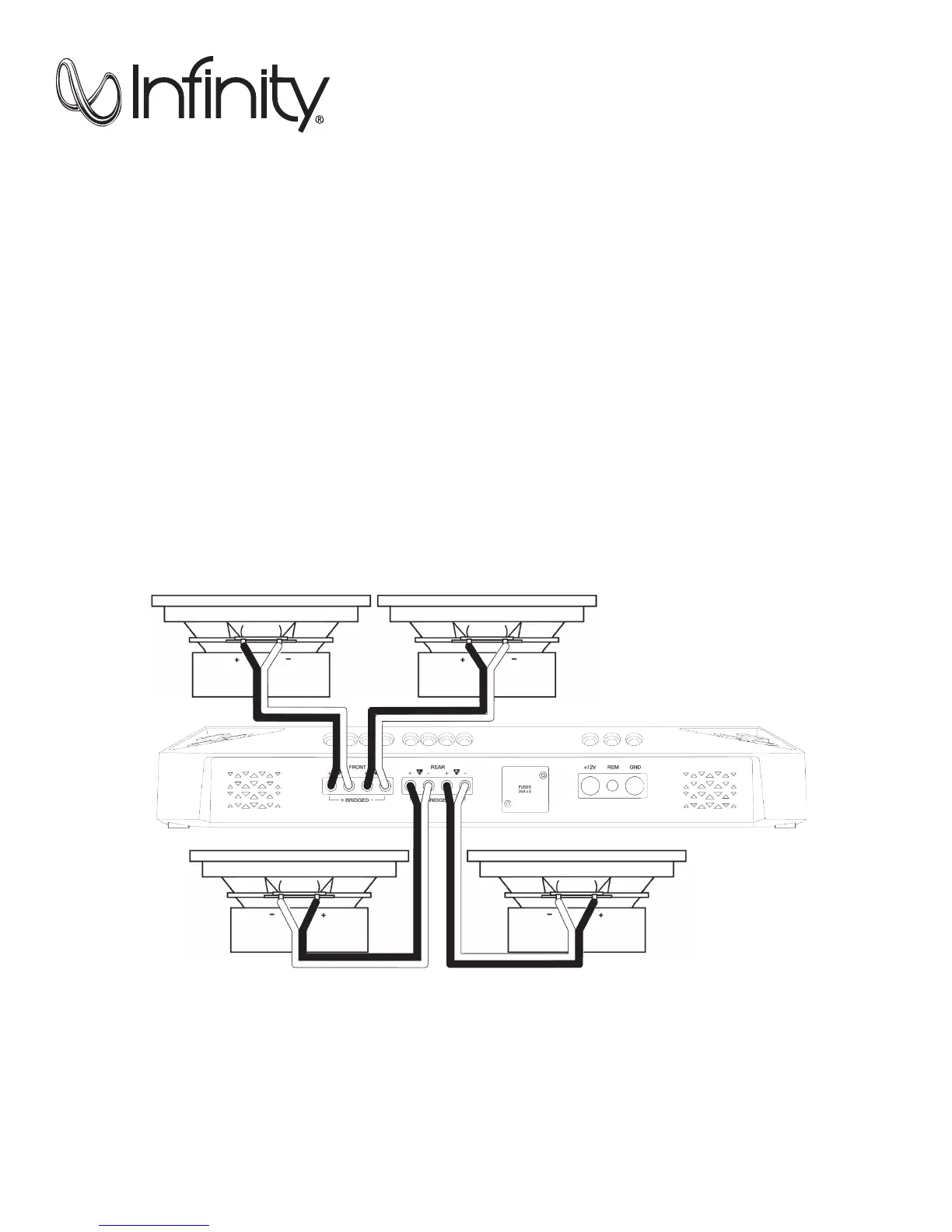
• The REF-704a features Front L+, L-, R+, and R- terminals, and Rear L+, L-, R+, and R- terminals.
°
4-channel operation: Connect the front left speaker to the Front L+ and L- terminals, and the front right speaker to the Front
R+ and R- terminals. Connect the rear left speaker to the Rear L+ and L- terminals, and the rear right speaker to the Rear
R+ and R- terminals.
Left front speaker
Left rear speaker
Right front speaker
Right rear speaker




 To Next Page