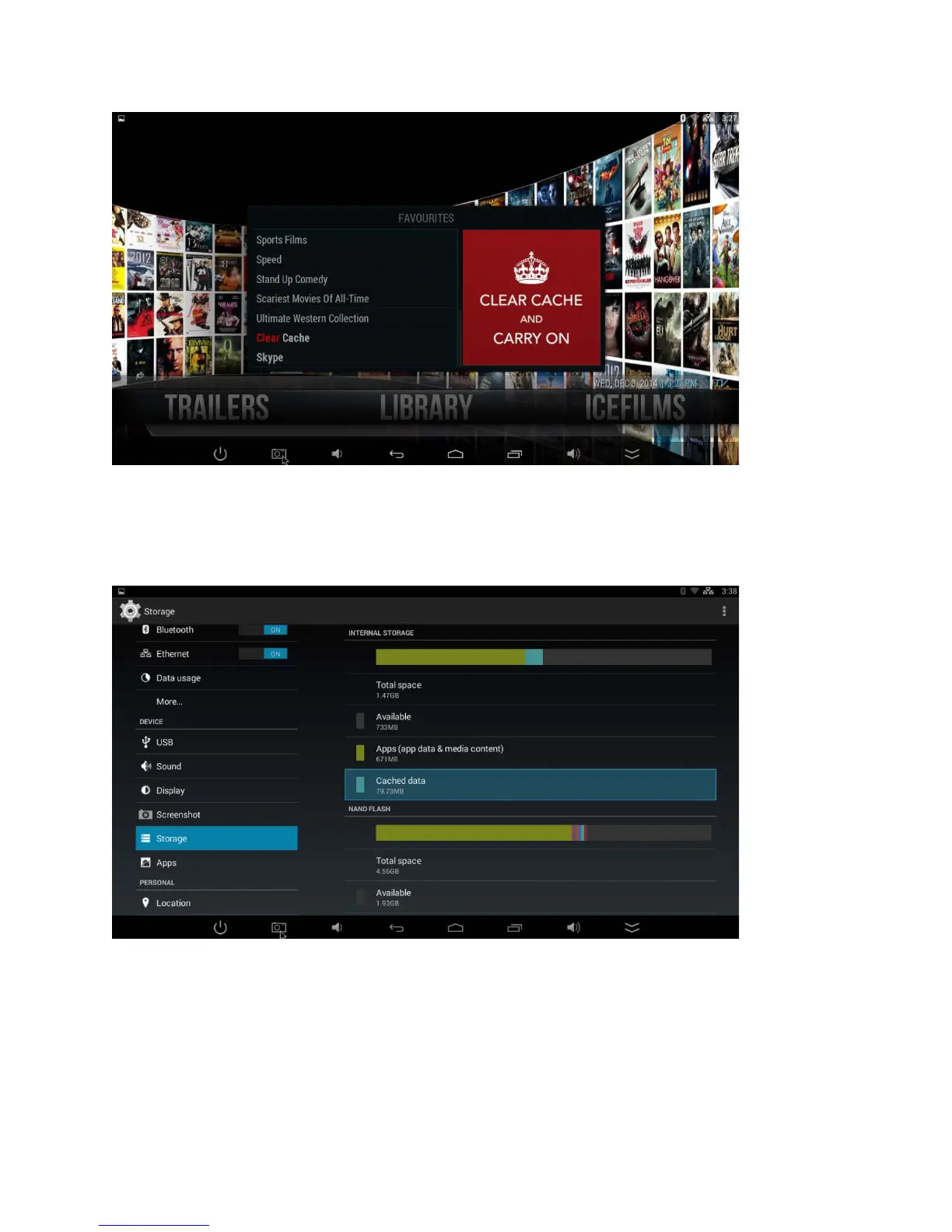
As with all things, there is more than way to ‘skin a cat’. You can also clear your system
cache (normally if you’re encountering any issues after you’ve done a clear cache from
within the Library). To do this, you simple access the Settings section from the Infinity TV
Box Home Page, then > Storage > Cached Data >OK > OK.
No stream available | A source website is down.
Ah! Therein lies the beauty of the Infinity TV Box! There are, quite literally, hundreds more
to choose from. It happens from time to time that a stream or source may be unavailable.
But it's never permanent. The nature of the Internet is in its fluidity: depending on your
geographic location, some streams will perform better than others. When this happens,
simply go back to your program and select another stream. It’s as easy as that!



 To Next Page