InFocus LiteShow Quick Start Guide 9
Step 3: Install the LiteShow Manager for
Macintosh
Windows users, see page 6 for installation information.
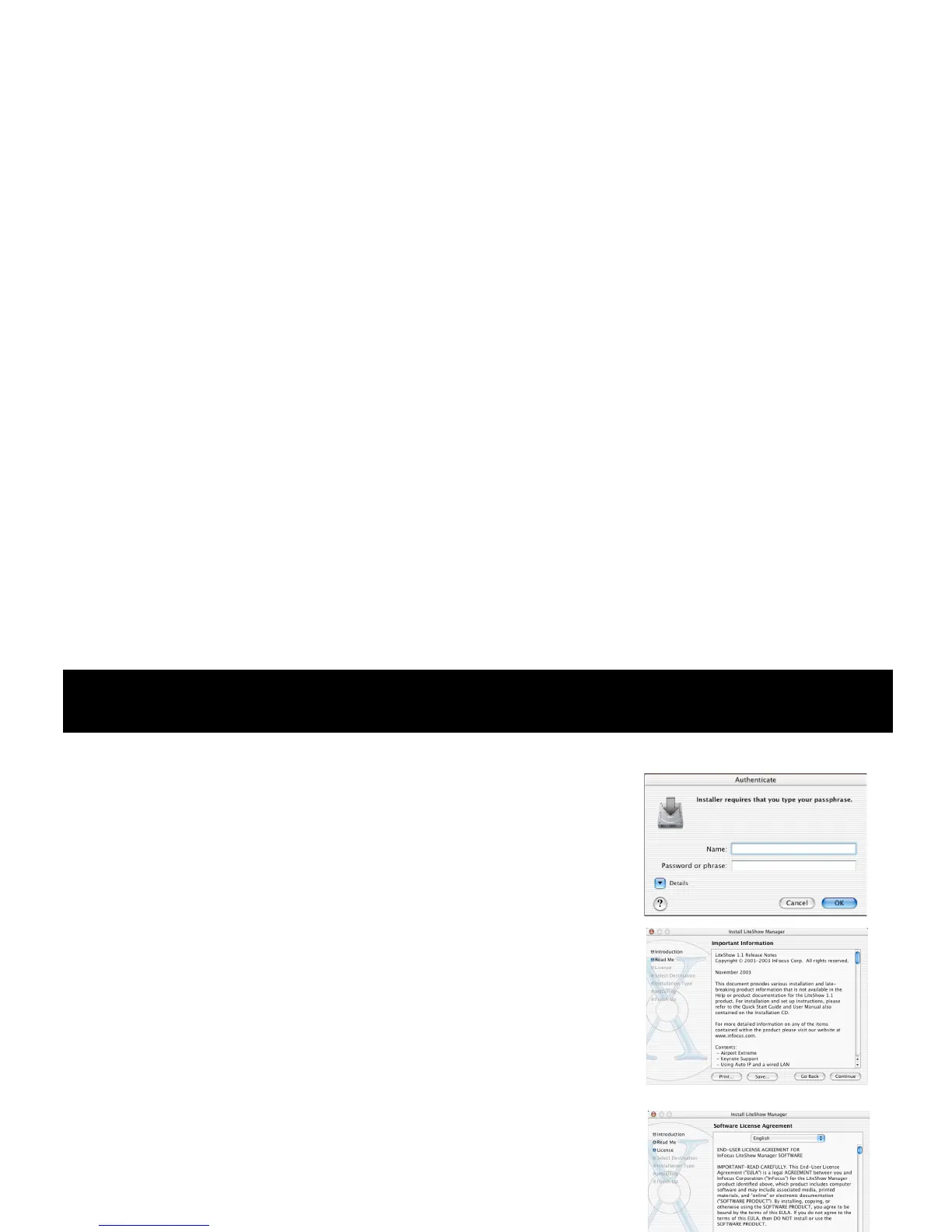
1 Insert the LiteShow CD into your Mac's CD drive.
2 Launch the Mac Installer by double-clicking its icon.
3 Enter your password in the Authenticate window.
4 View the ReadMe file.
5 View and accept the License Agreement.
6 Select the destination volume and click Continue to
install.
License Agreement
ReadMe file
window
window
Authenticate
window








 To Next Page