InFocus LiteShow Quick Start Guide 7
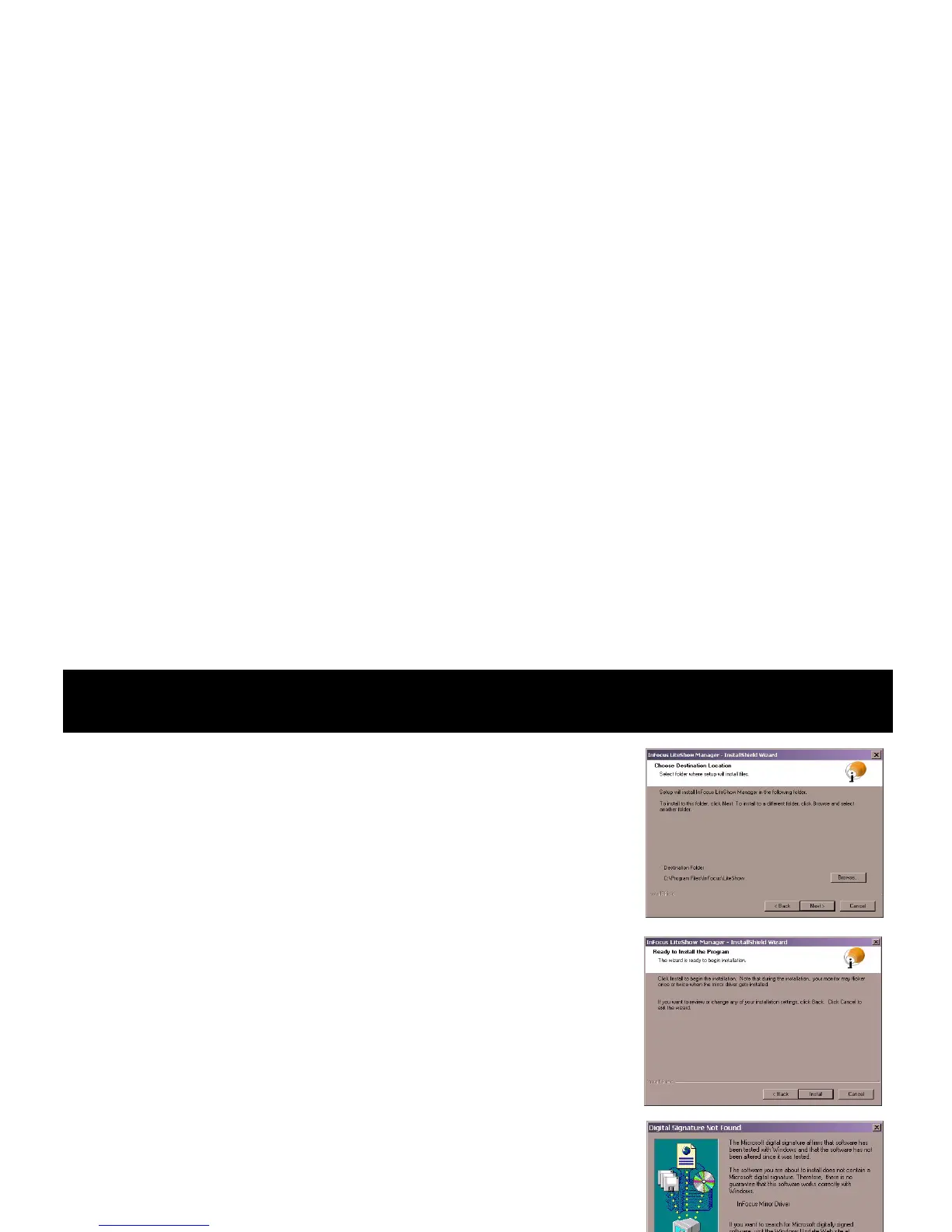
4 The Choose Destination Location window prompts
you to select a destination folder. It can be a folder you
name via the Browse button, or the default folder sug-
gested by the installation program. Click Next.
5 The Ready to Install the Program window informs
you that during the installation, the monitor may
flicker as drivers are installed. This is not an unusual
occurrence when drivers are installed. Click the Install
button to continue.
Note: If you see the Digital Signature Not Found dialog
box, it does not indicate that there is a problem. Click the
Ye s button and continue the installation.
Choose Destination
Location window
Ready to Install the
Program window
Digital Signature
Not Found dialog box








 To Next Page