32
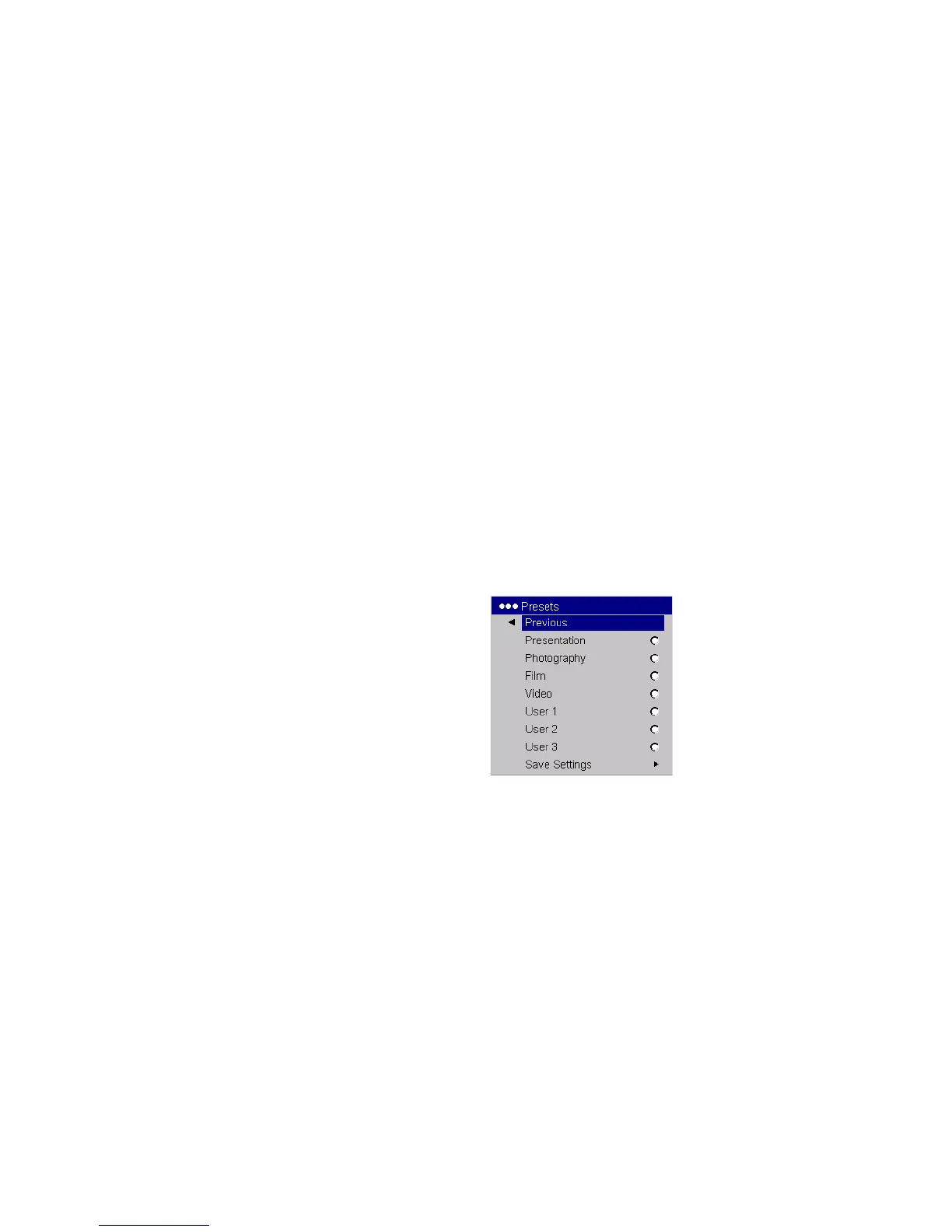
Presets: The provided Presets optimize the projector for displaying com-
puter presentations, photographs, and film images. You can use the preset
as a starting point, then further customize the settings for each source. To
restore the factory default settings, choose Factory Reset in the Set-
tings>Service menu.
There are also three user-definable presets. To set a preset for the current
source, adjust the image, then choose Save User 1, 2, or 3. You can recall
these settings in the future by selecting the appropriate user presets.
Presets



 To Next Page