36
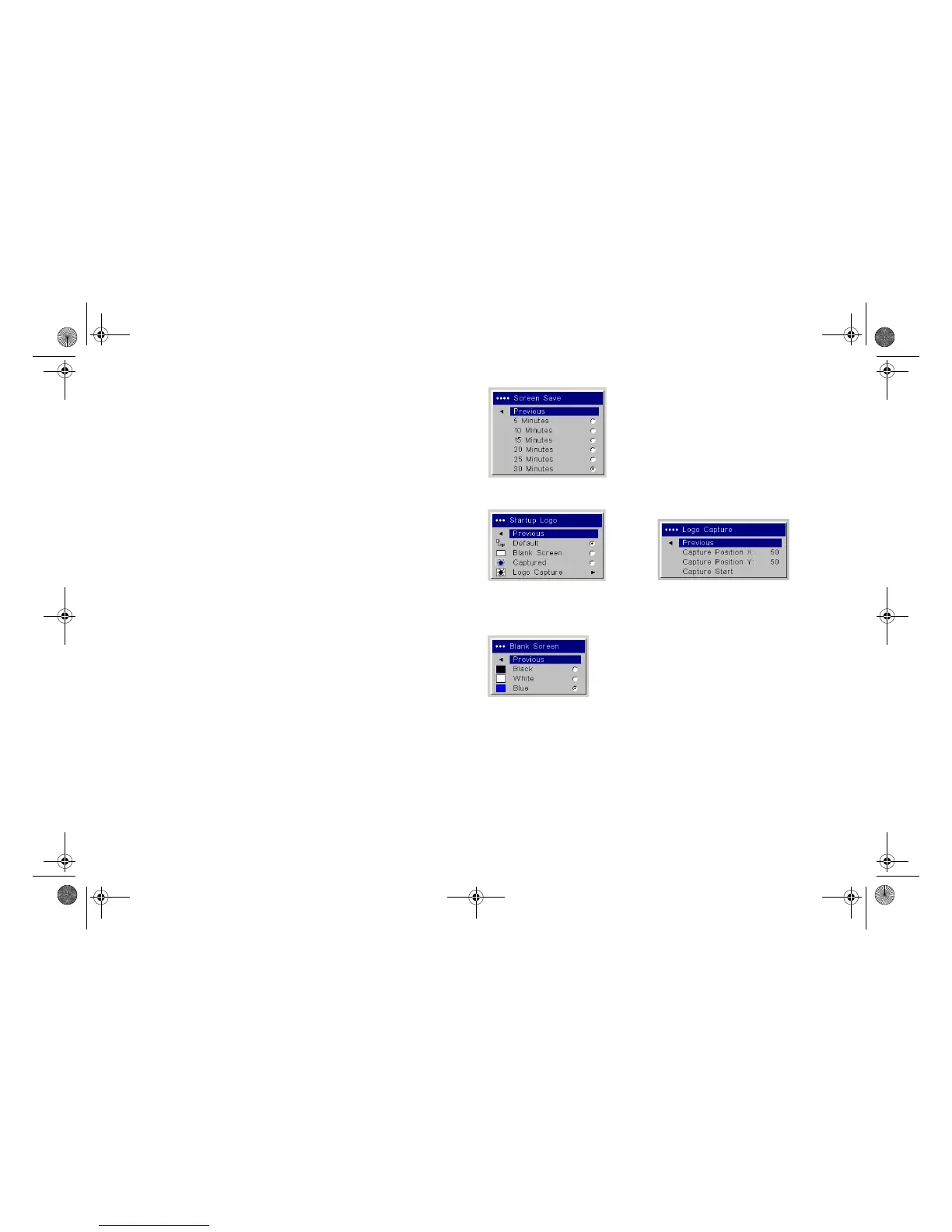
Screen Save: automatically blanks the screen after no signals are
detected for five minutes. The image returns when an active source is
detected or a remote or keypad button is pressed. Screen Save is disabled
when Power Save is enabled.
Startup Logo: allows you to display a blank Black, White, or Blue screen
instead of the default screen at startup and when no source is detected. It
also allows you to capture and display a custom startup screen.
To capture a custom logo, display the image you want to capture on your
computer and select the Logo Capture option. From the Logo Capture
menu, use the Capture Position X and Capture Position Y adjustments to
frame the logo to be captured. Press Capture Start in the Logo Capture
menu. The projector will let you know if the capture was a success or a
failure.
The next time you start the projector, the custom logo you captured dis-
plays.
Blank Screen: determines what color is displayed when you press the
Blank button on the remote.
Screen Save
Startup Logo
Logo Capture
Blank Screen
LP840-850-860 User's Guide-02.fm Page 36 Friday, February 25, 2005 12:58 PM



 To Next Page