EasyManua.ls Logo

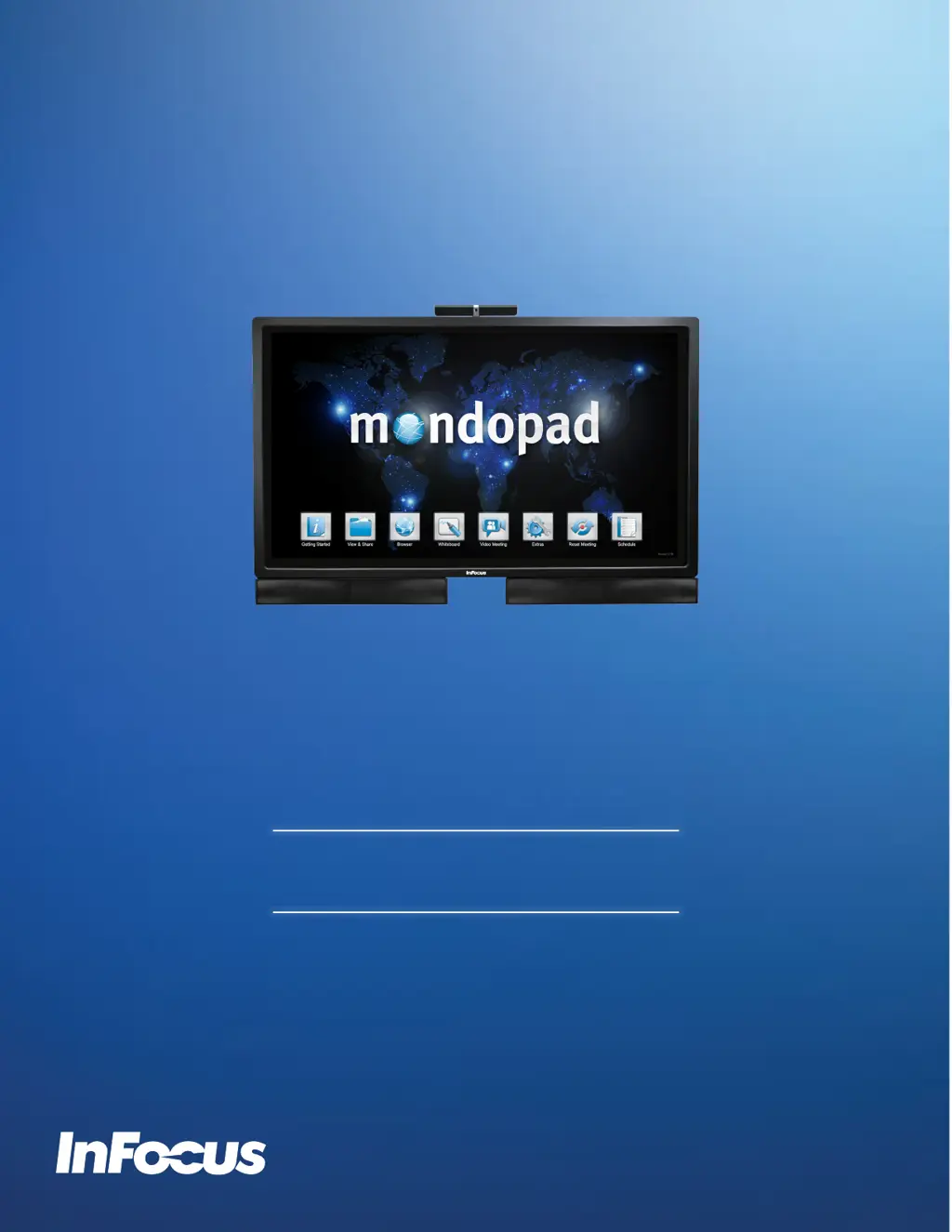
InFocus mondopad - User Manual

InFocus mondopad
43 pages
Print Icon
To Next Page IconTo Next Page
Loading...
HARDWARE GUIDE
INF6521
009-1611-01

Other manuals for InFocus mondopad

Questions and Answers

Summary

Safety Considerations

Whats Included

Setup

Mounting

Guidelines for securely attaching the monitor to a wall or stand, emphasizing proper hardware and placement.

Attaching the speakers

Instructions for installing the monitor's speakers using supplied brackets, recommending bottom placement.

Attaching the HD video conferencing camera

Steps to mount the HD video conferencing camera to the monitor's top edge and connect its USB cable.

Connecting to other devices

Overview of available digital and analog video/audio input and output connection panels on the monitor.

Connecting AC power

Procedure for connecting the monitor to a power source using the AC power cord and turning it on.

External PC touchscreen control setup

Steps to connect an external computer for touchscreen control using USB and video cables.

OSD (On-Screen Display) Menu System

Troubleshooting

Summary

Safety Considerations

Whats Included

Setup

Mounting

Guidelines for securely attaching the monitor to a wall or stand, emphasizing proper hardware and placement.

Attaching the speakers

Instructions for installing the monitor's speakers using supplied brackets, recommending bottom placement.

Attaching the HD video conferencing camera

Steps to mount the HD video conferencing camera to the monitor's top edge and connect its USB cable.

Connecting to other devices

Overview of available digital and analog video/audio input and output connection panels on the monitor.

Connecting AC power

Procedure for connecting the monitor to a power source using the AC power cord and turning it on.

External PC touchscreen control setup

Steps to connect an external computer for touchscreen control using USB and video cables.

OSD (On-Screen Display) Menu System

Troubleshooting

InFocus mondopad Specifications

General IconGeneral
Display Size55-inch
ConnectivityWi-Fi, Ethernet, HDMI, USB
Integrated FeaturesVideo Conferencing, Whiteboarding
SpeakersIntegrated
Video Conferencing SupportYes
Mounting OptionsWall mount
Whiteboarding SoftwareIntegrated whiteboard application

Related product manuals