out
optical
audio
in
out
optical
audio
in
Projector Connector Panel
M1-DA
Composite
S-video
L
R
RS-232
connector panel may vary from actual product
Video
ProjectorNet
Setup Requirements
Connecting an Apple Power Mac computer to an InFocus projector with a VGA connector
1
2
3
Apple Power Mac computer with DVI (digital video interface) monitor port
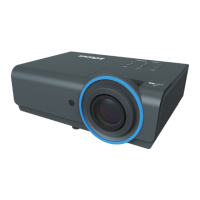
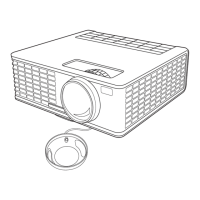
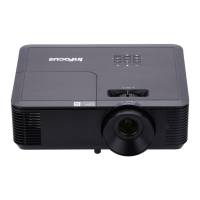
Projector with M1 port
M1 to VGA/USB cable (6 ft, InFocus part #SP-DVI-A)
Apple DVI to VGA adapter (Apple part #M8754G/A)
M1 to VGA/USB cable (6 ft)
(InFocus standard accessory)
We recommend connecting the computer to external
speakers to provide the best audio experience.
*
D
connector panel may vary from actual product
Apple Power Mac Computer Connector Panel
Connect to computer speakers or
projector (if supported).
*
M1-A connector
A
M1-DA
Composite
S-video
L
R
RS-232
Video
ProjectorNet
USB connector for Microsoft PowerPoint
or mouse control with InFocus remote.
(Not required for projector use)
out
optical
audio
in
Audio Out
Good
VGA
connector
Apple DVI-VGA adapter
Power on the projector, then the
computer. If the image does not appear
on the screen, see Common Issues.
Plug the M1-A connector into
the M1 port on the projector.
Plug the Apple DVI-VGA adapter
into the DVI-I out port. Plug the
VGA connector into the adapter.
ADC port for Apple flat panel displays
(Not compatible with InFocus projectors)
DVI port
ADC port
USB ports



 To Next Page