Need help?
Do you have a question about the InFocus IN114AA and is the answer not in the manual?
Explains NOTE, CAUTION, and WARNING symbols and their meanings.
Lists precautions for safe use, including warnings about repairs and installation.
Explains how to search for information by keyword or bookmarks in the PDF.
Details on how to power the projector on and off, including LED status.
Instructions for installing or replacing batteries in the projector's remote control.
Explains how projector distance affects image size and mentions finding tables online.
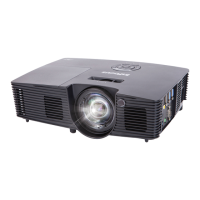
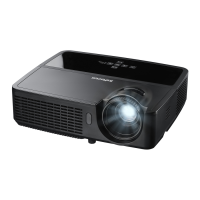
Shows the front view of the projector and its input/output configuration.
Shows the back view of the P130 model with its inputs/outputs.
Details the optimal angles and distances for using the IR remote control.
Identifies and describes the parts located on the projector's front panel.
Identifies and describes the ports and features on the back of the P130 model.
Precautions for handling, storing, and protecting the projector from damage.
Describes the projector's built-in help menus for troubleshooting common issues.
Provides phone numbers and operating hours for technical support in various regions.
Information on product disposal and specific regional regulations, like Californian warnings.
Declares compliance with FCC Part 15 rules for Class B digital devices.


 To Next Page
 General