48
INGENIA IG3T Cod. 420120239 REV. 1.1
CONNECTING THE POWER SUPPLY
• Properly connect the audio input (6), using the “INPUT SENSITIVITY” (7) selector to set the source. If
the input signal comes from a line or from a mixer output set the selector (7) to “LINE”; if the input
signal comes from a microphone (use a dynamic microphone), set the selector (7) to “MIC”. For a brief
overview of audio cables please refer to the table at page 49.
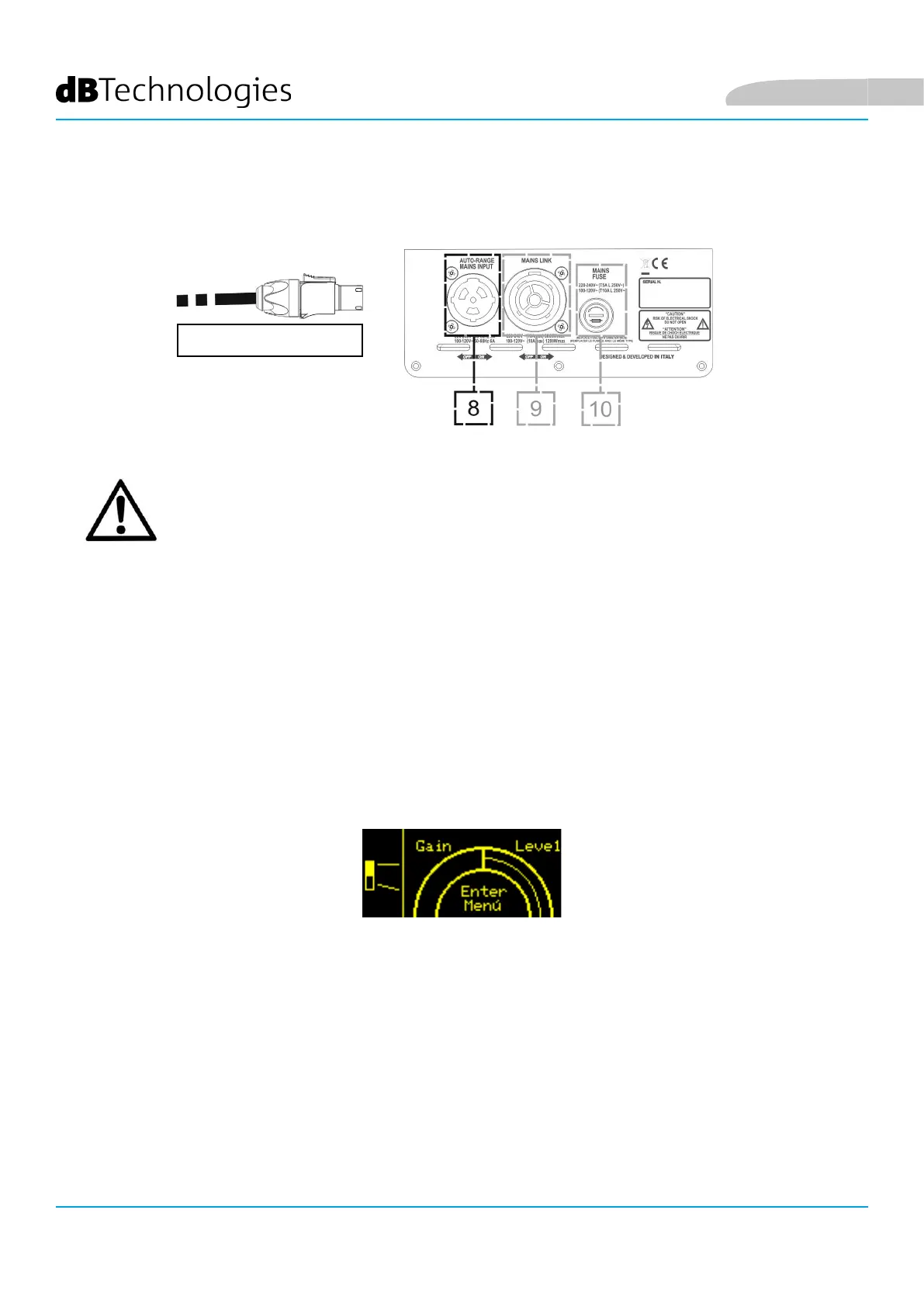
• Connect the power supply, connecting the cable equipped with Neutrik® TRUE powerCON TRUE1®
connector to “MAINS INPUT” (8)
• At switch-on the peak LED blinks briey and the OLED screen (2) activates, displaying the initial level
and gain control screen:
• Turn the PUSH ROTARY ENCODER (3) to the left or to the right to adjust the system gain to an
appropriate level.
• Verify the correct sound emission of IG3T.
POWER SUPPLY
ATTENTION!
Only use cables equipped with high-quality Neutrik® original connectors.
Replace any damaged cables, to avoid malfunctions and poor sound quality.
To properly install the INGENIA IG3T speaker:
English



 To Next Page