59
INGENIA IG3T Cod. 420120239 REV. 1.1
Wide indoor environment setting
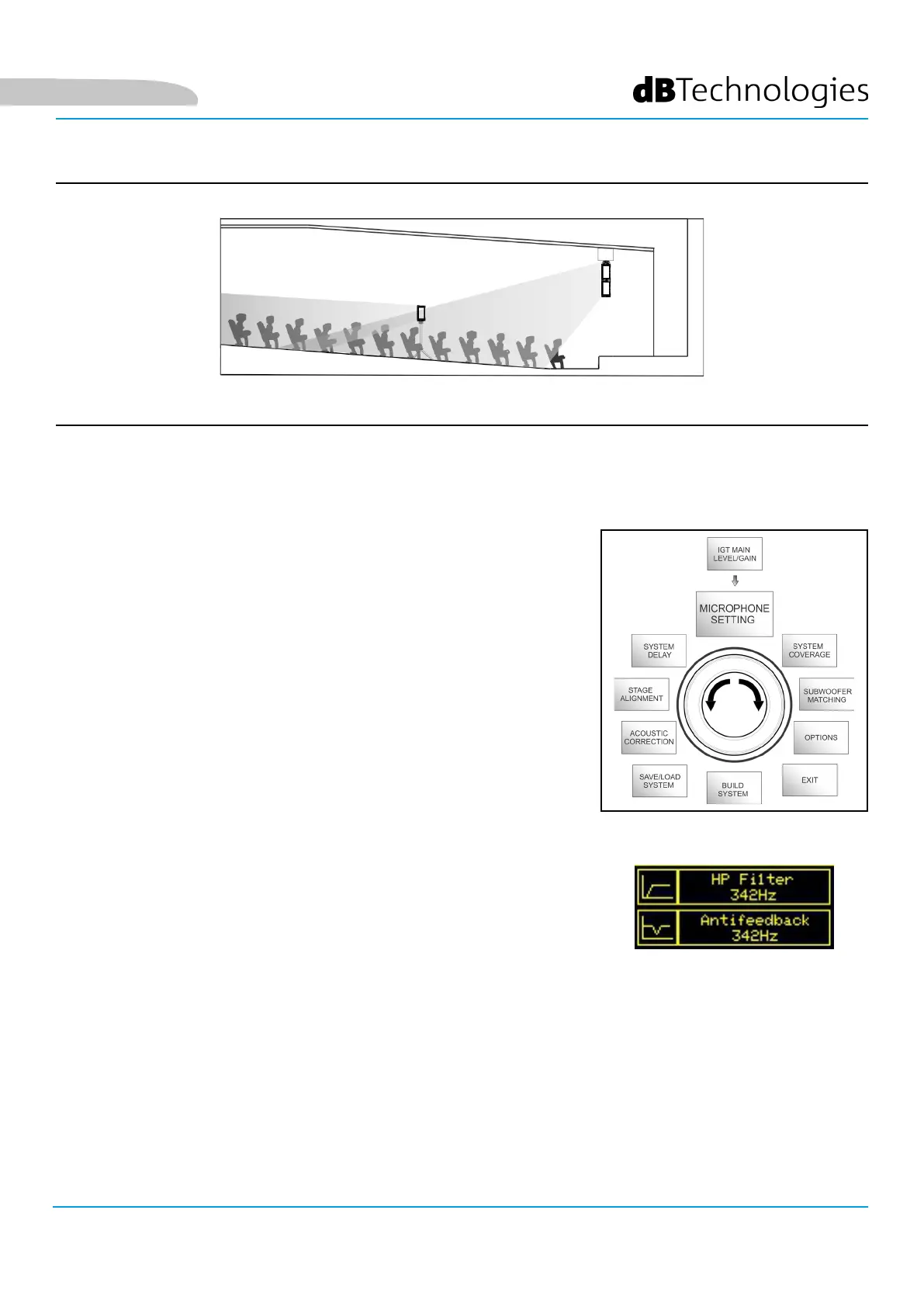
MICROPHONE SETTING MENU
IG3T allows the input of a microphone with XLR connector. When using
this source, it may be useful to apply a ltering to the signal to cut any
unwanted frequencies (by a high-pass lter with adjustable cut frequency).
Or it may be necessary to intervene (by a notch or band-stop lter with
selectable band centre) to prevent any feedback (or Larsen effect). To
perform one of these settings, or both of them, after accessing the
MICROPHONE SETTING menu:
1. Select and conrm HP lter (high-pass lter)
2. Select and conrm the value of the high-pass lter cut frequency, with
a range of 50 Hz – 200 Hz and a resolution of 10 Hz (select the “None”
value if you wish to disable the lter)
3. Select and conrm “Antifeedback” (anti-feedback or anti-Larsen effect
lter)
4. Select and conrm the value of the band centre frequency, with a
range of 260 Hz – 15000 Hz and a resolution of 10 Hz (select the
“None” value if you wish to disable the lter)
5. Return to the initial screen by selecting the “HOME” symbol
Microphone Setting Menu
English



 To Next Page