EasyManua.ls Logo

Ingersoll-Rand D180IM - User Manual

Ingersoll-Rand D180IM
21 pages
Print Icon
To Next Page IconTo Next Page
Loading...
EN
USER GUIDE (Original Language)
NL DE
FR
FI
SV NO
DA EL
ES PT
IT
PL
SK CS
ET HU
LV LT
RU
SL
TR MT
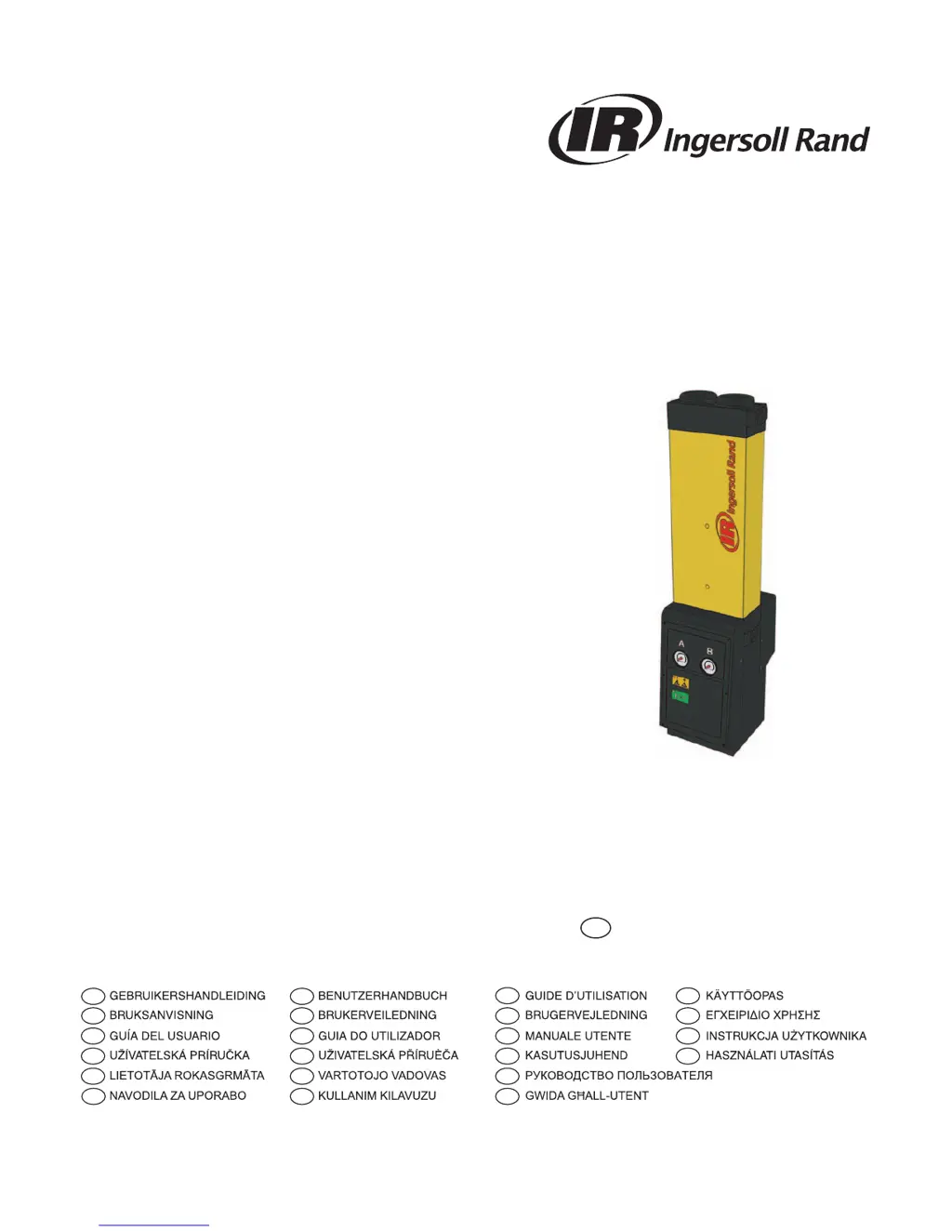
Desiccant Air Dryer
D41IM - D299IM

Questions and Answers

  • S
    Stephen GarciaAug 7, 2025
    What to do if the condensate is not being drained from my Ingersoll-Rand D180IM?
    • J
      Jennifer MoralesAug 7, 2025
      If the condensate isn't draining, make sure all condensate drains are working properly. Check the drain hoses for kinks or blockages and ensure the drain isolation valves are fully open.
  • T
    Theresa JordanAug 11, 2025
    How to troubleshoot an after cooler malfunction in my Ingersoll-Rand D180IM?
    • M
      Mary JenningsAug 11, 2025
      Test that the condensate drain is operating correctly. For water-cooled systems, check that the cooling water system is functioning correctly and the water temperature is within specification. For air-cooled systems, make sure the after cooler and dust filter (if fitted) are clean and that the fan is working correctly.
  • M
    mark07Aug 16, 2025
    What to do if filtration has not been correctly maintained in my Ingersoll-Rand Dehumidifier?
    • S
      Steve BuckAug 16, 2025
      If the element and float drain have been installed for longer than 12 months, replace them. Also, verify that the float drain is operating correctly.
  • U
    ulindseyAug 21, 2025
    What to do if my Ingersoll-Rand D180IM has been bypassed?
    • J
      Justin CollinsAug 21, 2025
      If a bypass line has been installed on the system, ensure that it is closed. Consider using bypass filtration.
  • R
    ramosjonathanAug 27, 2025
    What to do if the compressor capacity has changed in my Ingersoll-Rand D180IM Dehumidifier?
    • J
      John DoyleAug 27, 2025
      Ensure that the filters and dryer are sized accordingly.
  • T
    Teresa GardnerAug 31, 2025
    How to troubleshoot a malfunctioning compressor in my Ingersoll-Rand D180IM?
    • R
      Rebekah CoxAug 31, 2025
      Check the documentation supplied by the compressor manufacturer for troubleshooting guidance.

Summary

Safety Information

Hazardous Substances

Details the properties and handling precautions for the DRYFIL desiccant material used in the dryer.

Product Description

Technical Specifications

Provides technical specifications including model, pipe size, flow rates, and correction factors for the air dryer.

Equipment Handling

Installation and Commissioning

Mechanical Installation

Instructions for installing piping and filtration, ensuring condensate drains and pipe suitability.

Operating the Equipment

Servicing and Maintenance

Troubleshooting

Dewpoint Failure

Guides on identifying and resolving dewpoint failures, listing possible causes and required actions.

High Pressure Drop

Troubleshooting steps for high pressure drop, including causes like filtration and inlet parameters.

Downstream Air Supply Interruption

Addresses issues with downstream air supply, covering compressor function and pressure loss.

Ingersoll-Rand D180IM Specifications

General IconGeneral
ModelD180IM
CategoryDehumidifier
BrandIngersoll-Rand
Power Supply115V, 60 Hz
Moisture Removal Capacity180 pints per day
Capacity180 pints per day

Related product manuals