EasyManua.ls Logo

Ingersoll-Rand D71IM - User Manual

Ingersoll-Rand D71IM
21 pages
Print Icon
To Next Page IconTo Next Page
Loading...
EN
USER GUIDE (Original Language)
NL DE
FR
FI
SV NO
DA EL
ES PT
IT
PL
SK CS
ET HU
LV LT
RU
SL
TR MT
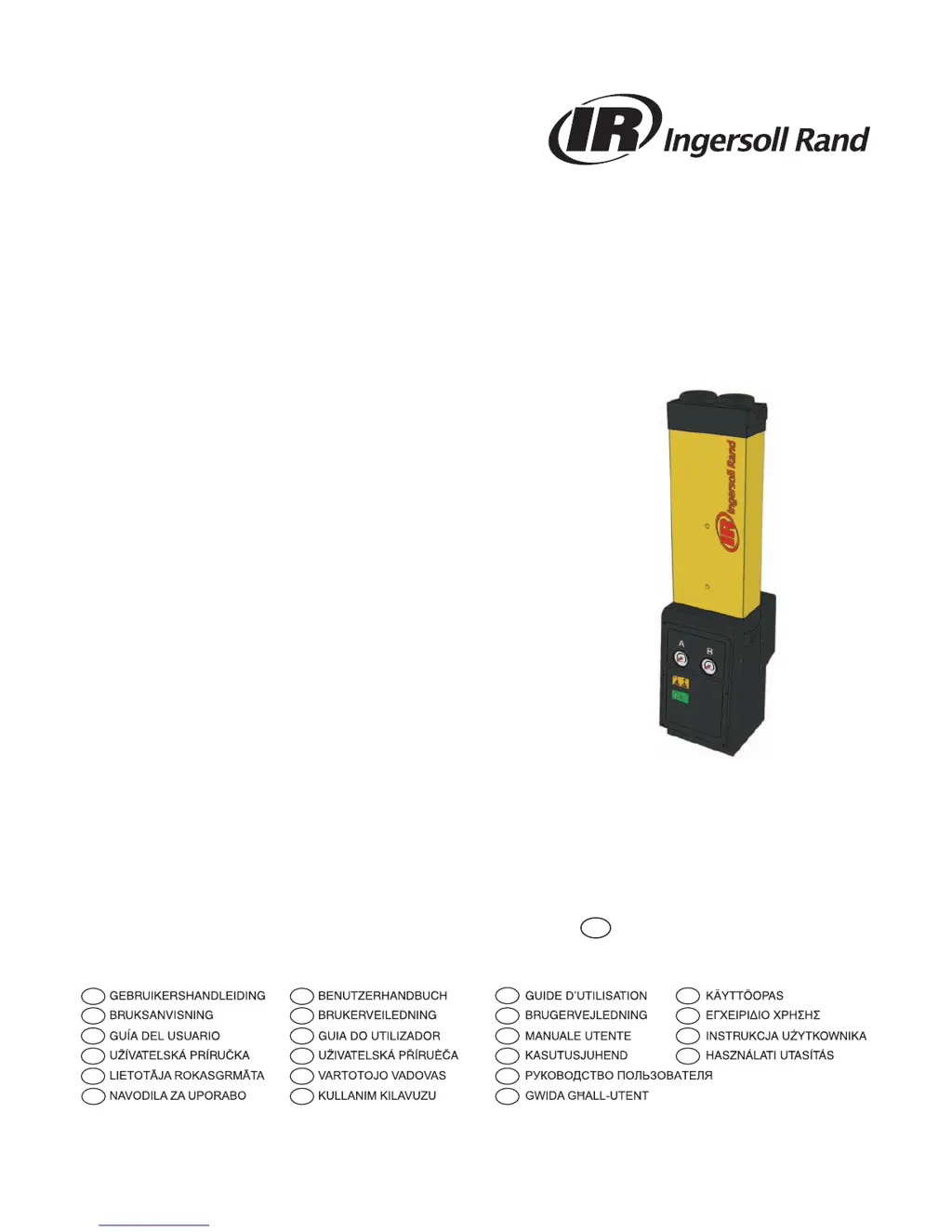
Desiccant Air Dryer
D41IM - D299IM

Questions and Answers

  • J
    jerry04Aug 7, 2025
    What to do if the condensate is not being drained from my Ingersoll-Rand D71IM Dehumidifier?
    • L
      Lisa WhiteAug 7, 2025
      If the condensate isn't draining, make sure all condensate drains are working properly. Check the drain hoses for kinks or blockages and ensure the drain isolation valves are fully open.
  • J
    Jeremy MercadoAug 12, 2025
    How to troubleshoot an after cooler malfunction in my Ingersoll-Rand D71IM?
    • S
      Shannon GoodwinAug 12, 2025
      Test that the condensate drain is operating correctly. For water-cooled systems, check that the cooling water system is functioning correctly and the water temperature is within specification. For air-cooled systems, make sure the after cooler and dust filter (if fitted) are clean and that the fan is working correctly.
  • J
    James BlackAug 17, 2025
    What to do if filtration has not been correctly maintained in my Ingersoll-Rand Dehumidifier?
    • E
      Evan JonesAug 17, 2025
      If the element and float drain have been installed for longer than 12 months, replace them. Also, verify that the float drain is operating correctly.
  • E
    Emily WelchAug 21, 2025
    What to do if my Ingersoll-Rand D71IM Dehumidifier has been bypassed?
    • B
      Brandon StarkAug 22, 2025
      If a bypass line has been installed on the system, ensure that it is closed. Consider using bypass filtration.
  • R
    Rodney ShermanAug 27, 2025
    What to do if the compressor capacity has changed in my Ingersoll-Rand Dehumidifier?
    • M
      Michael BaxterAug 27, 2025
      Ensure that the filters and dryer are sized accordingly.
  • K
    Kyle DouglasAug 31, 2025
    How to troubleshoot a malfunctioning compressor in my Ingersoll-Rand Dehumidifier?
    • D
      Daniel JohnsonSep 1, 2025
      Check the documentation supplied by the compressor manufacturer for troubleshooting guidance.

Summary

Safety Information

Markings and Symbols

Explanation of safety symbols and warnings used in the manual and on the equipment.

Hazardous Substances

Information on the desiccant material (DRYFIL) and necessary handling precautions.

Product Description

Technical Specifications

Details on dryer specifications, performance data, and correction factors.

Dimensions and Weights

Provides physical dimensions and weight information for the dryer models.

Unpacking and Equipment Overview

Instructions for unpacking and identifying the main components of the dryer.

Installation and Commissioning

Recommended System Layout

Diagram and guidance on the recommended system configuration for the dryer.

Locating and Mechanical Installation

Guidance on selecting a suitable location and performing mechanical installation.

Electrical Installation

Instructions for safe electrical hookup, including grounding.

Operating the Equipment

Overview of Controls

Description of the dryer's control panel indicators, gauges, and buttons.

Starting and Stopping the Equipment

Step-by-step procedures for safely starting up and shutting down the dryer.

Servicing and Maintenance

Cleaning and Service Intervals

Guidelines for cleaning the equipment and recommended maintenance schedules.

Service Kits

List of available service kits with part numbers and quantities.

Service Record

A logbook section for recording maintenance activities and dates.

Troubleshooting Guide

Dewpoint Failure Troubleshooting

Diagnosing and resolving issues related to dewpoint failure.

Pressure Drop and Air Supply Issues

Troubleshooting common problems like high pressure drop and interrupted air supply.

Ingersoll-Rand D71IM Specifications

General IconGeneral
BrandIngersoll-Rand
ModelD71IM
CategoryDehumidifier
LanguageEnglish

Related product manuals