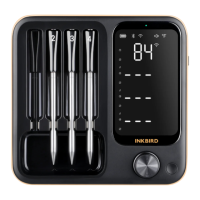
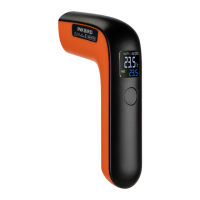
Enjoy your barbecue time
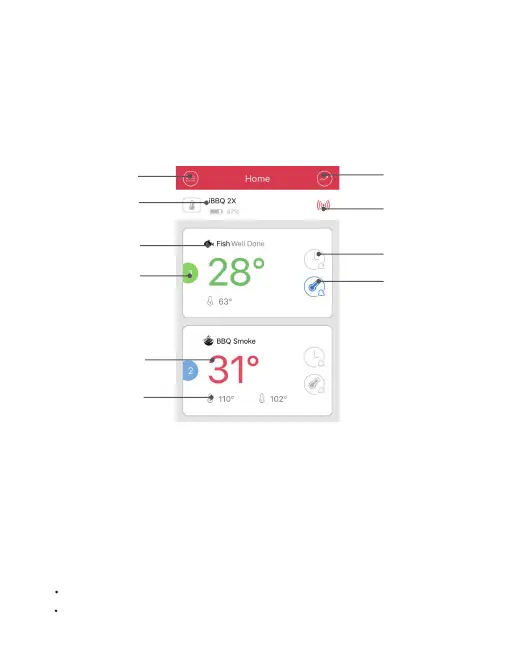
Power ON/OFF
Options
Temperature
History
Preference
Display
Probe
Number
Current
Temperature
Target
Temperature
Connection
Status
Timer
Preference
Setup
Choose the food type and preference for the food where each probe
is inserted, the app and the device will display its current and target
temperature.
The user interface of the app may be changed when upgraded.
Please follow the instructions in the app.
Power ON:
Press and hold the power button for 3 seconds.
Power OFF:
Press and hold the power button for 3 seconds.
Auto-off after 8 hours out of connection with phone.
When the food is ready, the app and the device will alarm.
Device Setting


 To Next Page