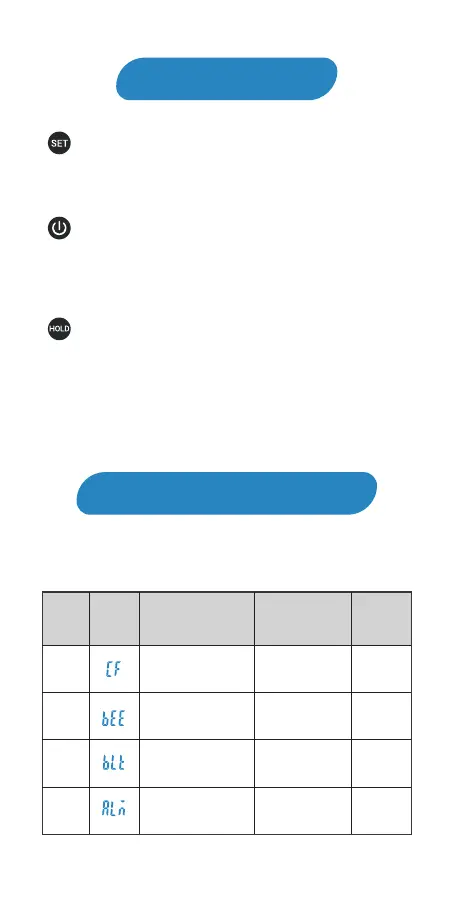
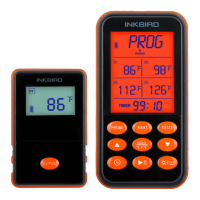
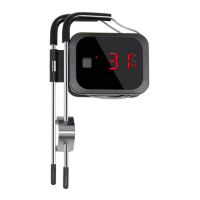
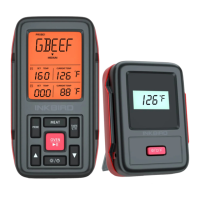
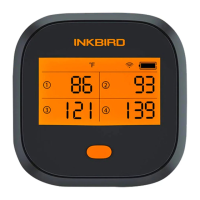
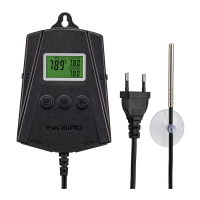
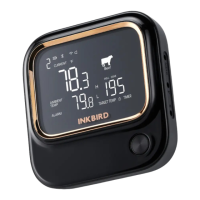
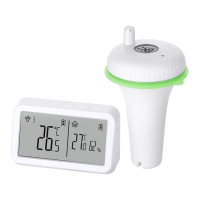
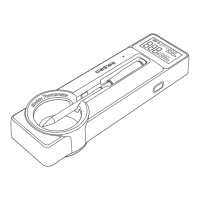
: Press and hold the button for 2 seconds to enter the
menu for function setting. During the setting process,
press the button to choose functions; press and hold the
button for 2 seconds to quit and save setting changes.
: Press the button to turn on the device. In normal
mode, press and hold the button for 2 seconds to turn off
the device. In setting mode, press the button to decrease
the value of parameters; long press the button to quickly
decrease the value of parameters.
: In normal mode, press the button to lock or unlock
the value of current temperature; press and hold the
button for 3 seconds to switch the display of 3 channels.
In setting mode, press the button to increase the value of
parameters; long press the button to quickly increase the
value of parameters.
Key Definition
Operation Instructions
Instruction Menu
03
CF
BEE
B LT
ALM
MENU
ITEMS
DIS-
PLAY
FUNCTIONS
SETTING
RANGE
DEFAULT
VALUES
Celsius / Fahrenheit
Key sound
Backlight active time
℃ or ℉ ℉
ON
10S
ON or OFF
5~60S
ON/OFF
Alarm function
for the built-in probe
OFF


 To Next Page