EasyManua.ls Logo

InMode VOTIVA - FormaV Treatment Screen Details

InMode VOTIVA
51 pages
Print Icon
To Next Page IconTo Next Page
To Previous Page IconTo Previous Page
Loading...
Votiva Operator Manual DO607094B 22
Drain/Fill
Water
Not applicable.
Change
Password
Calibration
Change password by entering old password and enter another 4-
digit numerical password.
Not applicable.
Main Menu
Return to Main Menu to select an applicator.
After returning to the Menu Screen and choosing the application on the Menu Screen the
corresponding Treatment Screen appears.
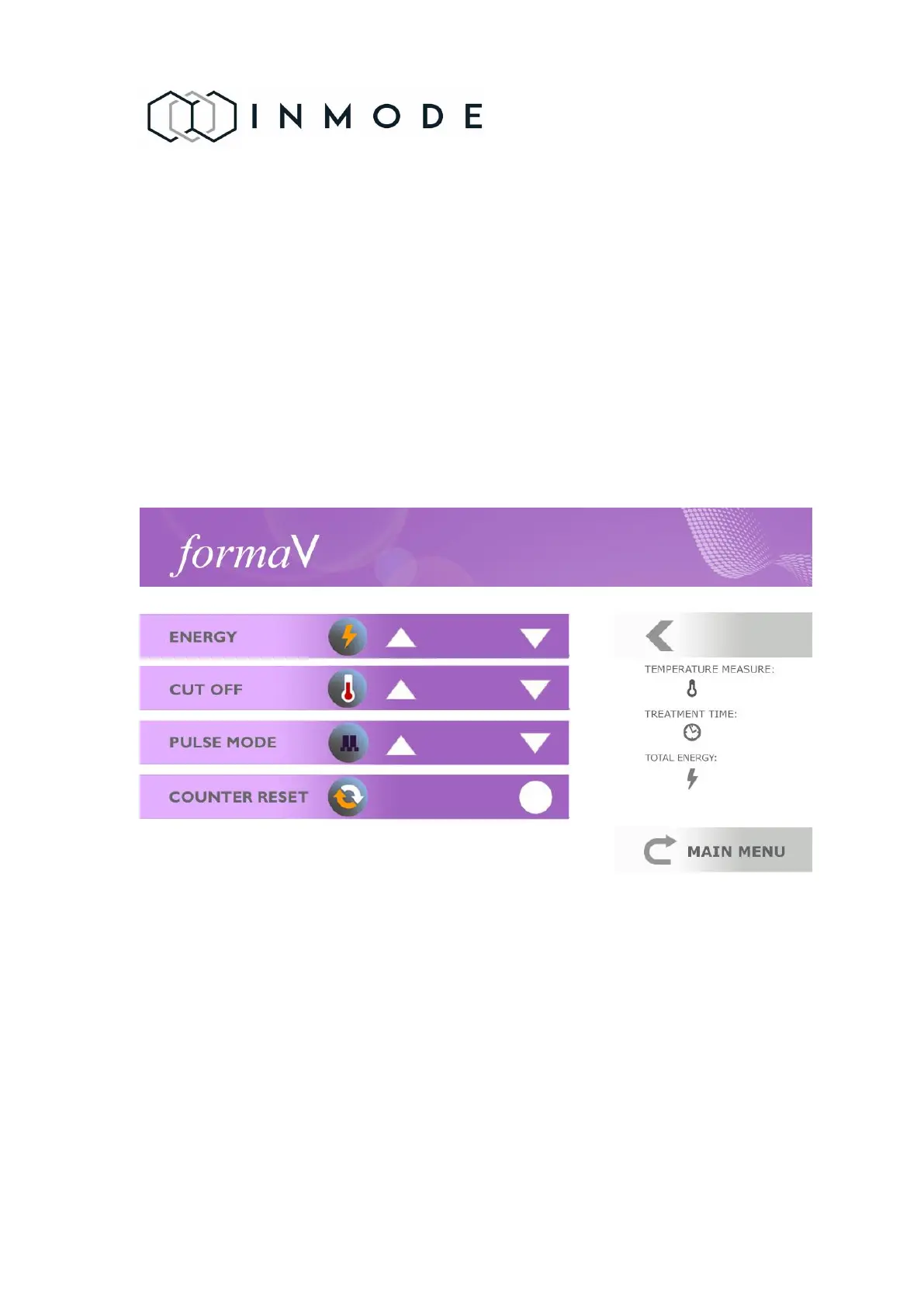
Figure 4.6 FormaV Treatment Screen
Selection
Frame
The frame selects parameters that can be changed by functional keys.
Energy
Delivered energy is changed from level 20 to 40 and the System starts
up at the minimal energy setting.

Table of Contents

Related product manuals