20
LED alarm
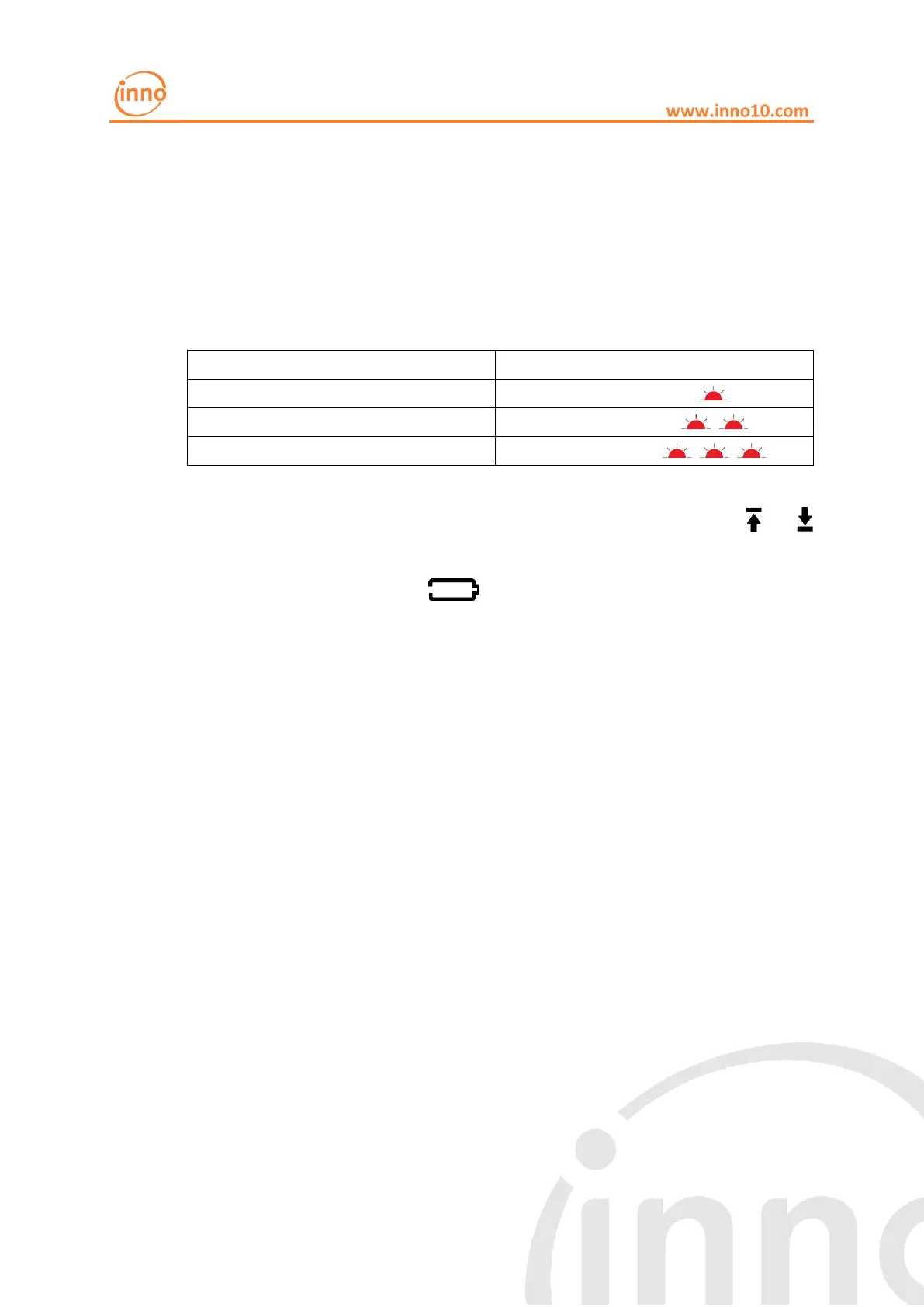
If the LED alarm function is enabled, the red LED will work in different flashing
pattern in every 10 seconds according to different alarm items.
Flashing pattern in every 10s
Higher or lower limit triggered
Battery capacity less than 30 days
If LED alarm function was not enabled, user can observe whether or
symbol appears on the display to determine whether the upper and lower limit
values have been reached. If symbol appears, it means the battery is
running out.
LCD backlight
INNO 320 display has backlight function.
The backlight can be set to 3 working mode
1. Backlight function always enabled. Whenever the key is pressed,
backlight will be on for 10 seconds, so the display contents can be
clearly seen in a dark environment.
2. Auto backlight function. If the environment is dark, the backlight will be
on for 10 seconds when the key was pressed, so users can see the
display clearly. However, if it is under a well-lit environment, the
backlight will not be turned on even the key was pressed. This can avoid
unnecessary turning on of the backlight and save battery power.
3. Backlight function disabled. The backlight will not be turned on under
any circumstances.
Note: When the temperature is below -30 °C, the backlight function will be



 To Next Page