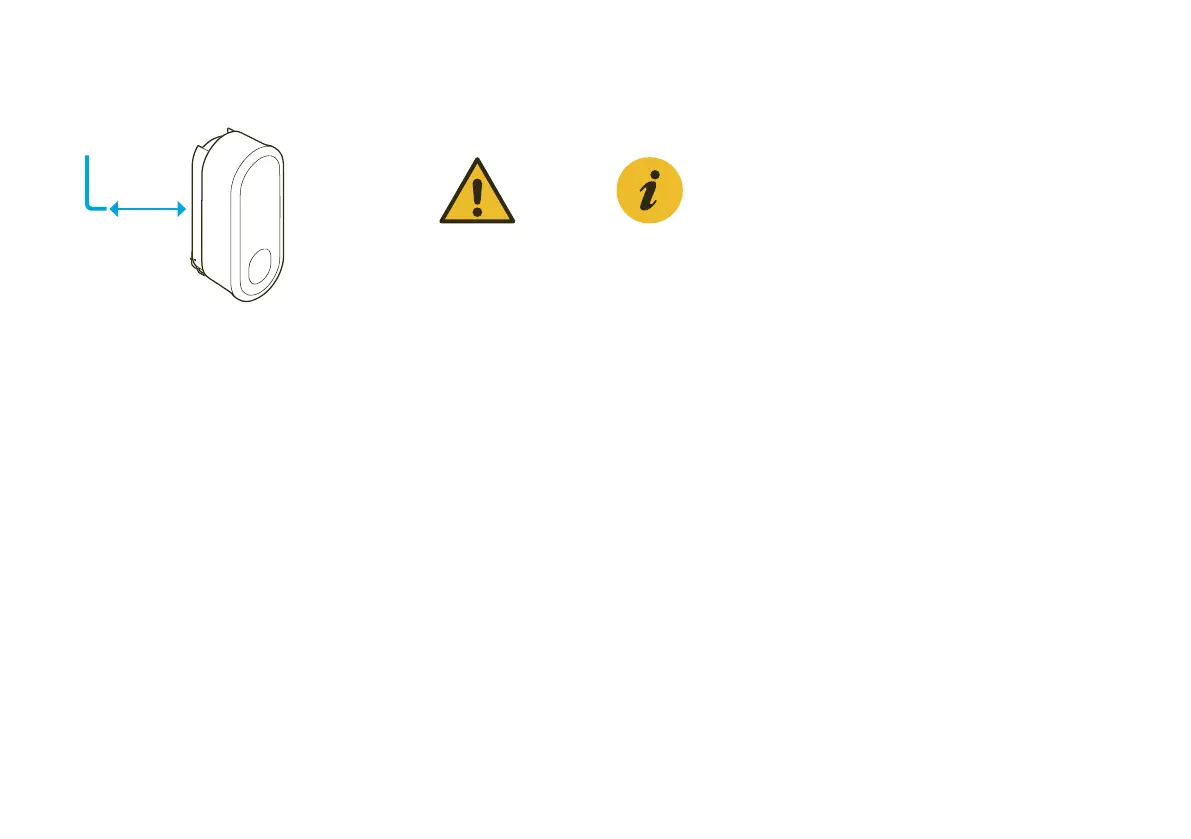
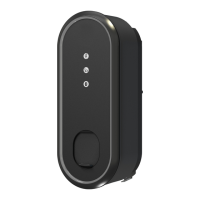
Clicking the eBox into the eClick
07
Tighten the two pre-installed
grub screws using the allen
wrench at the rear left and rear
right of the eClick to secure the
locking mechanism in place and
the eBox on the eClick.
08
Now the eBox is mounted on the
eClick. Power on the eClick circuit.
Important
Make sure that the
eBox clicks correctly
into the eClick. The
locking bracket must
be in the final position.
The grub screws must
be fully screwed in.
Check eBox for firm
attachment.
Note
The grub screws can
only be fully screwed
in when the locking
bracket is inserted
completely.



 To Next Page