You Can Do It!
EASY TO USE - EASY TO VIEW - EASY TO DEFINE
OBD2 1
Easy To Use . . . .
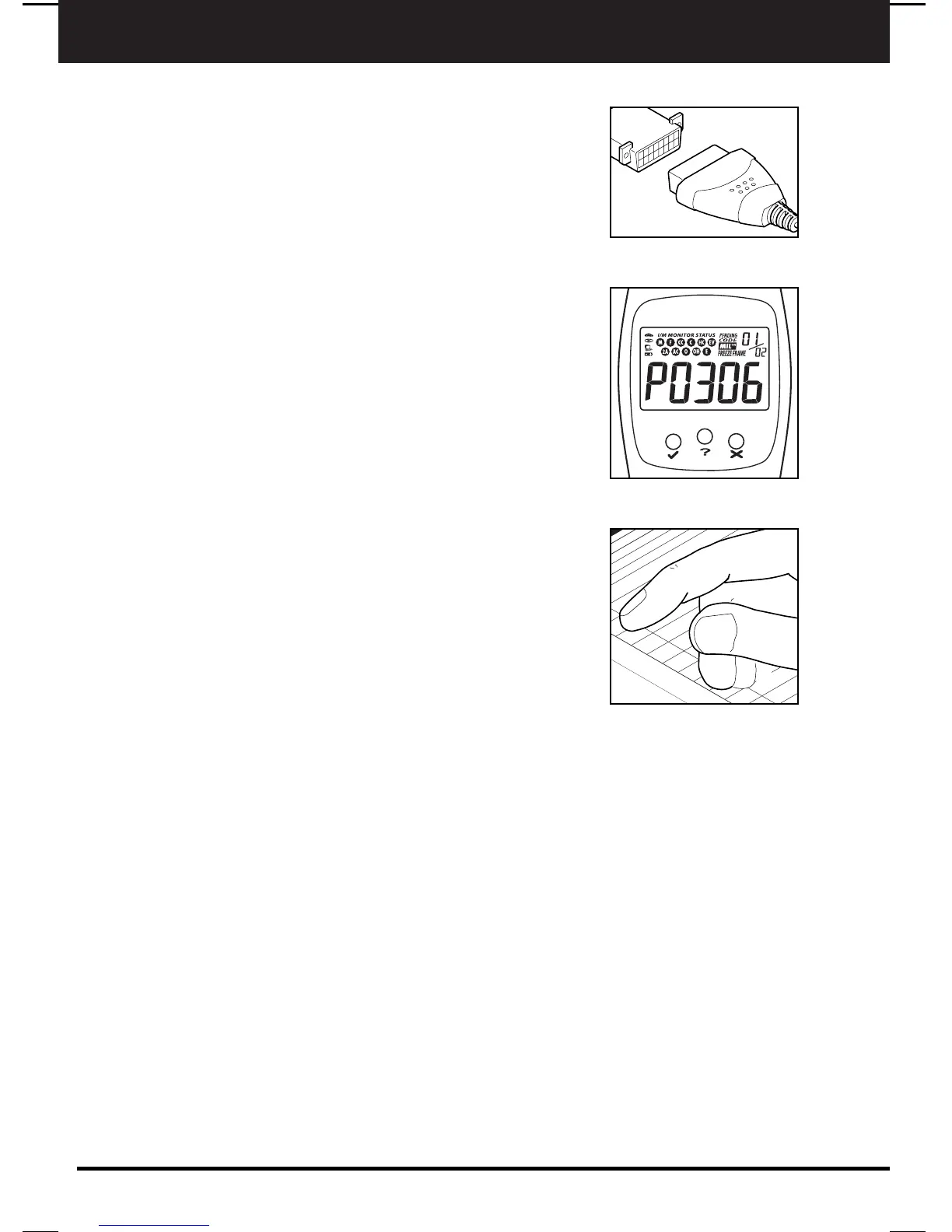
■ Connect the Code Reader to the vehicle’s test
connector.
■ Turn the ignition key "On.” DO NOT start the
engine.
■ The Code Reader will automatically link to the
vehicle’s computer.
Easy To View . . . .
■ The Code Reader retrieves stored codes and
displays I/M Readiness status.
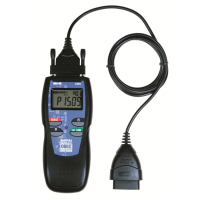
■ Codes are displayed on the Code Reader’s LCD
display screen; I/M Readiness status is displayed
by LED indicators.
Easy To Define . . . .
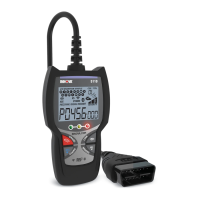
■ Locate fault code(s) in the Fault Code Definition
list.
E3
Definition
Temperature B
elo
mission C
ontrol System
ve Emission C
ontrol System
Inco
rative E
mission Control System
Leak
all leak)
Evaporative E
mission Control System
Purge C
ontro
Valve C
ircuit Malfunction
444 Evaporative E
mission C
ontrol System
Purge Control
Valve C
ircuit O
pen
P0445 Evaporative E
mission C
ontrol S
ystem Purge Control
Valve C
ircuit Sh
orted
P0446 Evaporative E
mission C
ontrol System
Vent Control
Circuit Malfunction
P0447 Evapora
tive Emission Control S
ystem
Vent Co
Circuit O
pen
P0448 Evaporative E
mission C
ontrol System
V
Circuit Shorted
P0449 Evaporative E
mission C
ontrol S
ys
Solenoid Circuit M
alfunction
P0450 Evaporative E
mission C
ontr
Malfunction
P0451 Evaporative E
mission
Range/Perform
ance
P0452 Evaporative E
m
Low Input
3 Evapora
ti
High I
a


 To Next Page