Bedienungsanleitung IP-Telefon IP222 / IP232 - 3 -
- 3 -
1.2. Operating instructions
The overview below details the key names and their particular use.
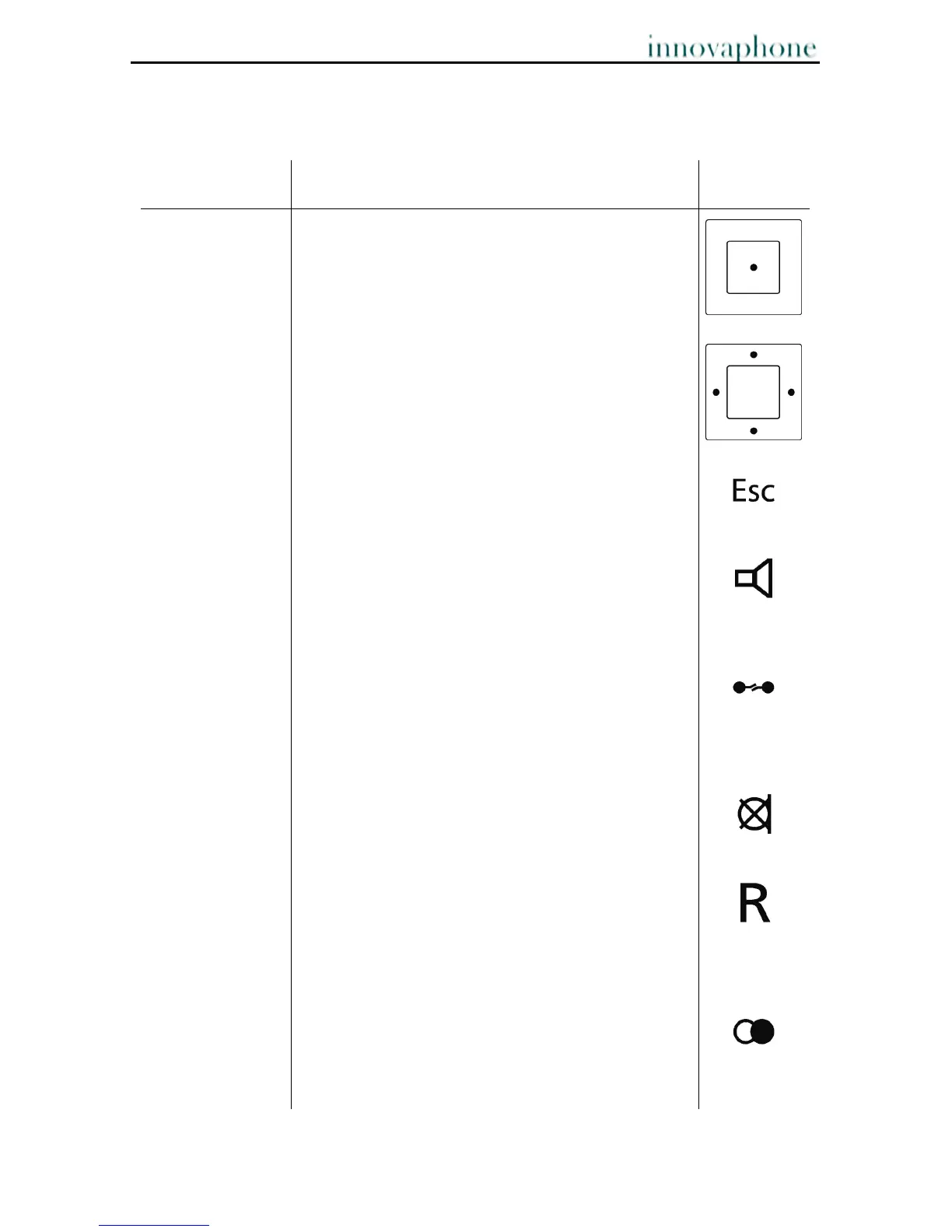
Key Description Key
Menu key The Menu key is used to open the main menu and
confirm selected lines. During a connection the
menu key is used to initiate conferences.
4-direction
navigation key
Use the navigation key to navigate through the
menu, but also for quick access to some
functionalities. During a call the volume can be
adjusted by pressing the keys pointing left or right.
The Loudspeaker key is used to switch the hands-
free system on/off. In addition, you can use this
key to accept an incoming call or to end an
existing call without using the handset.
Clearing key Press the Clearing key to leave the menu. During
a call the Clearing key is used to terminate the
existing call.
Mute key In the idle state, the call signal is switched off.
During a call, a long press switches the
microphone off or on.
Consultation key
R key
The Consultation key enables use of the "Hold"
and "Hold and retrieve" functions. In the idle state,
the Consultation key is used to call up the list of
missed calls. In entry mode, the R key deletes the
character to the left.
Redial key The Redial key is used to access the list of phone
numbers last dialled. Double click the key to re-
dial the last number dialled. During a call,
incoming calls are forwarded.



 To Next Page