Bedienungsanleitung IP-Telefon IP222 / IP232 - 6 -
- 6 -
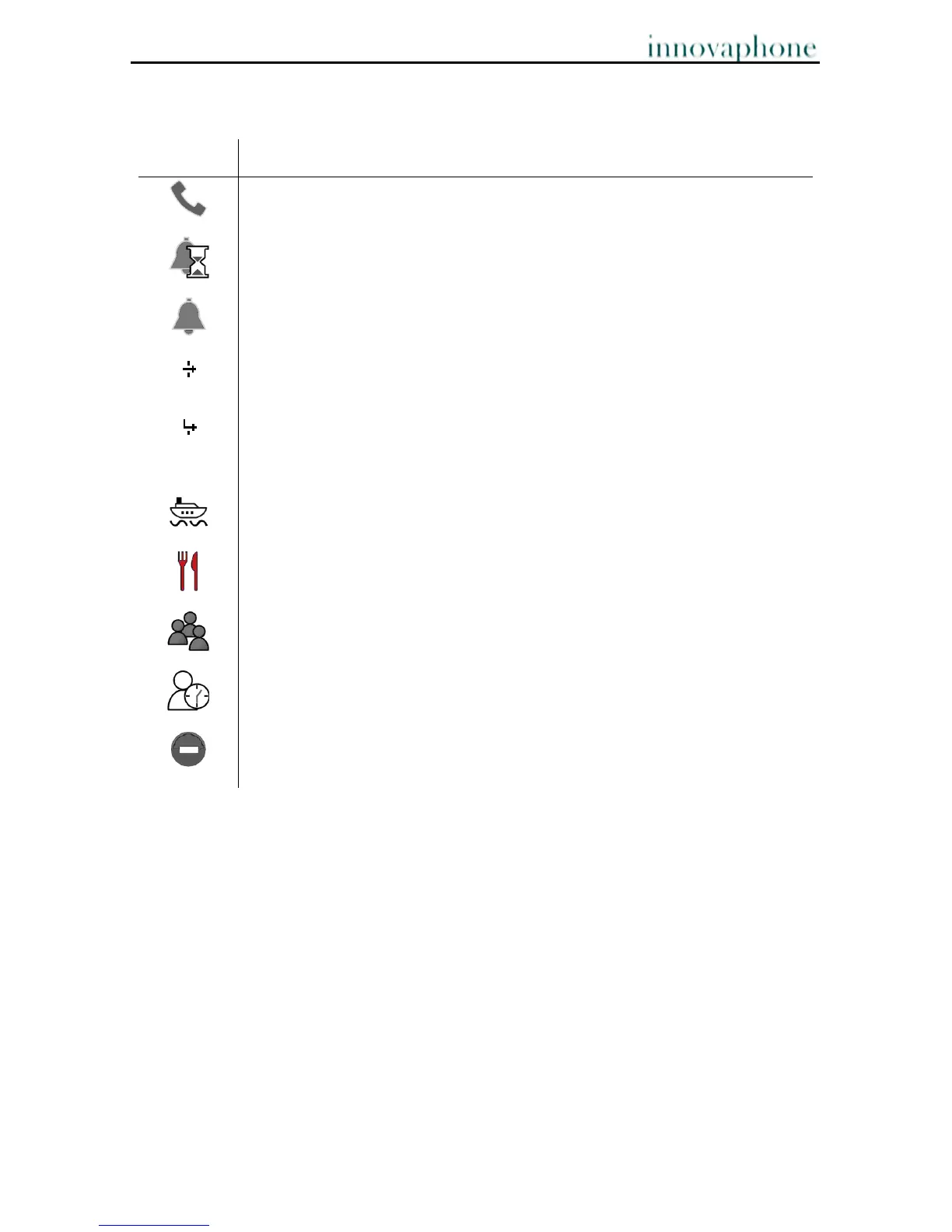
In addition to the icons on the bottom line, icons are also displayed in the contact field.
The contact field is displayed when a call is being set up and during a call.
Connected, conference, wait queue
Call pending, call waiting
Call initiated, ringing
This icon shows that the call has been forwarded manually. Press the
arrow to the right to go to a menu with further information on the call.
This icon shows that the call has been forwarded automatically. Press
the arrow to the right to go to a menu with further information on the
call.
Presence icon: Vacation
Presence icon: Lunch
Presence icon: Meeting
Presence icon: Away
Presence icon: Busy



 To Next Page