16
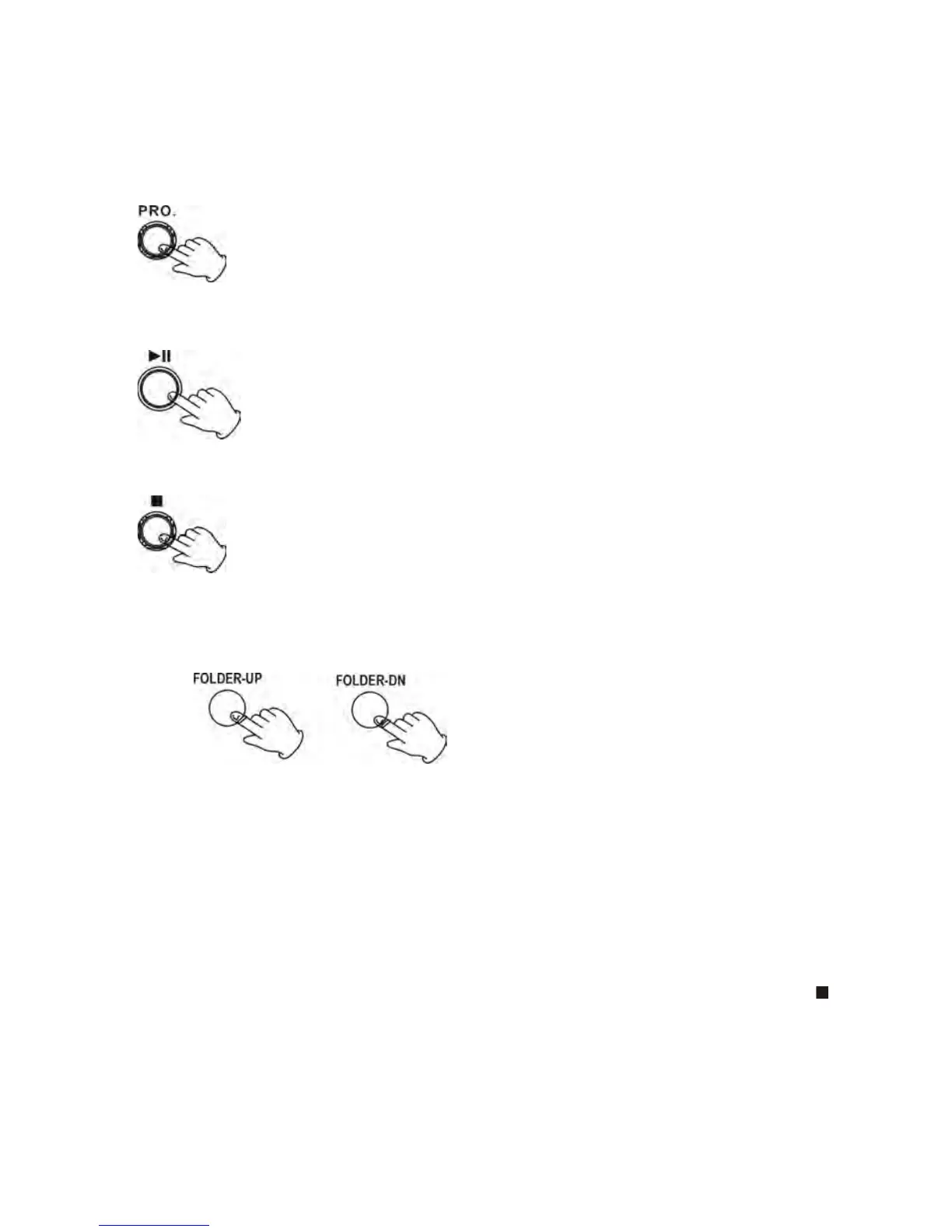
7. Press the PROG button, the unit will begin the program function.
In stop state, press the PROG button, the LCD display will show 01, and “MEMORY” will flash on the
left corner. Then press the F.F or F.R button to select the desired tracks. Press the PROG. button to
repeat the step. Up to 32 songs may be programmed. Press STOP button to delete this function.
8. Pausing the playing.
9. Stopping the playing.
10. Press the FOLDER-UP button to find the last folder.
11. Press the FOLDER-DN button to find the next folder.
12. FILE DELETE- The system is able to erase the file stored inside the USB drive
1. Short press DEL button, “DEL ONE” is appear on the display, press the button again to confirm the
setting.
2. Long press DEL button and then press FOLDER-UP or FOLDER-DN button to Select: DEL ONE
(one file delete), DEL DIR (directory delete), DEL ALL (all files delete), or FORMAT (format the drive).
Then, press DEL button to confirm the mode.
3. While the deletion mode is blinking, you may cancel the operation by pressing the STOP (
)
button, or wait for 8 seconds until the blinking deletion mode disappears. Press the DEL button again
to continue the delete function.



 To Next Page