EasyManua.ls Logo

Innovative Technology ITRR-700 - User Manual

Innovative Technology ITRR-700
23 pages
Print Icon
To Next Page IconTo Next Page
Loading...
1
OPERATING MANUAL
MODEL: ITRR-700
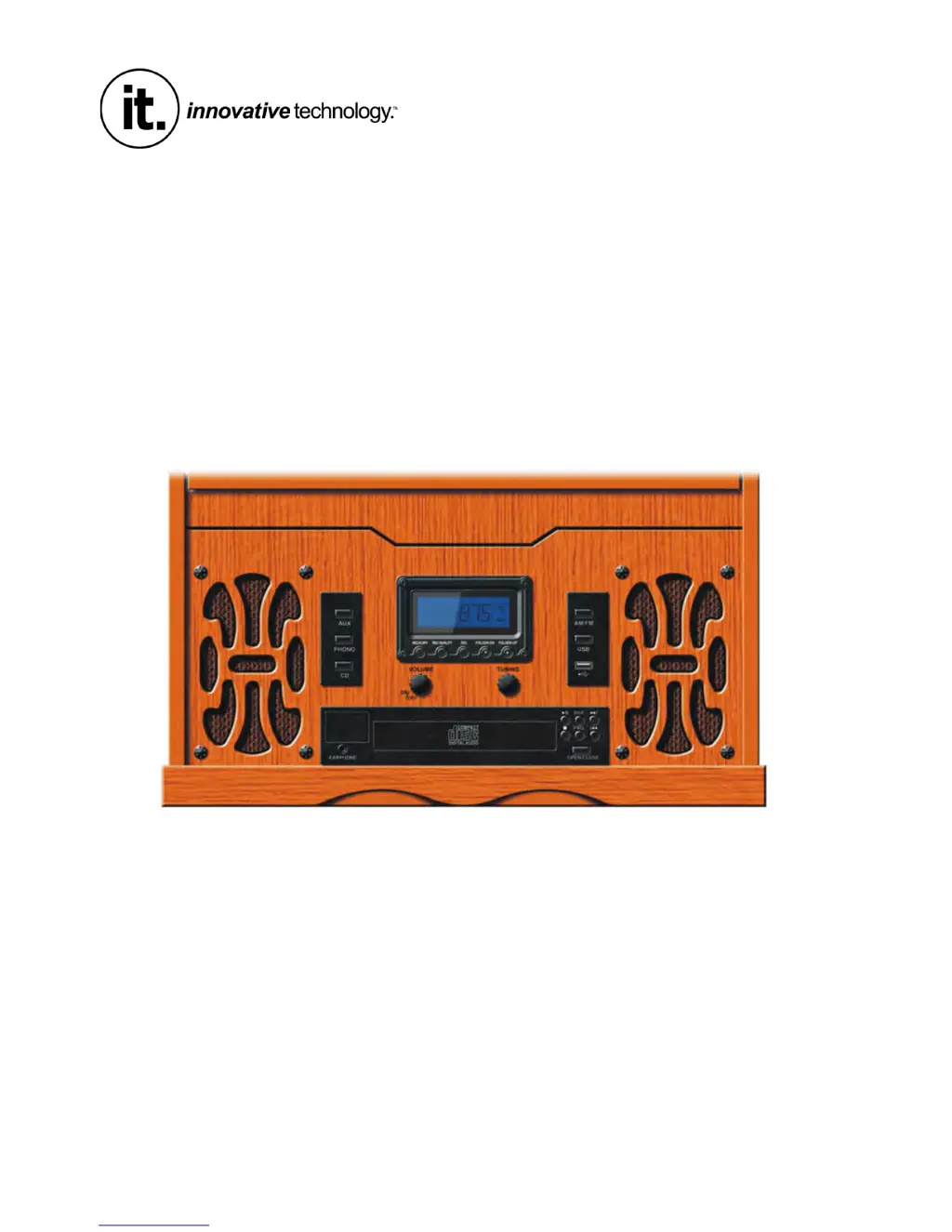
RETRO USB TURNTABLE

Questions and Answers

Summary

OPERATING MANUAL

Product Model and Overview

Identifies the product model ITRR-700 Retro USB Turntable and its basic function.

Important Safety Instructions

General Safety Precautions

Provides 22 essential safety guidelines for operating the audio product safely and preventing hazards.

Electrical Safety and Usage Warnings

Details precautions against electrical hazards, overloading, damage, and proper servicing.

Product Precautions and Warnings

Handling and Electrical Safety Advice

Offers essential cautions regarding product use, electrical shock, maintenance, and environment.

Regulatory Compliance Statements

Includes FCC and California Prop 65 warnings relevant to electronic device operation and safety.

Before Use and Setup

Installation and Environmental Guidelines

Covers proper unit placement, avoiding heat, moisture, and vibrations for optimal performance.

Condensation Management

Explains how to prevent and manage condensation issues when moving the unit between temperature zones.

Compact Disc Handling and Care

Disc Insertion and Cleaning

Provides instructions on how to handle, insert, and clean compact discs for error-free playback.

Disc Protection and Storage

Advises on protecting discs from scratches, sunlight, humidity, and improper storage.

Cassette Tape Operations

Tape Handling and Storage Tips

Offers guidelines for storing and handling cassette tapes to prevent damage and ensure playback quality.

Initial Setup and Turntable Adjustment

Details connecting power and adjusting the turntable's silver screw for correct balance.

Turntable Stylus and Basic Operation

Stylus Replacement Procedure

Step-by-step guide on how to remove and install a new turntable stylus correctly.

Powering On and Volume Control

Instructions for powering the unit on and adjusting the desired volume using the control knob.

Source Selection and Audio Output

Explains how to select the audio source and connect headphones for private listening.

Listening to Vinyl Records

Record Playback Procedure

Detailed steps for playing a vinyl record, including speed selection and tone arm movement.

CD;MP3 Playback Operations

Basic CD;MP3 Playback and Navigation

Instructions for playing CDs/MP3s, track selection, and using basic playback controls.

Advanced CD;MP3 Functions

Playback Modes and Pausing

Covers repeat modes, random play, programming tracks, and pausing/resuming playback.

Stopping Playback and Track Skipping

Details how to stop playback, skip tracks forward or backward, and cancel operations.

Radio Tuning and Reception

AM;FM Band Selection and Tuning

Guide to selecting radio bands and tuning to desired frequencies for optimal reception.

FM Antenna Adjustment

Tips for optimizing FM reception by adjusting the built-in antenna wire.

Tape and Auxiliary Input

Cassette Tape Playback and Ejection

Instructions for loading, playing, fast-forwarding, and ejecting cassette tapes.

Connecting External Audio Sources

Explains how to connect external audio devices via the AUX IN socket for playback.

USB Media Playback Features

USB Playback and Track Control

Steps for playing MP3 files from USB, track skipping, and using basic playback controls.

Advanced USB Functions

Program and Folder Navigation

Details programming tracks, navigating folders, and managing USB files.

File Deletion and Formatting

Covers options for deleting files, directories, or formatting the USB drive.

Encoding and Copying to USB

CD and MP3 Encoding Procedures

Instructions for encoding CDs and MP3 discs to USB media, including bitrate selection.

Encoding from Other Sources and Notes

Phono, Aux, Tape Encoding

Covers encoding audio from Phono, Aux input, or Tape to USB media.

Encoding Notes and Tips

Provides important notes and considerations for the encoding process, including USB compatibility.

Product Specifications

Audio and Tuner System Specs

Details technical specifications for amplifier, tuner, CD, cassette, record player, and speaker systems.

Product Dimensions and Accessories

Physical Specifications

Provides product dimensions, weight, and power requirements for installation.

Included Accessories

Lists the standard accessories provided with the unit, such as adapters and cables.

Troubleshooting Common Issues

Unit and Tape Deck Troubleshooting

Lists common problems and solutions for the whole unit and tape deck functions.

Component Troubleshooting

Tuner and CD Player Troubleshooting

Addresses common issues related to radio reception and CD playback problems.

Limited Warranty Information

Warranty Terms and Claims

Outlines the warranty period, coverage, exclusions, and procedures for obtaining service.

Innovative Technology ITRR-700 Specifications

General IconGeneral
BrandInnovative Technology
ModelITRR-700
CategoryTurntable
LanguageEnglish

Related product manuals