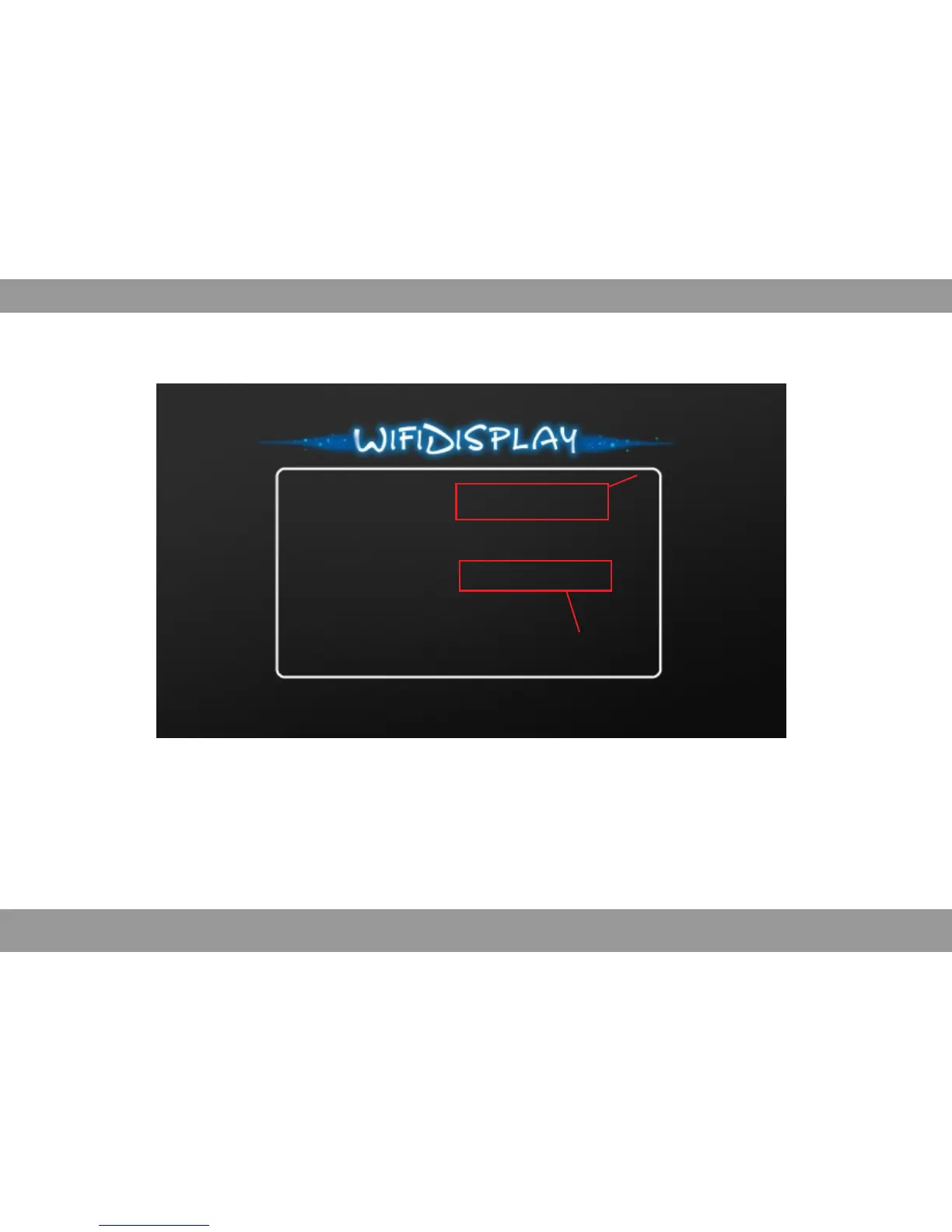
Device Name: LOLLIPOP-19561
Status: Waiting for connection...
Mode: Miracast
Peer Device Name:
Peer Device MAC:
Peer Device IP:
Default name
Selected WiFi-Display Mode
* f the smart de ice b ush unofficial genuine brush pack, t ma not sup ort i v r i p Miracast.
* n order ot to affect performance, there can not be a obstacle betw en the projector andI n e
smart phone, and the distance can not exceed 5m.
Open isp ay on your smart phone or tablet, find the projector default name, after connectionWiFi-D l
it can mirror the movie or photo.
Several Smart Phone M Connectioniracast
The setting and name of Miracast of smart phone or tablet is different,please refer to its detailed description.
Connection Instruction:
35


 To Next Page