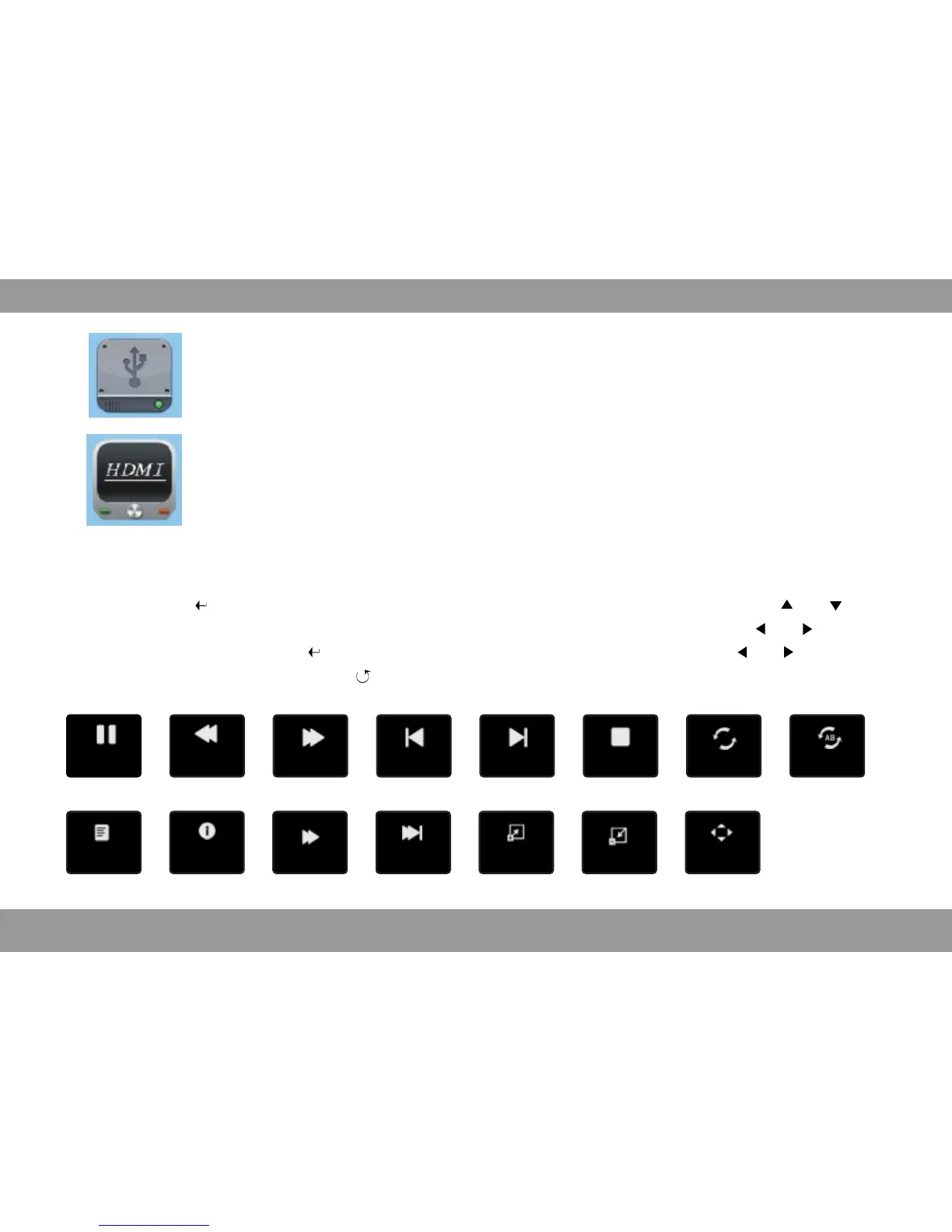
Move
ZoomOut
Zoom In
Step FW
Slow FW
Info
List
Set A
Repeat
Stop
Next.
Prev.
FF
FB
Pause
32
USB
Projector play content of flash memory, select here to entre.
HDMI
Projector connect to device which have HDMI output to play image or video
select here to entre.
Press the 【 】longly or shortly,appear corresponding menu interface, press 【 】【 】to
select different adjustment item, appear corresponding icon and options, press 【 】【 】to enter
menu adjustments, press 【 】to confirm, now enter item adjustment, press 【 】【 】to archieve
adjustment requirements, press【 】to exit, or wait few seconds to exit automatically.
Media Play


 To Next Page