DLNA
Under DLNA mode, can output photo, movie, music of smart phone or internet to projector and
then project via wireless transmission technology. Before using DLNA, the smart device need to
install software application that support DLNA, like PPTV, Tencent video, Soho Video, etc.
The method of iPhone or android phone is basically same.
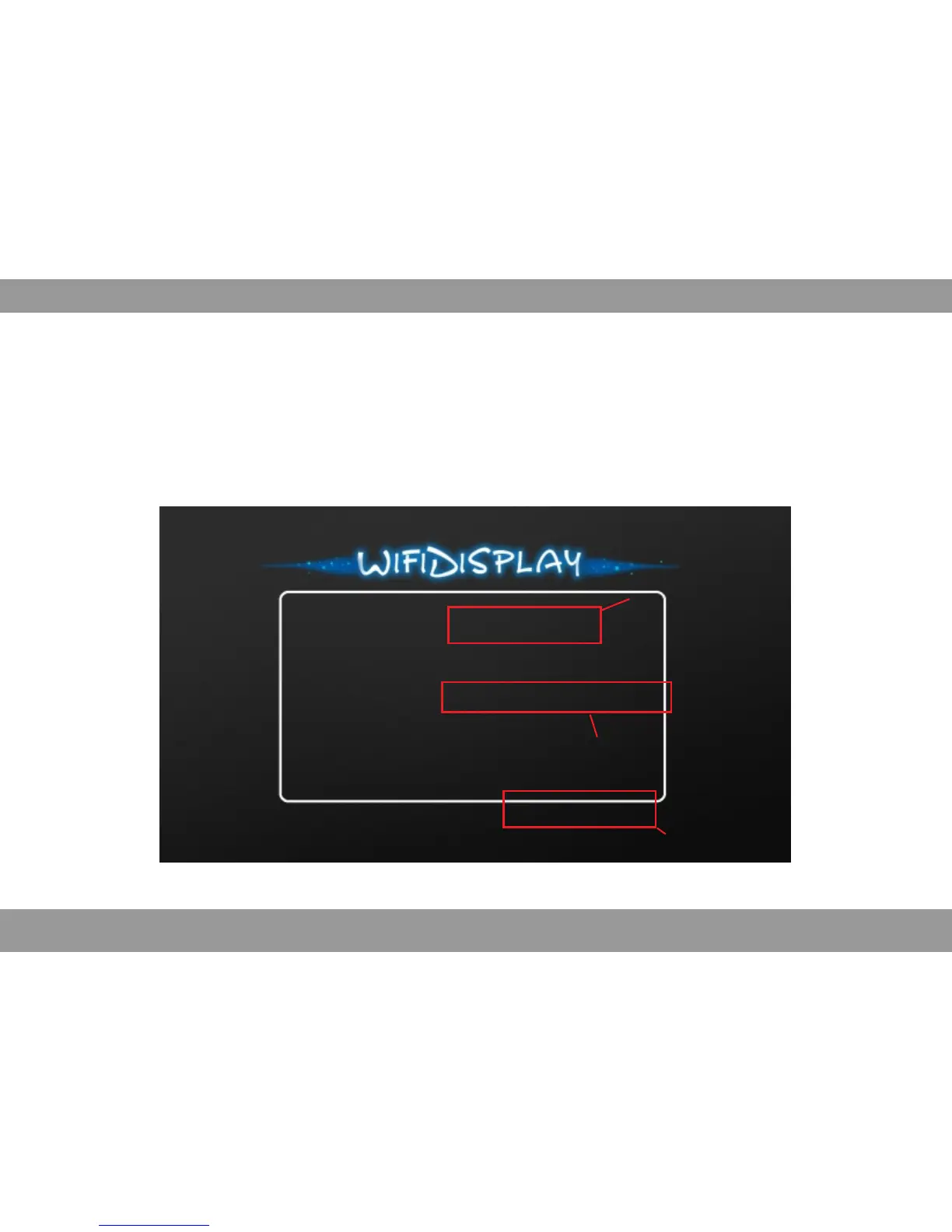
pen WiFi of smart evice, find the default name and connect, input the p sswordO d a “12345678”
Device Name: LOLLIPOP-19561
Status: Disconnected from AP
Mode: DLNA (iOS devices compatible)
Device IP0: 192.168.49.1
AP SSID:
Device IP1:
Open WiFi and connect to `LOLLIPOP-56925` (password:12345678)
And then open web browser on your device and visit
http://192.168.49.1/index html when coonected to `LOLLIPOP-56925
Default name
Selected WiFi-Display Mode
Password
37


 To Next Page