30
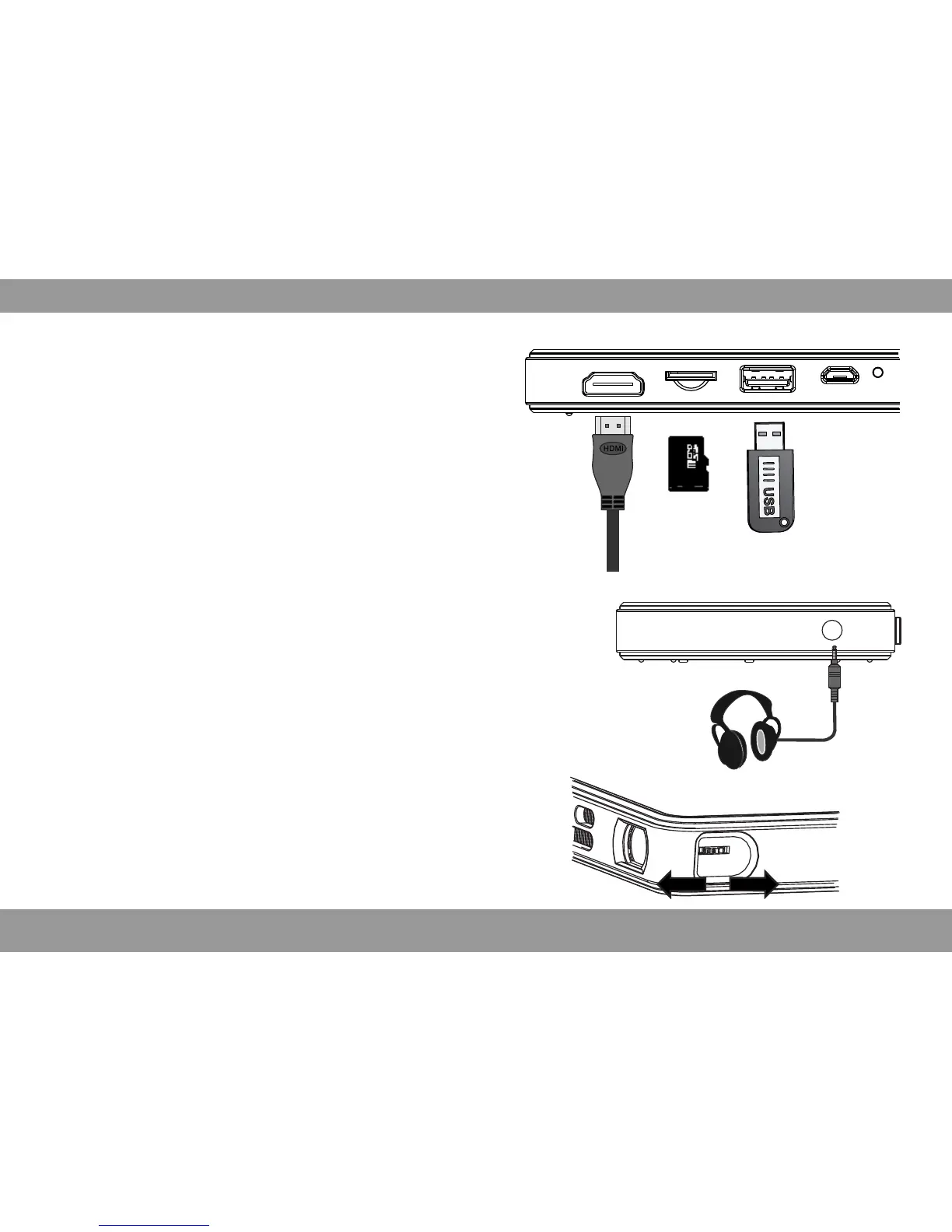
Focus Adjustmeng
Can Stir the focus to adjust the focal length, get
clear image.
Mobile Devices Connect to Projector
HDMI Connection
*Use the HDMI cable to connect the HDMI
output device and projector, projector will select
the source automatically after a few seconds,
or you can also select the source manually.
TF
*TF-card (Max 32GB support)
USB
*U-disk (Max 32GB support)
*USB cable charge for mobile devices
(Note: USB port does not support mobile Hard-
disk play)
Headphone Interface
*3.5mm Audio output(earphone or sonic
equipment connection)


 To Next Page