App Download
Android User: Search INNOVV in Google Play Store, then download and install it on your phone.
iPhone User: Search INNOVV in App Store, then download and install it on your phone.
With the DVR working normally and the Wi-Fi indicator lights on, please kindly turn on the Wi-Fi and then search the Wi-Fi network named INNOVV_K3_xxxx, and you could
easily join it with the default password 12345678.
Some Android users may get the error message that “This WLAN network has no Internet access. Connect anyway?” Please kindly click the “Connect” button to continue the
network connection.
https://play.google.com/store/apps/details?id=cn.rxt.case.innovv
https://apps.apple.com/cn/app/innovv/id1235353801
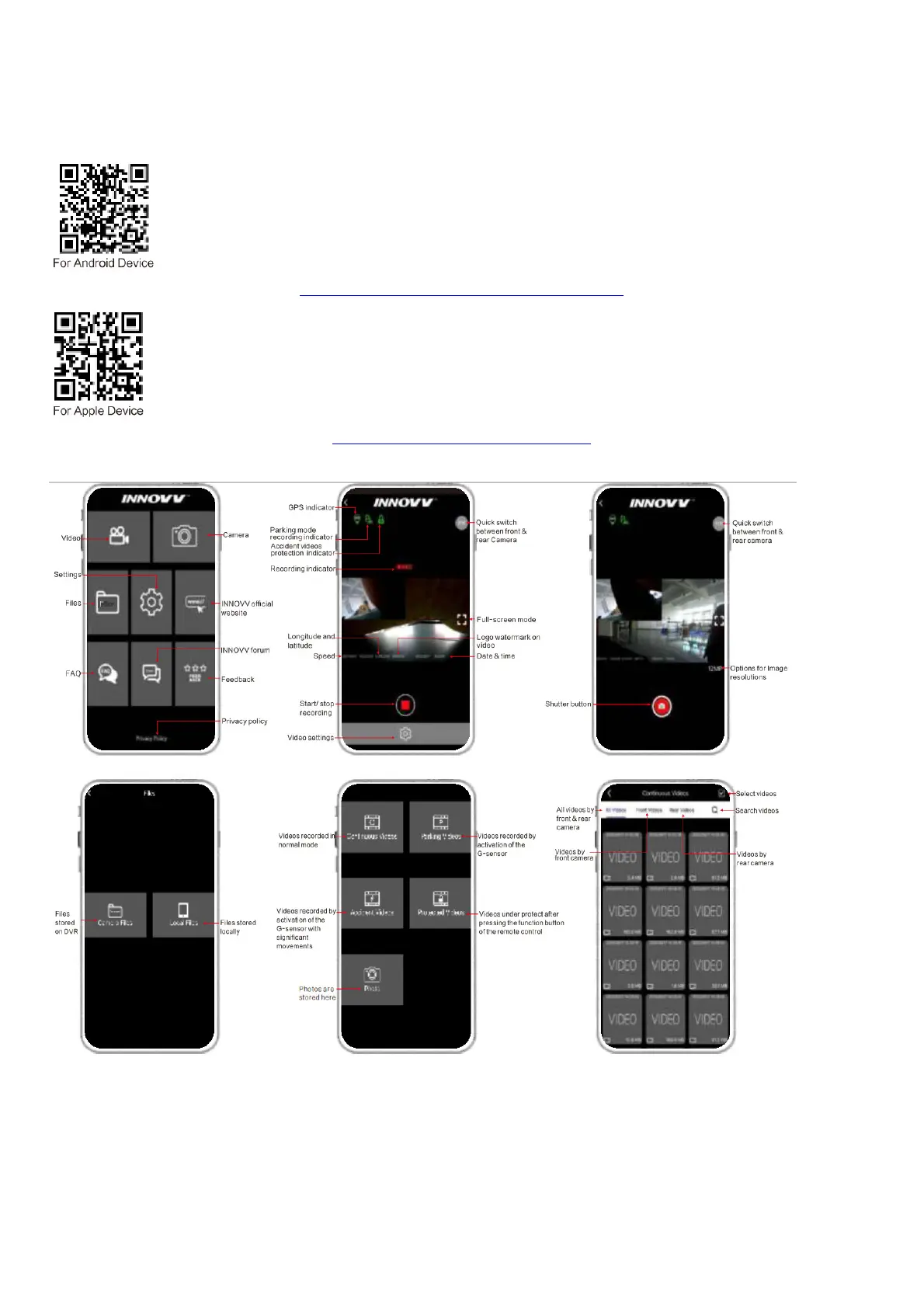
App Interface



 To Next Page