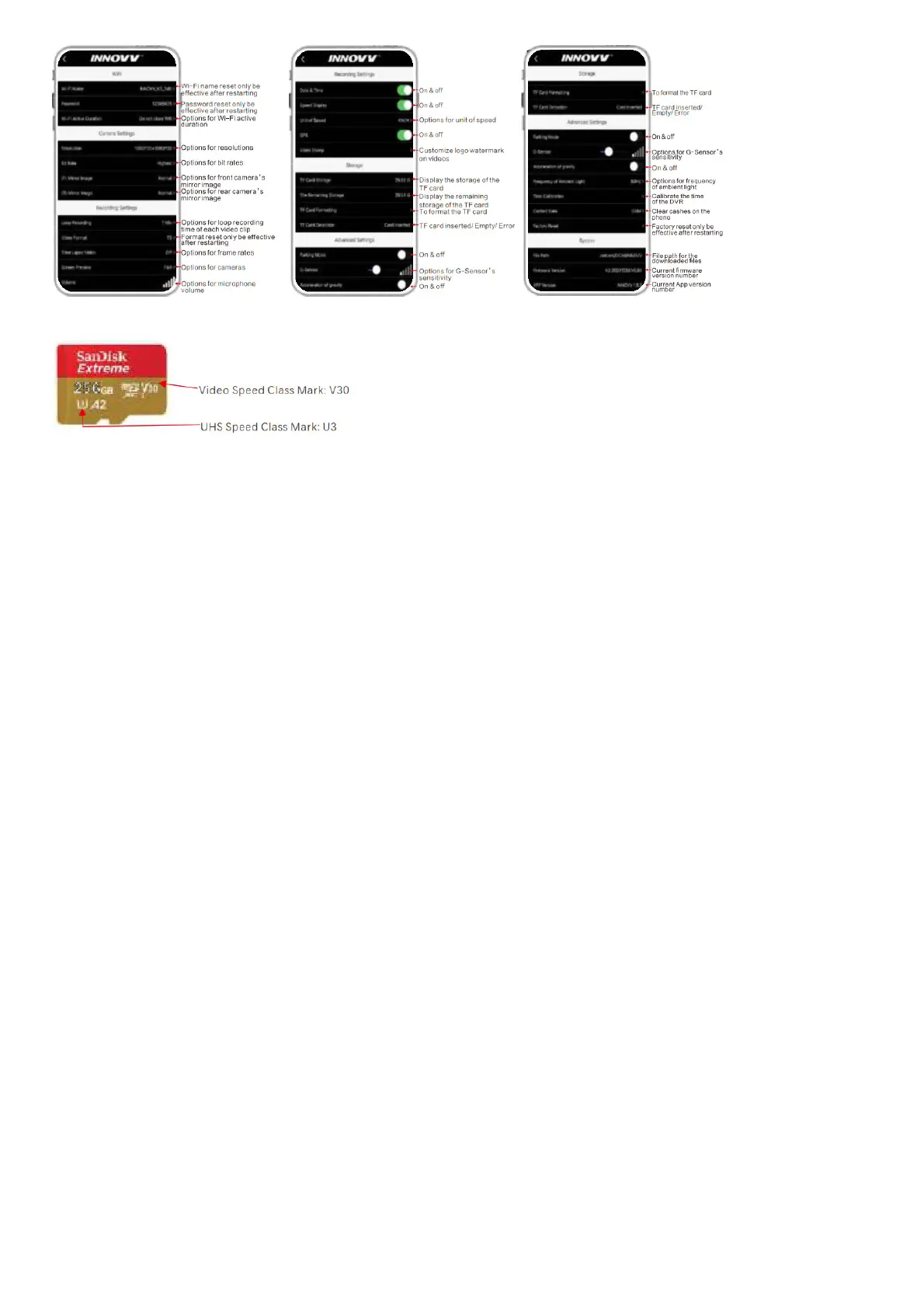
TF Card Instruction
INNOVA K3 dashcam requires at least a U1 (UHS Speed Class 1), V10 (Video SpeedClass 10) rated, or faster TF card to ensure better performance.
Microphone Instruction
An open foam cover around the microphone is used as the first line of defence against wind noise. You are suggested to put the microphone against the heading direction to
further minimize the wind noise.
Parking Mode Instruction
If the Parking Mode has been enabled with INNOVV App on your phone, INNOVV K3 will provide around-the-clock protection when you are away and even the engine is not
running. The K3’s smart power supply module triggers parking mode automatically, and the INNOVV K3 will wake up and start recording when an impact or motion is detected by
the built-in G-Sensor.
In order to make the Parking Mode function properly, please make sure that the INNOVV K3 should always be connected to a power source. And the red wire and the black wire
of the converter shall be connected to the motorcycle battery’s positive terminal and negative terminal separately. The yellow cable shall be connected to the ACC wire.
The output voltage of the battery shall be at least 12V.
G-Sensor Instruction
There are 5 grades for the G-sensor’s sensitivity and each grade has 2 options. Users could easily adjust that with INNOVV App according to different road conditions. The
smaller the number is, and the less sensitive the G-sensor is.
Specification
Model K3
Structure Parameters Parameter of Lens
Installation Quick assembly with 3m double side tape
F Lens
Maximum Resolution 1080P@30FPS
DVR Size 80*56*15mm Viewing Angle 120°
Lens Size Dia 25*54mm Structure 6G+IR
Weight / Aperture F0,2.
Color Black
R Lens
Maximum Resolution 1080P@V3OFPS
Waterproof
Rating
IP67 Viewing Angle 120°
Structure 6G+IR
Aperture F1.8
Parameter of DVR Parameter of Converter
Processor Dual-core Voltage Input 9-18V
RAM 4G ACC Input 9-18V
Sensor G-Sensor ACC Output 5.0V ± 0.2V
Storage TF card Voltage Output 5.3V±0.2 V
Wi-Fi 2.4 Ghz Max Current 2A
Data Interface Micro USB Worldng Temperature -30°C-70t
Video Format MP4 / TS
GPS
Working
Temperature
-30°C-70t
Voltage Input 5.0V ± 0.5V
Basic Troubleshooting Guidelines
Number Problems Solutions
1 Recording Indicator flashes slowly and it is not working. Please kindly check the TF card first or try to use another TF card.
2 The recording videos are blurry and the sharp details are lost. Please kindly clean the camera lens with a lens tissue or cleaning cloth.
3 The DVR is not working after motorcycle ignition. Please kindly check the yellow ACC wire and other cable connections first.
4 There is no videos by rear camera. Please kindly check the rear camera connector and related cables.
5
There are many videos recorded in normal mode are saved in file
named accident videos.
Please kindly decrease the sensitivity of the G-sensor in settings with INNOVV App.
6 There is no sound in all videos.
Please kindly make sure you have turned on the Microphone. If that still fails, please
kindly turn off the time-lapse video in settings with INNOVV App.



 To Next Page