LED Indicators
Status Off Solid On
Flash quickly (5
flashes per second)
Flash slowly(1 flash
per second)
Flash quickly for a long time
(2 flashes updated every
second)
Flash quickly (only 1 flash)
Not working Recording
No TF Card/ TF
Card Error
Not recording
Accident video, protected
video, or parking video is
recorded under specific
conditions.
Successful photo taking by
pressing the button twice in a
short time.
Connected
R camera
unconnected or
disconnected
Connecting / /
Connected / Connecting / /
Firmware
Updating
Three indicators flash mimultaneously
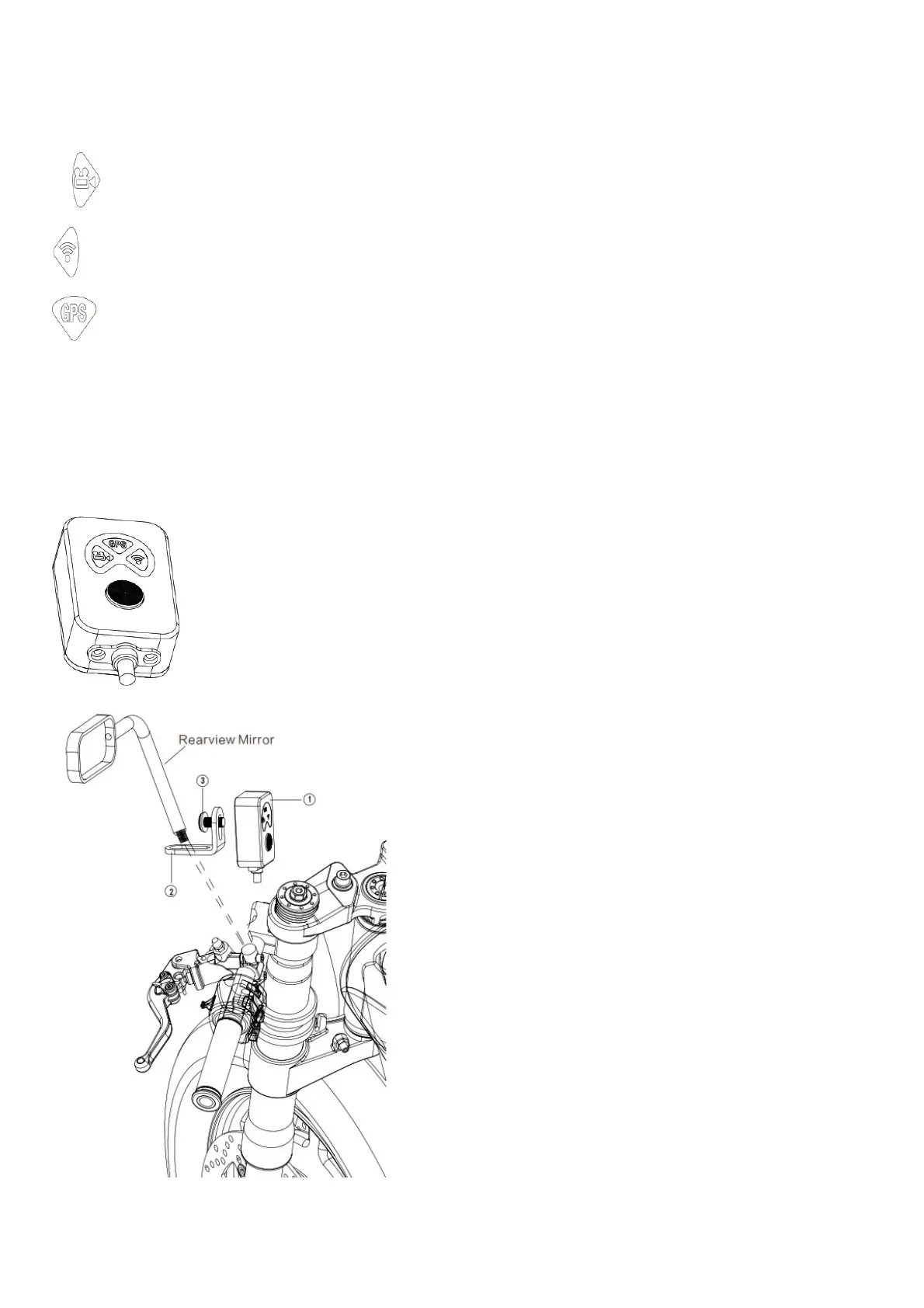
Instruction of the function button on remote control
1. Saving current video by pressing the button for once.
2. Photo taking by pressing the button twice in a short time.
3. Factory reset by pressing the button for 10 seconds.
1. Remote control 2. L bracket 3. M6*8 mm screw*1 piece
App Installation Guide



 To Next Page