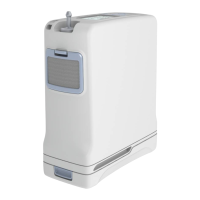
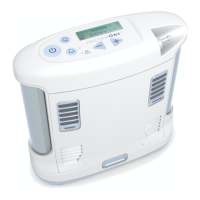
14 Inogen One® G3 portable concentrator
Condition/action/explanation
Battery error has occured. Check the connection of your battery and
ensure that it is properly attached and latched onto the concentrator.
If battery error recurs with the same battery, stop using the battery
and switch to a new battery or remove and operate concentrator using
external power supply.
Concentrator is producing oxygen at a slightly low level (<82%) for a
period for 10 minutes. If condition persists, contact your equipment
provider.
Battery has exceeded its charging temperature and charging has
stopped. The battery will not charge while this alert is present but will
begin to charge when the battery temperature returns to the normal
operating range. If the battery charging is desired sooner, remove the
battery from the concentrator and allow it to cool in an open area for
approximately 10-15 minutes. Then, re-insert the battery into the
Inogen One® G3. If the problem still persists, contact BOC Homecare on
0800 136 603.
Concentrator is producing oxygen but cannot report battery status.
Replace battery. If condition persists, contact BOC Homecare on
0800 136 603.
The concentrator requires servicing at the earliest convenience. The
concentrator is operating to specication and may continue to be used.
Contact BOC Homecare to arrange service.
o
2
sensor fail see manual The concentrator’s oxygen sensor has malfunctioned. You may continue
to use the concentrator. If the condition persists, contact BOC Homecare
on 0800 136 603.
605360-HC Inogen One G3 POC Brochure NHS-03.indd 14 09/06/2017 08:31


 To Next Page
 Loading...