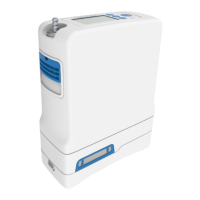
Service Manual, Inogen One G3HF
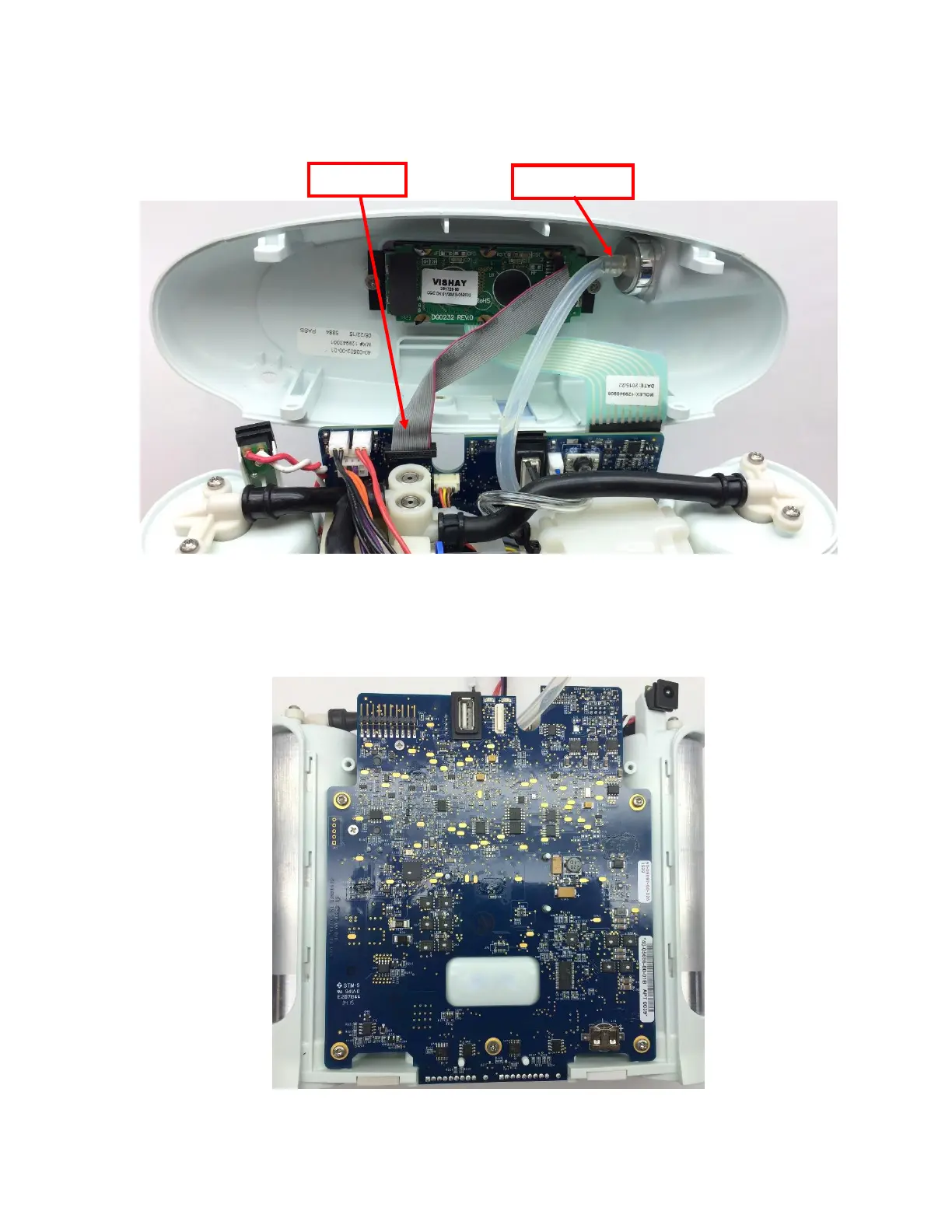
3. Gently unplug the cannula tube and the LCD cable from the user interface panel (Figure
4). Remove the user interface panel.
Figure 4: Remove cannula tube and LCD cable from user interface panel
Instructions for Replacing the Power Cable:
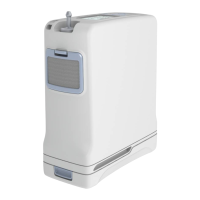
1. Remove all five (5) screws on the motherboard (Figure 5).
Figure 5: G3HF Motherboard


 To Next Page