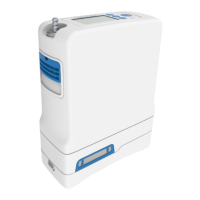
Service Manual, Inogen One G3HF
5. Carefully pull the motherboard about a half inch away from the device, making sure not to
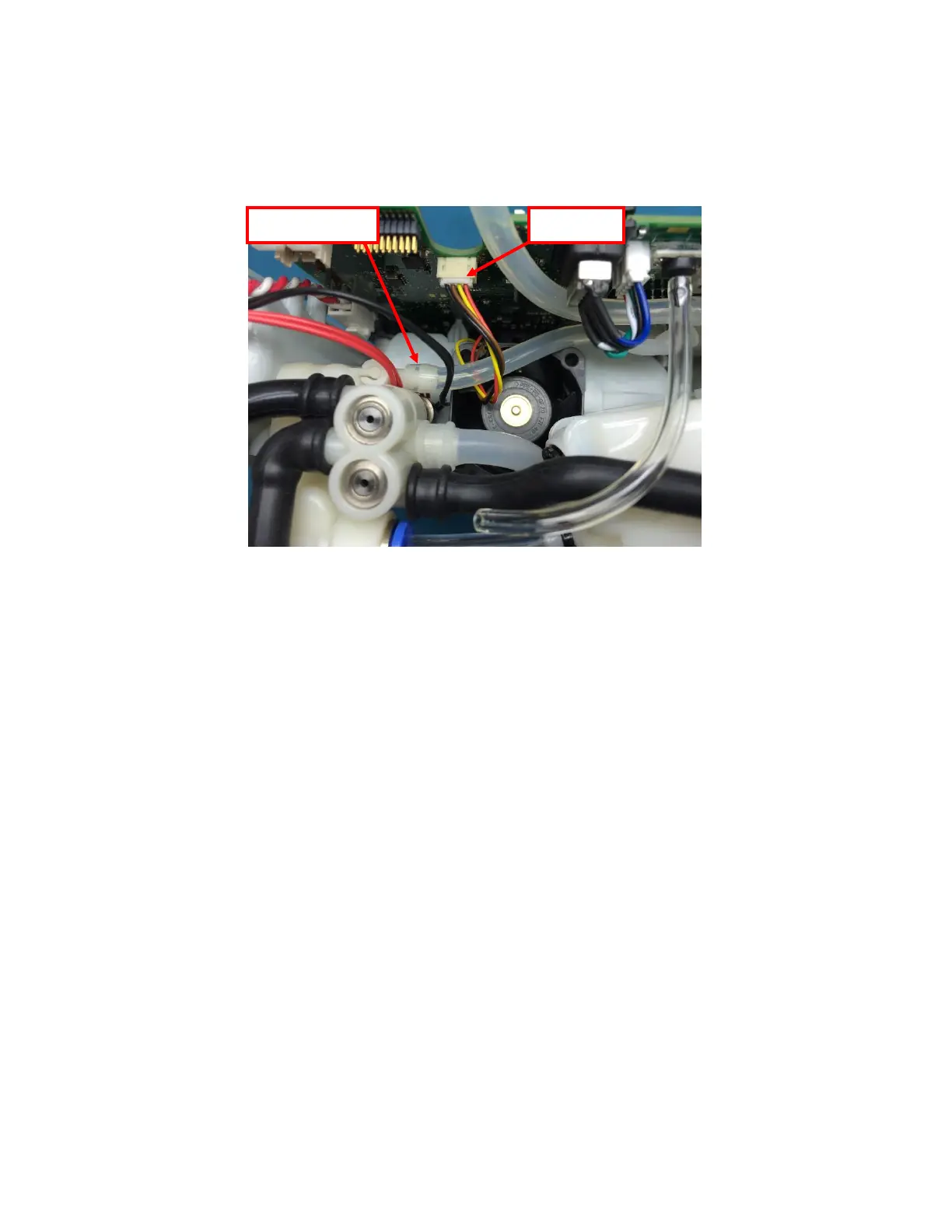
bend it in any way. With the cables and tubing exposed, gently unplug the fan cable from
the motherboard, then detach the O2 Sensor Tube from the Product Manifold by pulling
the tube off of the barb (Figure 10).
Figure 10: Disconnect fan cable and O2 Sensor Tube
5. With all cables and tubing detached, remove the motherboard from the device and set
face up.
Instructions for Replacing the Motherboard:
1. To re-install the motherboard, make sure the chassis pegs are aligned with the holes in
the motherboard. Then reattach the accumulator tubing and the oxygen sensor tubing
(Figure 10). Gently pull on each tube/cable to ensure a complete connection.
4. Reinstall the five screws that attach the motherboard to the chassis (Figure 9). Tighten
screws to 4.5 in-lbs.
5. Install the sensor tube by routing it around the long molded column tube and inserting it
into the quick-connect fitting on the Accumulator. After insertion, pull lightly on the
polyurethane tubing to ensure that it is fully seated in the quick-connect fitting (Figure
8).
6. Connect the Product Manifold harness and the Feed Waste Manifold harnesses (Figure 7
and 6.)
7. Plug the compressor cable back into the motherboard (Figure 5).


 To Next Page