AMTEK Version 7.4 2019-01 Page 22 ©Inomatic 2017-2019
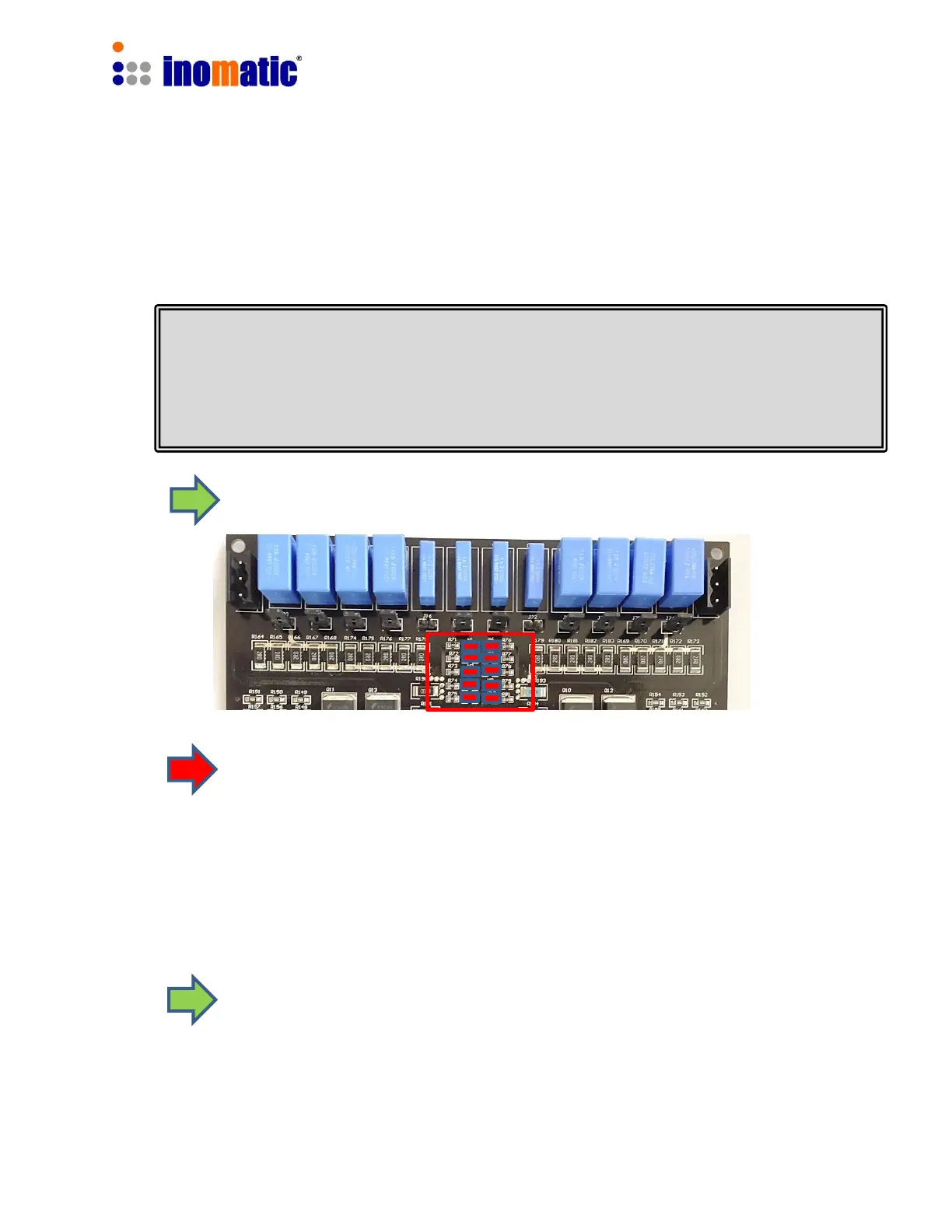
All our antennas are pre-tuned in the factory and the TX Antenna matching WILL NOT
HAVE TO BE ADJUSTED manually in almost any case. When installing the system
near metallic frames or metallic doors (which is not recommended), the resonance
value may be affected and manual matching is required.
4. TUNING OF THE MATCHING CIRCUITS
4.1. Processor Antenna Matching
The LED bars TX1 and TX2 should light up completely when the
system is powered on.
If the LEDs do not light up at all, then check:
Whether “TX OFF function ” is activated by the respective checkbox inside the
infoNet Software (see infoNet Manual for further details).
De-Activate the TX OFF function if not done yet.
The LEDs should light up now.



 To Next Page