EasyManua.ls Logo

Inrico TM-9 - MIC and Palm-MIC; USB Data Cable and DB25 Connector; Status Indicators; Operation Interface

Inrico TM-9
15 pages
Print Icon
To Next Page IconTo Next Page
To Previous Page IconTo Previous Page
Loading...
15. MIC and Palm-MIC
When connect Palm-MIC, the body MIC will be shielded and unavailable.
16. USB Data Cable and DB25 Connector
When insert USB data cable, the DB25 will be shielded and unavailable
Status Indicators
The indicators could be customized according to the APP. The following is the default indicator
status of Inrico APP.
LED Indicator
Working Status
Remark
Solid Red
The device is transmitting.
SOS starts
Solid Green
The device is calling.
Operation Interface
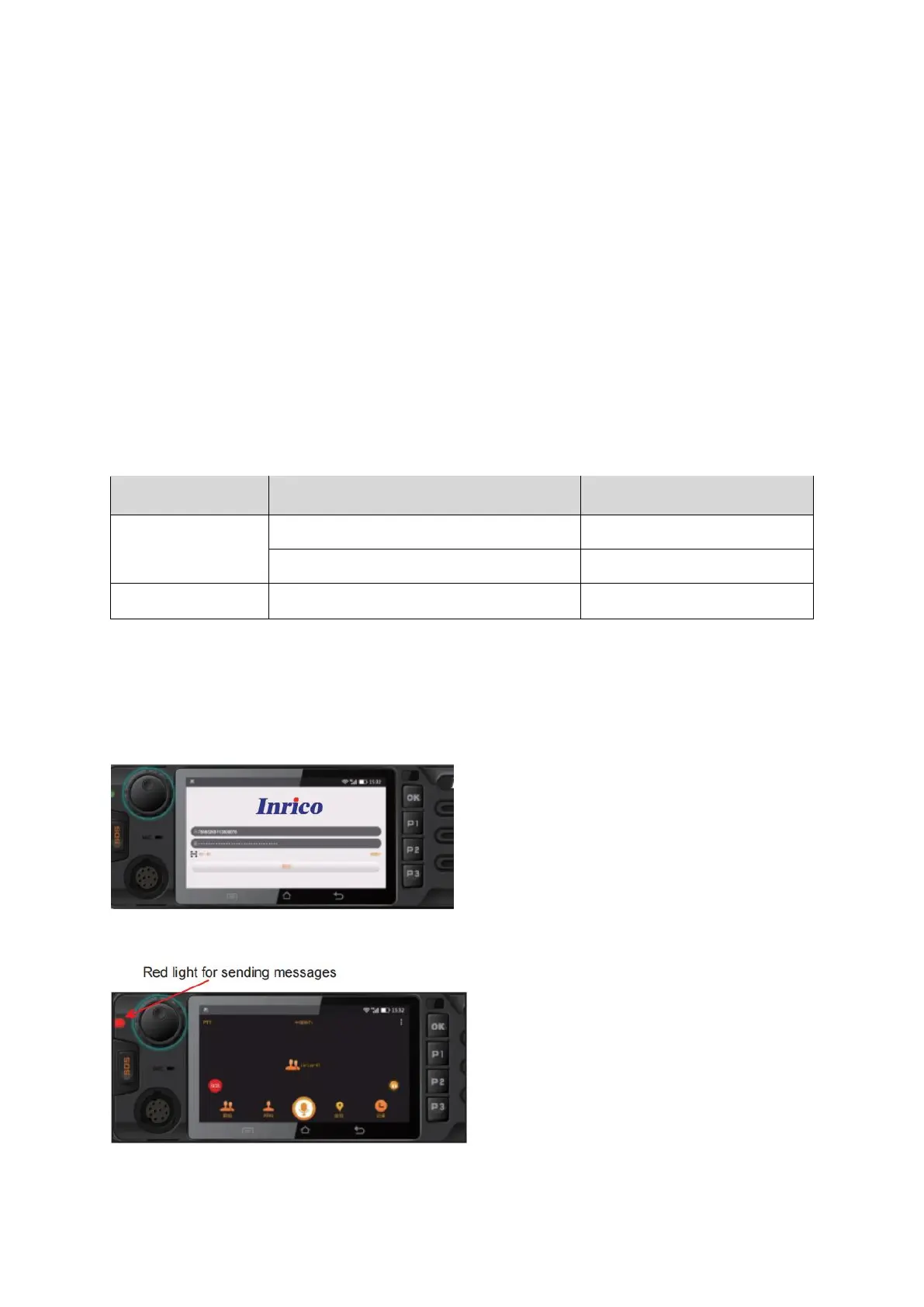
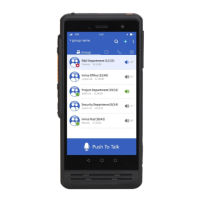
1. Input Account and Password
The user configure IP address according to the platform server and then login.
2. Communication
Select the contact or group, press PPT button of the palm-mic to talk.
Release PTT to end the call