EasyManua.ls Logo

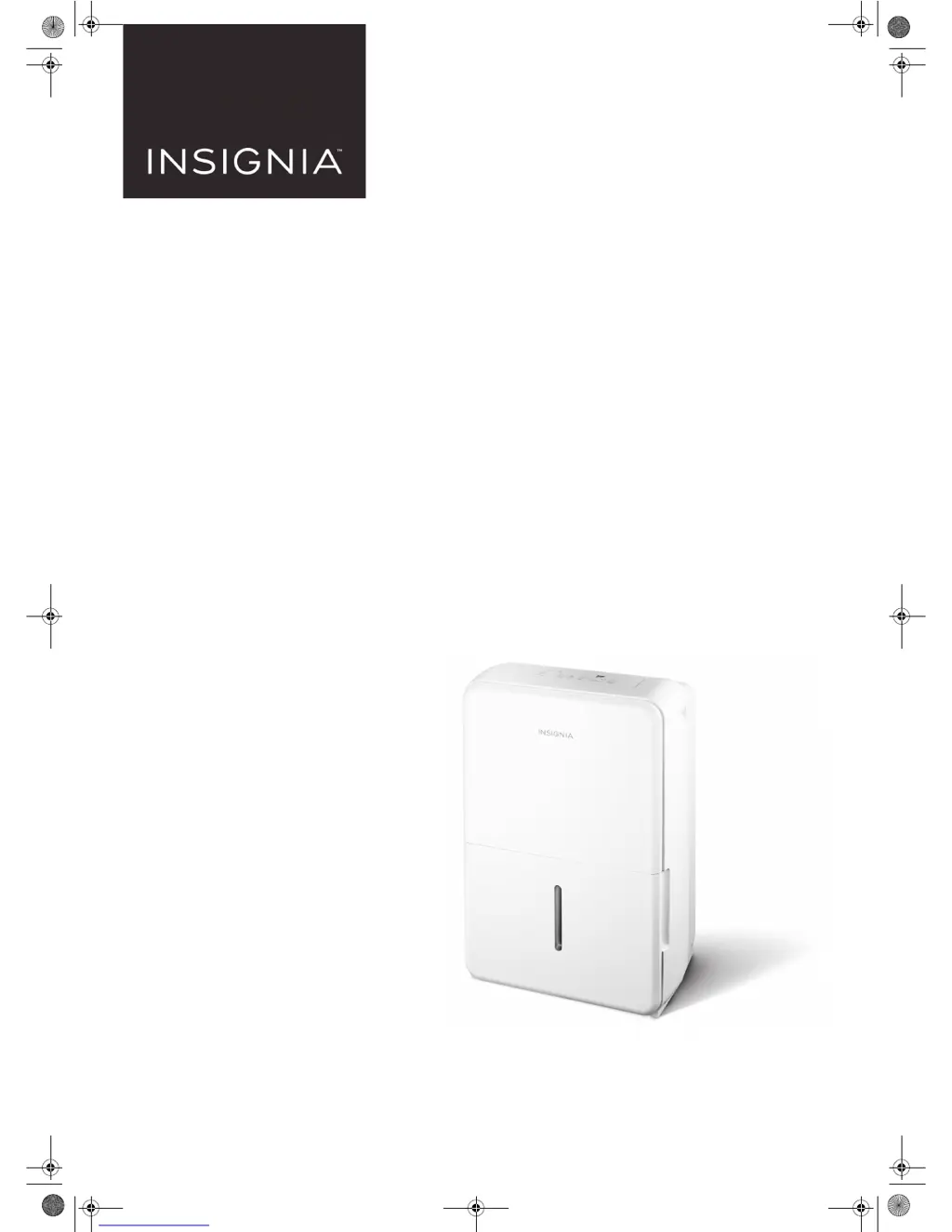
Insignia NS-DH70WH9 - User Manual

Insignia NS-DH70WH9
12 pages
Print Icon
To Next Page IconTo Next Page
Loading...
Before using your new product, please read these instructions to prevent any damage.
USER GUIDE
50 or 70 Pint
White Dehumidifier
NS-DH50WH9 / NS-DH70WH9 / NS-DH50WH9-C
NS-DH50WH9_NS-DH70WH9_NS-DH50WH9-C_17-0857_MAN_V1_EN.fm Page 1 Monday, December 18, 2017 3:01 PM

Questions and Answers

  • M
    Mark GilmoreAug 3, 2025
    Why is my Insignia dehumidifier not drying the air properly?
    • P
      Patricia AdamsAug 3, 2025
      Your Insignia dehumidifier may not be drying the air adequately for several reasons. Ensure the unit has enough time to remove moisture. Check that curtains, blinds, or furniture aren't blocking the front or back. Try lowering the humidity level setting. Confirm all doors, windows, and openings are closed. The room temperature should be above 41º F (5º C), and there should not be a water vapor source present.
  • R
    Reginald SmithAug 8, 2025
    What to do if my Insignia dehumidifier does not start?
    • D
      Danielle GrahamAug 8, 2025
      If your Insignia dehumidifier isn't starting, first ensure it's properly plugged in. Next, check that the water bucket is correctly positioned. Also, verify if the water bucket is full and empty it if needed. Confirm the set humidity level hasn't been reached. Finally, inspect the house fuse or circuit breaker box.
  • A
    Anthony GreenAug 15, 2025
    Why does my Insignia dehumidifier make a loud noise?
    • Z
      Zoe LeachAug 15, 2025
      An Insignia dehumidifier might make a loud noise for a few reasons. Ensure the air filter is clean; if dirty, clean it. Also, check that the dehumidifier is upright on a level floor. Note that the dehumidifier may sound loud for the first few minutes as the compressor starts.
  • C
    Cody HillAug 21, 2025
    What to do if there is water on the floor from my Insignia dehumidifier?
    • J
      Joseph PetersAug 21, 2025
      If you find water on the floor near your Insignia dehumidifier, and you're using the water bucket, ensure the back drain plug is securely in place. If you're using a drain hose, verify that the hose is properly and securely connected to the dehumidifier.
  • B
    Brandon WhiteAug 27, 2025
    Why does my Insignia dehumidifier make a gurgling noise?
    • C
      cskinnerAug 27, 2025
      If your Insignia dehumidifier is making a gurgling noise, make sure that it is upright and placed on a level floor.

Summary

User Guide

Important Safety Instructions

General Safety Warnings

Key cautions and warnings covering electrical hazards, usage, and maintenance to prevent injury or damage.

Grounding Requirement

Ensures proper electrical safety and prevents shock hazards by connecting the unit to a grounded outlet.

Features

Control Panel Overview

Using Your Dehumidifier

Setting Humidity Level

Guide on adjusting the dehumidifier to achieve the desired room humidity.

Timer Settings

How to set the automatic power on and power off timers for the dehumidifier.

Bucket Water Removal

Steps for emptying the water bucket when it is full.

Maintaining Your Dehumidifier

Troubleshooting

LED Display Codes Explained

Meaning and resolution for error codes displayed on the unit's LED screen.

One-Year Limited Warranty

Insignia NS-DH70WH9 Specifications

General IconGeneral
BrandInsignia
ModelNS-DH70WH9
CategoryOther
LanguageEnglish

Related product manuals