EasyManua.ls Logo

Insignia NS-IMP26BK7 - User Manual

Insignia NS-IMP26BK7
12 pages
Print Icon
To Next Page IconTo Next Page
Loading...
Before using your new product, please read these instructions to prevent any damage.
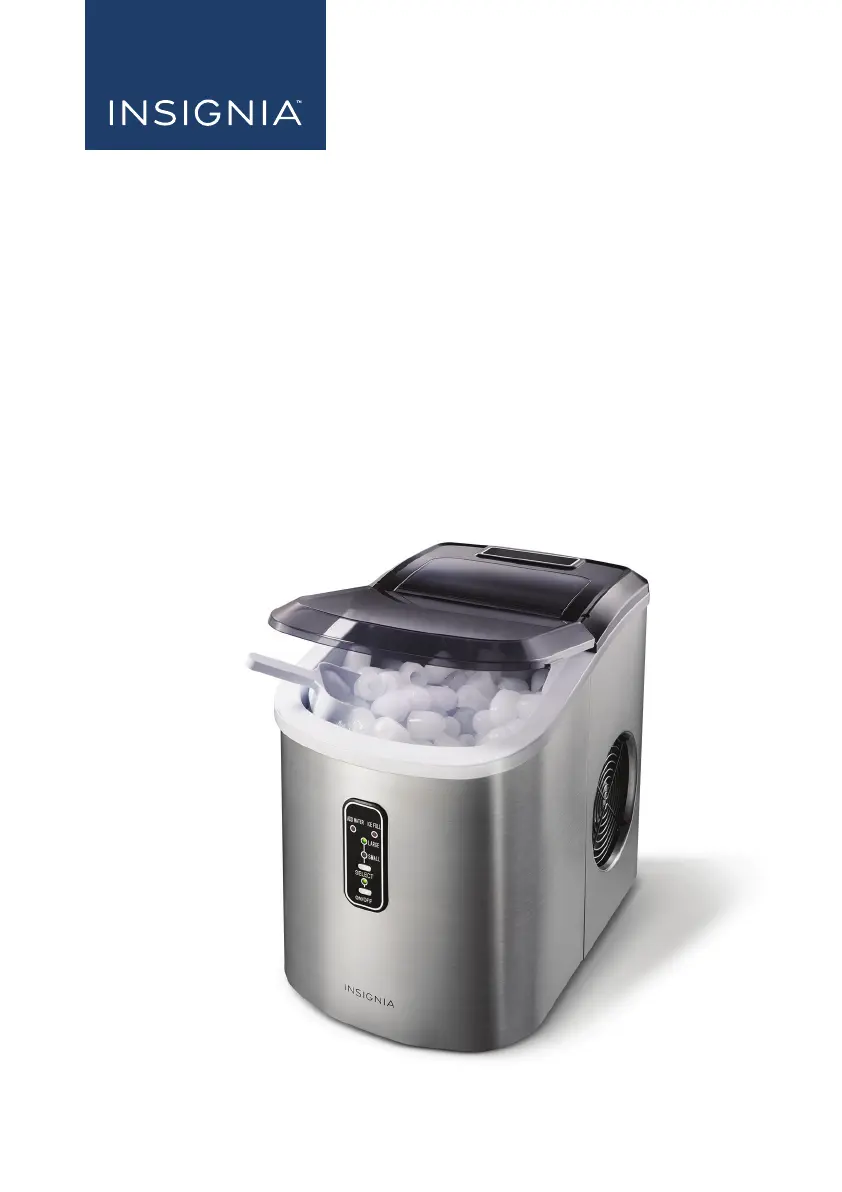
USER GUIDE
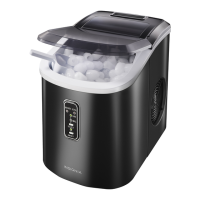
26 lb. Portable Ice
Maker
NS-IMP26BK7/NS-IMP26SS7
NS-IMP26BK7_NS-IMP26SS7_16-0541_MAN_V1_ENG.fm Page 1 Thursday, October 13, 2016 8:29 AM

Questions and Answers

  • P
    paul77Jul 27, 2025
    Why won't my Insignia NS-IMP26BK7 stop making ice?
    • C
      christophergravesJul 27, 2025
      The ice maker might not stop making ice because direct or reflected sunlight is causing the sensor to malfunction. Try moving the ice maker to a darker location.
  • K
    Kevin HaleAug 2, 2025
    Why is my Insignia NS-IMP26BK7 Ice Maker running but not making ice?
    • N
      Nancy HernandezAug 2, 2025
      If your ice maker is running but not producing ice, the room or water temperature might be too high. Ensure the room temperature is between 50°F-105° F (10°-40.6° C) and the water temperature is between 40° F - 90° F (4.44° C - 32.2° C).
  • V
    villadonnaAug 7, 2025
    What to do if the Insignia Ice Maker ICE FULL indicator is on?
    • A
      amy62Aug 8, 2025
      If the ICE FULL indicator is illuminated, it means the ice basket is full. Simply remove the ice from the basket.
  • B
    brownloganAug 14, 2025
    Why is the ADD WATER indicator on my Insignia Ice Maker?
    • K
      Kimberly SmithAug 14, 2025
      The ADD WATER indicator illuminates when the ice maker is out of water. To resolve this, turn off the ice maker, add water up to the maximum level mark, and then press the ON/OFF button to restart the ice maker.
  • W
    Wayne WatsonAug 20, 2025
    What to do if ice cubes stick together in my Insignia NS-IMP26BK7?
    • A
      Amanda SmithAug 20, 2025
      If the ice cubes are sticking together, it could be due to: * The ice-making cycle being too long: Stop the ice maker, let the ice melt, and then restart it after selecting the SMALL ice cube size. * The water temperature being too cold: Replace the water with warmer water.

Summary

Introduction to Your Insignia Ice Maker

Important Safety Instructions for Ice Maker

Grounding Requirement for Portable Ice Maker

Ice Maker Features and Package Contents

Insignia Ice Maker Components Overview

Control and Display Panel Explained

Using Your Insignia Portable Ice Maker

Preparing Your Ice Maker for Use

Steps to prepare the ice maker before first use, including cleaning and placement.

Making Ice with Your Portable Maker

Instructions on how to operate the ice maker to produce ice cubes.

Maintaining Your Ice Maker

Cleaning the Interior of Your Ice Maker

Detailed steps for cleaning the inside of the ice maker, including draining.

Tips on Saving Energy and Troubleshooting

Ice Maker Specifications

One-Year Limited Warranty Details

Warranty Definitions

Explains key terms used in the warranty policy for clarity.

Warranty Coverage Duration

Specifies the length of the product's warranty coverage period.

What the Warranty Covers

Details the types of defects and issues protected by the warranty.

How to Obtain Warranty Service

Provides instructions on how to get the product serviced under warranty.

Warranty Validity and Location

Outlines the geographical regions where the warranty is applicable.

Warranty Exclusions

Lists specific items and conditions not protected by the warranty.

Insignia NS-IMP26BK7 Specifications

General IconGeneral
BrandInsignia
ModelNS-IMP26BK7
CategoryIce Maker
LanguageEnglish

Related product manuals