17
www.insigniaproducts.com
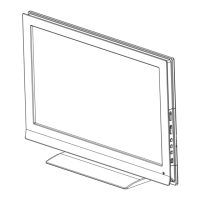
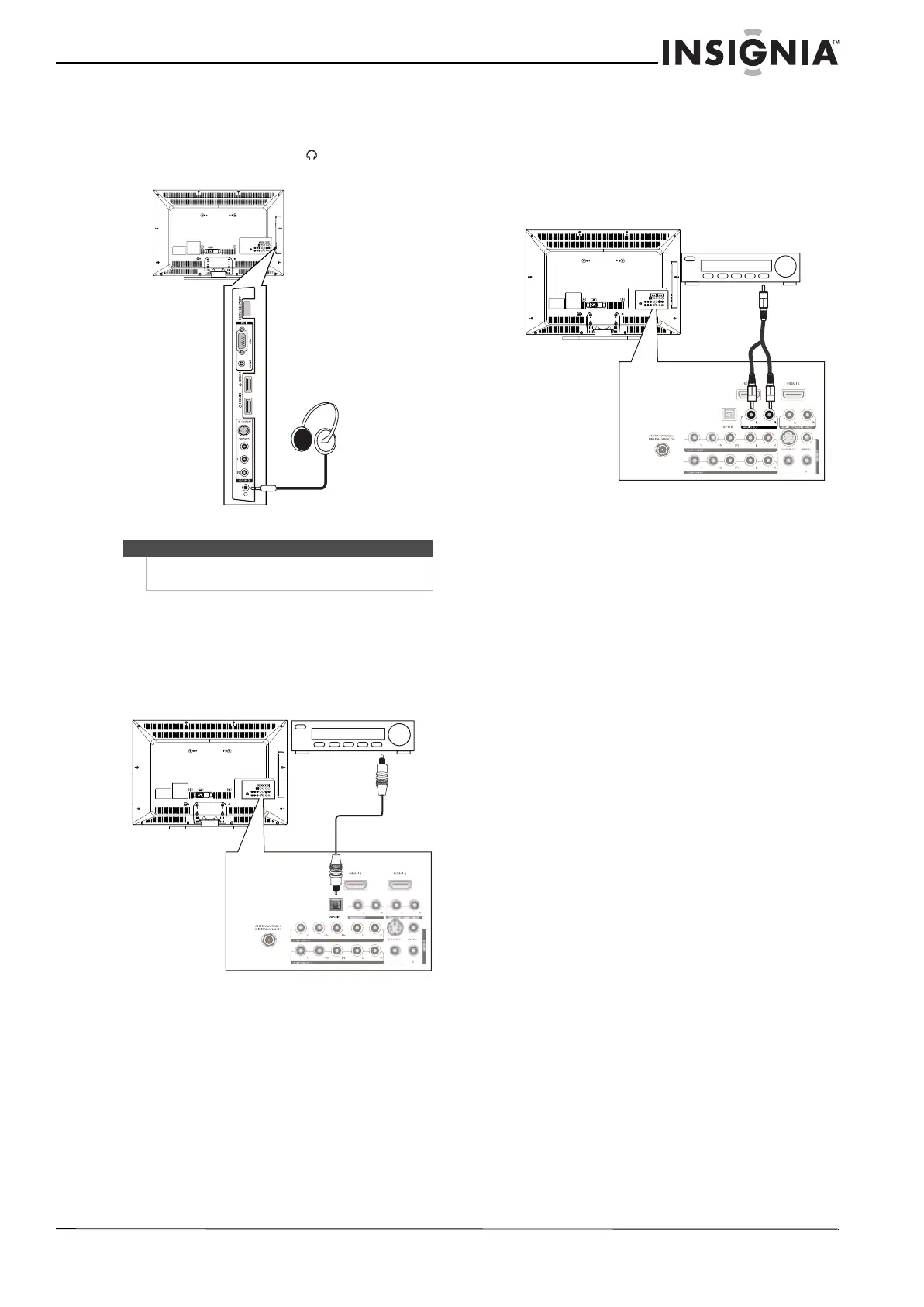
Connecting headphones
To connect headphones:
• Plug headphones into the jack on the side
of your TV.
Connecting a digital audio amplifier
To connect a digital audio amplifier:
• Connect a digital audio cable to the SPDIF
jack on the back of your TV and to the digital
audio jack on the amplifier.
Connecting an analog audio amplifier
To connect an analog audio amplifier to your TV:
• Connect a standard audio cable to the
AUDIO OUT L and R audio jacks on the back
of your TV and to the AUDIO IN jacks on the
amplifier.
Note
When headphones are plugged in, the sound from
your TV’s speakers is muted.
Side of TV
Back of TV
Digital audio amplifier
Back of TV
Analog audio amplifier


 To Next Page
 Loading...