EasyManua.ls Logo

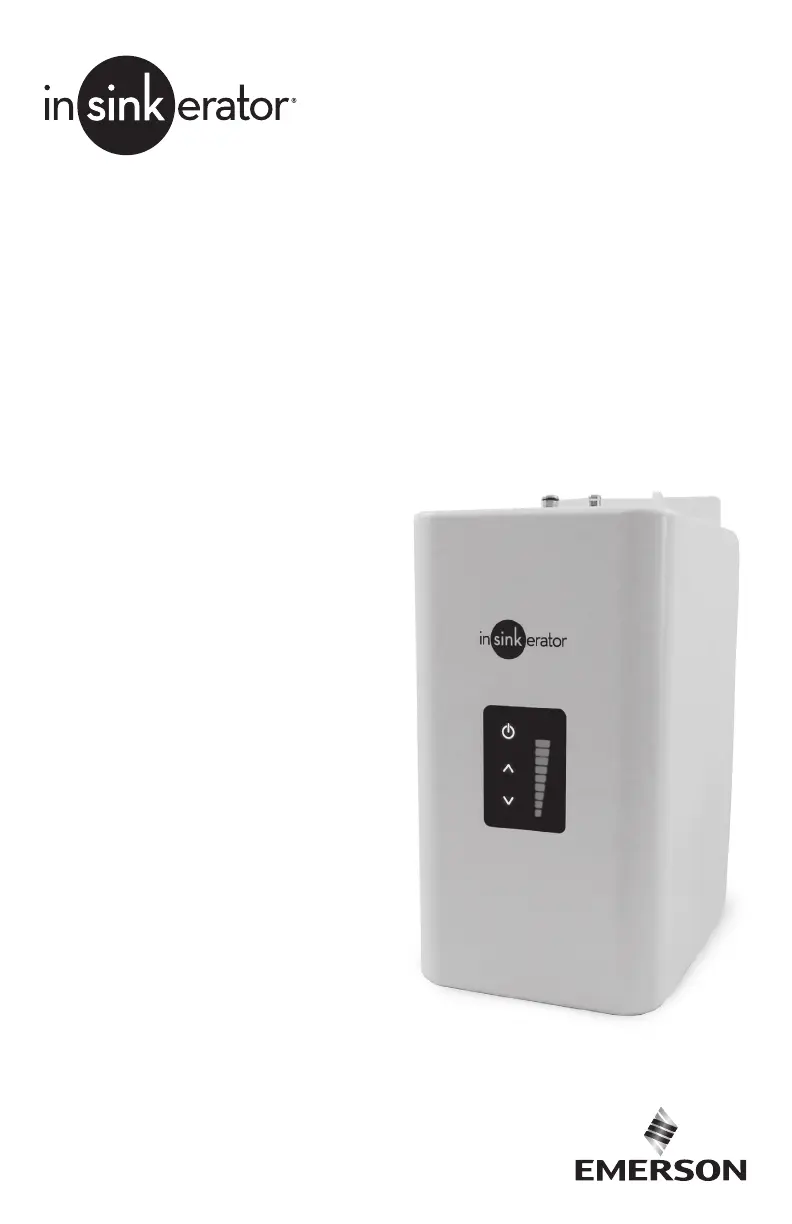
InSinkErator HWT300 - User Manual

InSinkErator HWT300
15 pages
Print Icon
To Next Page IconTo Next Page
Loading...
HWT300-F2000S
HWT300
Tanque de agua
caliente instantánea
Instalación, mantenimiento y uso
Réservoir d’eau chaude
instantanée numérique
Installation, entretien et utilisation
Installation, Care & Use
Digital Instant
Hot Water Tank

Questions and Answers

  • J
    Joshua CallahanSep 12, 2025
    Why does my InSinkErator Water System have a divided stream?
    • D
      David GutierrezSep 12, 2025
      If your InSinkErator Water System has a divided stream, it is likely due to debris in the end piece. Unscrew the spout end piece and clean out any debris.
  • H
    Heather BlackSep 13, 2025
    Why is water coming out of the vent of my InSinkErator Water System?
    • D
      Daniel SmithSep 13, 2025
      If water is coming out of the vent instead of the spout on your InSinkErator Water System, the outlet tube may be blocked. Check that the outlet tube is not kinked, twisted, or pinched. Also, unscrew the spout end piece and clean out any debris.
  • C
    Cynthia JohnsonSep 15, 2025
    Why is the water from my InSinkErator Water System discolored or rusty?
    • M
      Maria AdamsSep 15, 2025
      If you notice water discoloration or a rusty appearance in your InSinkErator Water System, it could be due to corrosion of the unit. Unplug and drain the unit as described in the Care and Use section of this manual. If the water discoloration remains after draining and refilling the unit, discontinue use and contact InSinkErator.

Summary

ENGLISH

WHAT YOU SHOULD KNOW BEFORE YOU BEGIN

Key safety and installation prerequisites for the hot water dispenser.

SYSTEM REQUIREMENTS (HOT WATER TANK, DISPENSER AND OPTIONAL FILTRATION SYSTEM)

Details on electrical, plumbing, pressure, temperature, and installation requirements.

IMPORTANT SAFETY INFORMATION

General Safety Warnings

Covers critical warnings (death, serious injury, minor injury) and notices for safe operation.

Installation Steps and Warnings

Filter Installation Safety (Warning)

Personal injury warning about filter placement near electrical outlets.

Final Installation and Operation Notes

Blinking Power Button Troubleshooting

Steps to resolve a blinking power button issue by unplugging and repeating steps.

CARE AND USE

Scalding Hazard Warning

Warning about dispensing hot water and potential for severe burns.

Electric Shock Precaution

Precaution to disconnect power before servicing and use of grounded outlets.

Adjusting the Thermostat

Instructions for adjusting water temperature via the display panel and handle.

TROUBLESHOOTING

Spitting, Temperature, and No Hot Water

Addresses spitting from spout, no hot water, or incorrect temperatures.

FILTRATION SYSTEM ISSUES

InSinkErator HWT300 Specifications

General IconGeneral
BrandInSinkErator
ModelHWT300
CategoryWater System
LanguageEnglish

Related product manuals