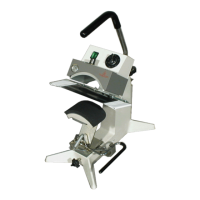
FOR USE BY QUALIFIED SERVICE PERSONNEL ONLY
- 4 -
Operation
1. It is recommended that you review the "How
to Apply Instructions" (on our Product
Information Sheet) before beginning heat
sealing operations.
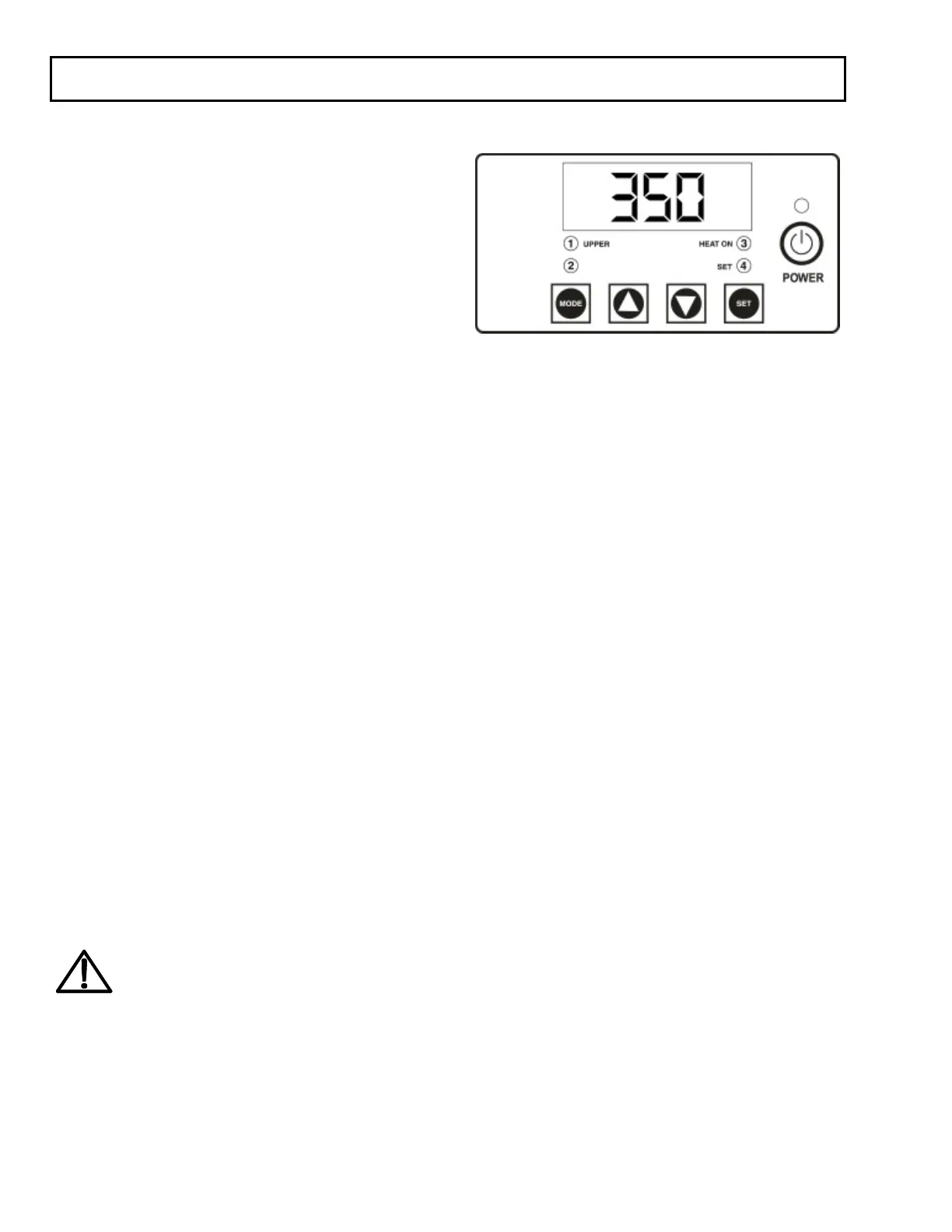
2. Turn the power on by pressing the POWER
button on the controller.
3. Set desired temperature and time then swing
the upper platen arm to its fully open
position, away from lower platen.
4. Allow the machine to warm up until the
selected temperature is reached.
5. Set the desired pressure by adjusting the
pressure adjust handle on the top of the
machine. To increase pressure, rotate handle
counterclockwise.
6. Place the substrate on lower platen,
smoothing out all wrinkles.
7. Position transfer or lettering on substrate.
8. Swing the upper arm into position directly
over the lower platen.
9. Close machine by pulling handle down into
locked position.
10. The timer will start automatically and a
buzzer will beep at the end of the time cycle.
11. Lift safety lock and pull handle up slowly and
move upper platen handle to its full open
position. This technique will avoid transfer
paper (cover) from being pulled off
prematurely due to suction from the
separating platens.
NOTE
For safety purposes, it is necessary to
push the handle into the locked position
after it is lifted. This will eliminate the
accidental lowering of the heat platen
handle.
12. Swing away arm to the extreme right hand
position and remove substrate.
Operation Timer/Temperature Control
Solid State Controller
This controller has three (3) control features:
1. Temperature - Temperature may be set from
225-450°F (107-232°C).
2. Time - Time may be set from 1 second to 10
minutes.
3. Counter - Cycle counter counts the number
of applications from 1 to 9999 (see
additional Notes - Counter).
Controller Operation
1. If the temperature is not being displayed,
press the MODE button until temperature is
displayed.
2. Push and hold SET button and
simultaneously push UP (↑) or DOWN (↓)
arrow buttons to the desired temperature
setting.
3. Press the MODE button until time is
displayed.
4. Push and hold SET button and
simultaneously push UP (↑) or DOWN (↓)
arrow buttons to the desired timer setting.



 To Next Page
 Loading...