9
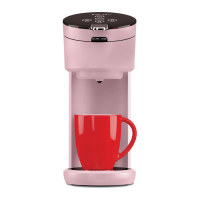
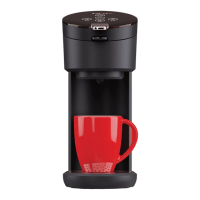
Your Instant Solo Coffee Maker
Plug-in and time-out
Once you plug in your Instant Solo Coffee Maker, you’ll hear a beep. Press
the power button (located above Bold) to turn on your Solo — the LED
buttons should light up.
After 30 minutes of inactivity, your coffee maker will enter standby mode.
The LED control panel will dim. After another 2 hours of inactivity, the
LED panel will shut off.
Sound Settings
You can turn button-pressing sounds and reminder beeps on or off.
1. Make sure your Instant Solo is on.
2. Press and hold the 8 oz and 12 oz buttons at the same time for
3 seconds.
3. Wait for the 8 oz and 12 oz buttons to blink twice.
Note: The device failure sound cannot be deactivated
140-6012-01-0101_IB_SoloCoffeeMaker_US_Manual_FINAL.indd 9140-6012-01-0101_IB_SoloCoffeeMaker_US_Manual_FINAL.indd 9 7/16/21 1:29 PM7/16/21 1:29 PM


 To Next Page